 Azure Data Lake Storage Connector
Azure Data Lake Storage (ADLS Gen2) is the hierarchical, analytics-optimized object storage layer most teams use as the foundation of an Azure data lake. Containers in ADLS hold raw and curated files (Parquet, ORC, JSON, CSV, Avro, Delta, Iceberg, and more) that are queryable by Synapse, Databricks, HDInsight, and Spark.
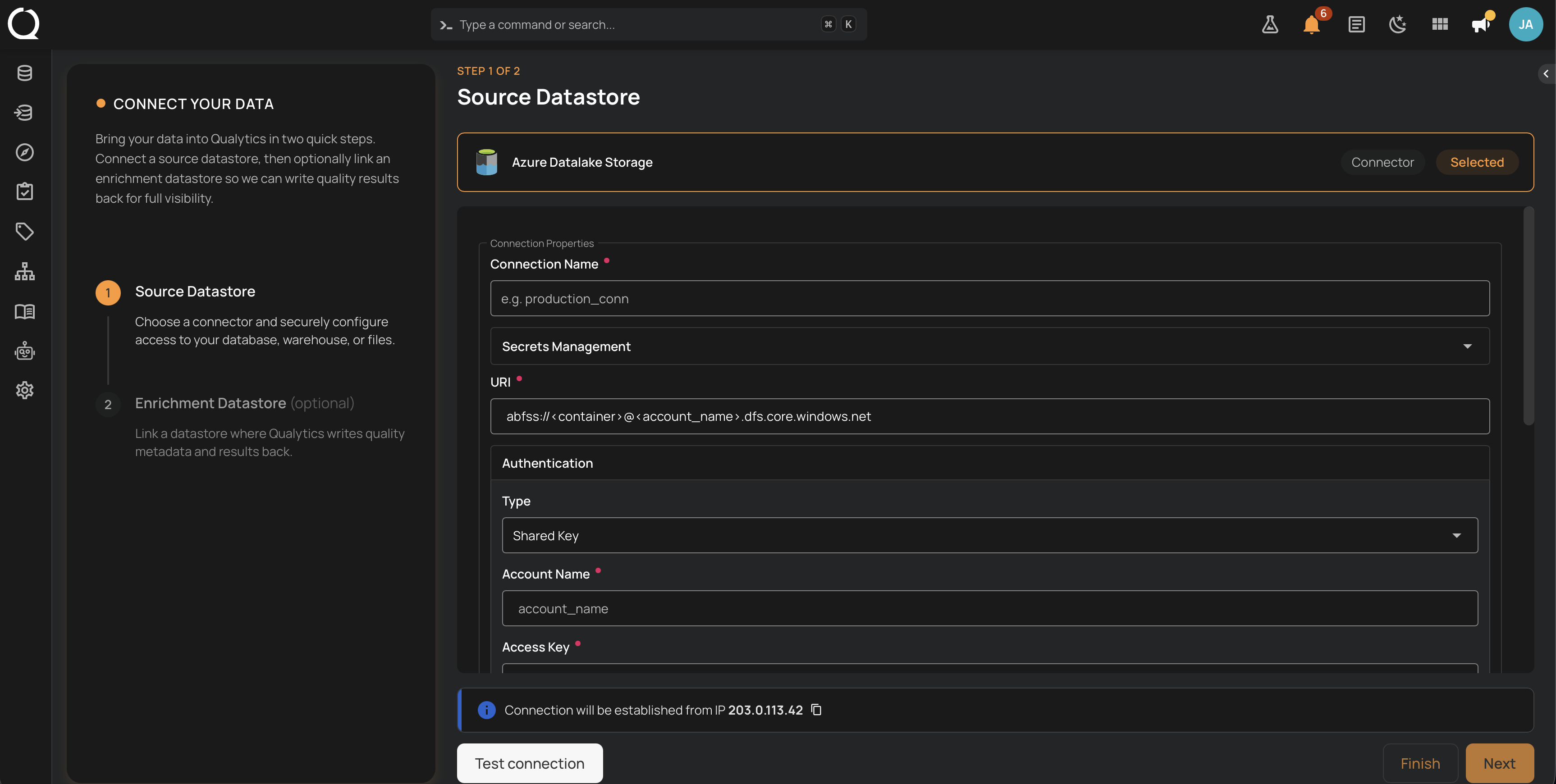
The Qualytics Azure Data Lake Storage connector reads files directly from ADLS Gen2 containers over the ABFS driver. You provide a container URI, a root path, and an authentication mode. Qualytics then profiles the files, runs scheduled scans, and surfaces record- and schema-level anomalies. The same connector also supports enrichment datastores.
Deep Dive
-
Permissions
Minimum role assignments for source (read-only) and enrichment (read-write) containers, plus ready-to-paste examples for storage data roles.
-
Authentication
Choose between Shared Key (storage account access key) and Service Principal (Azure AD OAuth client credentials) for ADLS connections.
-
Troubleshooting
Common ADLS connection errors and how to resolve them, covering credentials, role assignments, container configuration, and TLS endpoints.
How-tos
-
Add Source Datastore
Step-by-step UI walkthrough for adding Azure Data Lake Storage as a source datastore, using either a new or existing connection.
-
Create via API
REST and CLI payload examples for creating ADLS source and enrichment datastores, with both Shared Key and Service Principal authentication.
Notes
Supported file formats
The connector reads any file format Qualytics supports for DFS sources, including Parquet, ORC, Avro, JSON, CSV, Delta, and Iceberg. See Supported File Formats for the full list. Schema inference and partition discovery work the same way they do for any other DFS source.
URI format
Azure Data Lake Storage URIs use the ABFS scheme with the pattern abfss://<container>@<account>.dfs.core.windows.net. The abfss:// scheme is the TLS-encrypted variant and is the recommended choice for production connections. Plain abfs:// is also accepted but is not encrypted in transit.
Container vs account permissions
ADLS supports role assignments scoped at the storage account level or at the individual container level. Granting access at the container level follows the principle of least privilege and is the recommended approach when the storage account holds multiple containers that should not be visible to Qualytics.