Getting Started with Computed Join
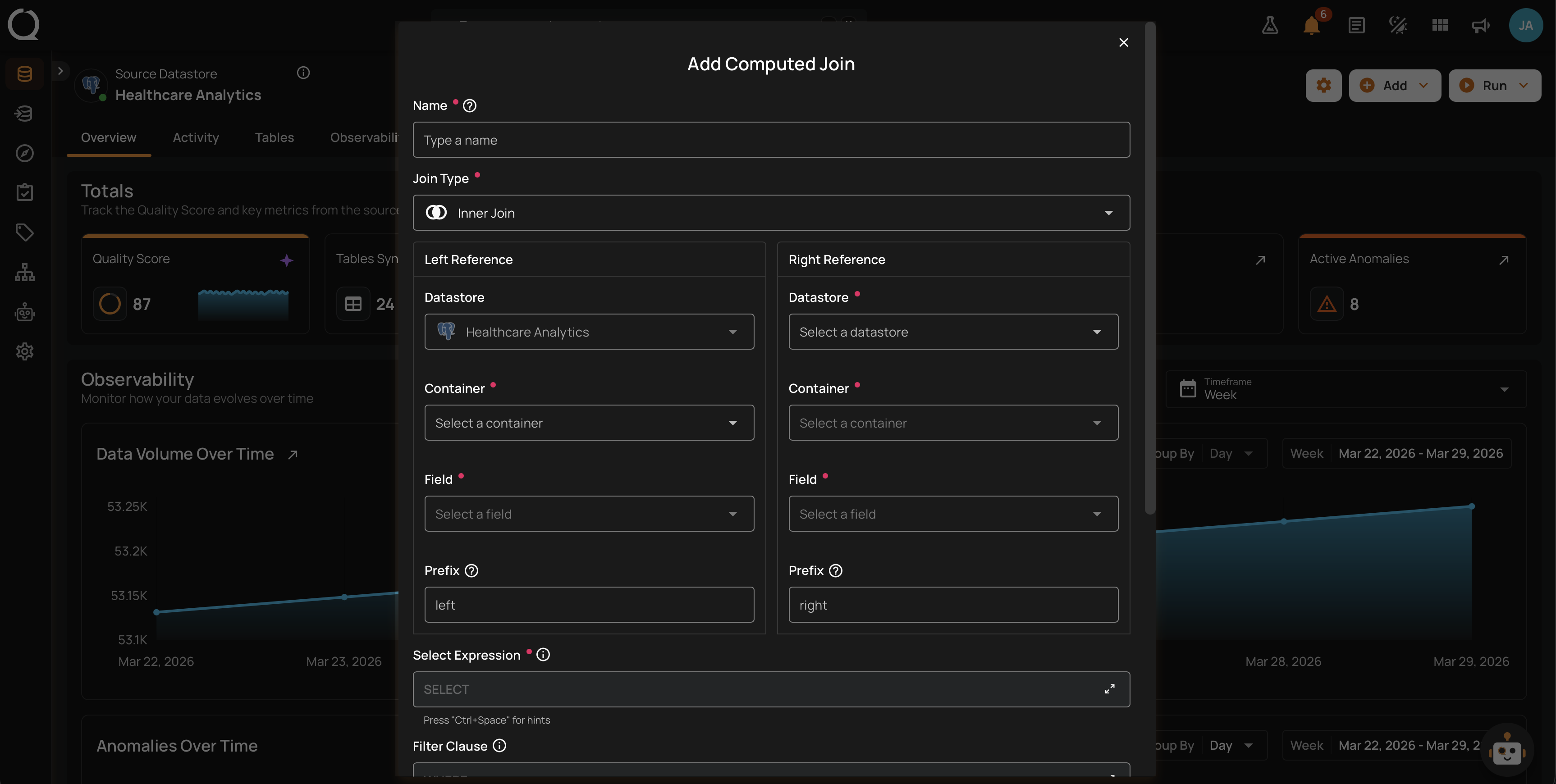
A Computed Join combines data from two or more source containers into a single result you can query and check. Define it pairwise (two containers on a single key) or in SQL mode (a Spark SQL query over multiple aliased sources). Use it to merge data across datastores, write reusable joins, and run quality checks on the joined output. A Computed Join lives inside its parent datastore and appears alongside that datastore's other containers.
Permissions
To create, edit, or delete a Computed Join you need:
- Editor on the parent datastore, or Author on the parent datastore plus ownership of the Computed Join.
- At least Viewer on every other datastore an input reads from (cross-datastore joins).
The parent datastore is the left container's datastore in pairwise mode, or the first source's datastore in SQL mode.
Deep Dive
-
Introduction
What a Computed Join is, why it matters, and where it fits in the platform.
-
How It Works
Form fields, execution flow, cross-datastore behavior, and output behavior.
-
Supported Inputs
Which container types you can use on either side and how to work around restrictions.
-
Query Diff
How configuration changes are tracked and how to inspect the diff.
-
Best Practices
Recommended patterns for prefixes, filters, performance, and cross-datastore joins.
-
Permissions
Who can view, create, edit, and delete a Computed Join, including ownership exceptions and cross-datastore rules.
How-tos
-
Create a Computed Join
Step-by-step walkthrough of the Add Computed Join form.
-
Edit a Computed Join
What can and cannot be edited, and how the "Fields will be marked as missing" warning works.
-
View Query Diff
Open the comparison dialog from the Timeline on the Overview tab and review the From / To changes.
-
Delete a Computed Join
What gets removed when deleting, and how to handle blocked deletes.
Reference
-
Troubleshooting
Common validation and execution errors with cause and resolution.
-
API
REST endpoints for creating, editing, and deleting a Computed Join.
-
FAQ
Frequently asked questions about Computed Join.