Edit a Team
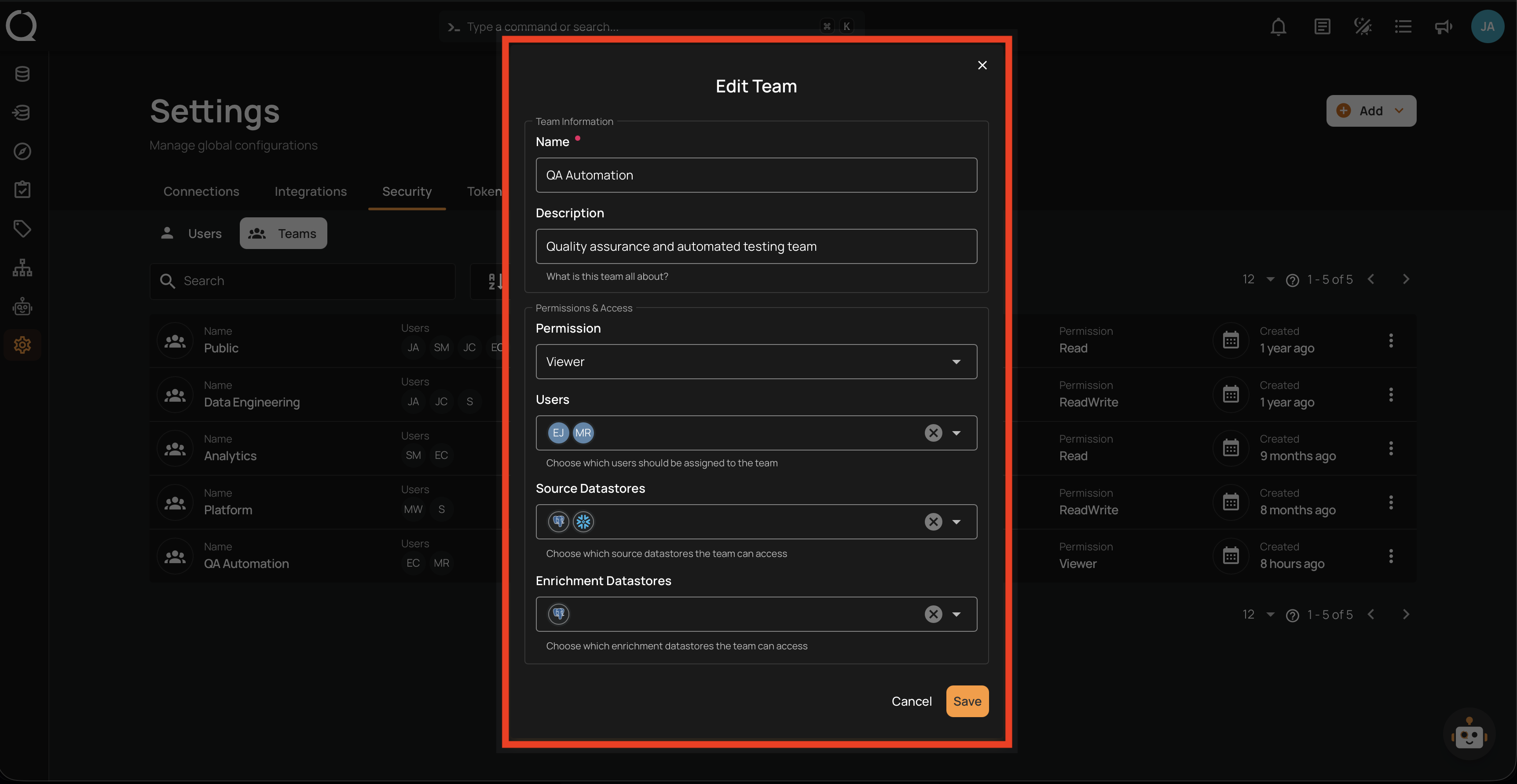
Use the Edit action to update a team's name, description, permission level, users, or datastore access.
Permissions
Only users with the Admin role can edit teams. See the Permissions page for details.
Note
The name and users of the Public team cannot be edited.
Steps
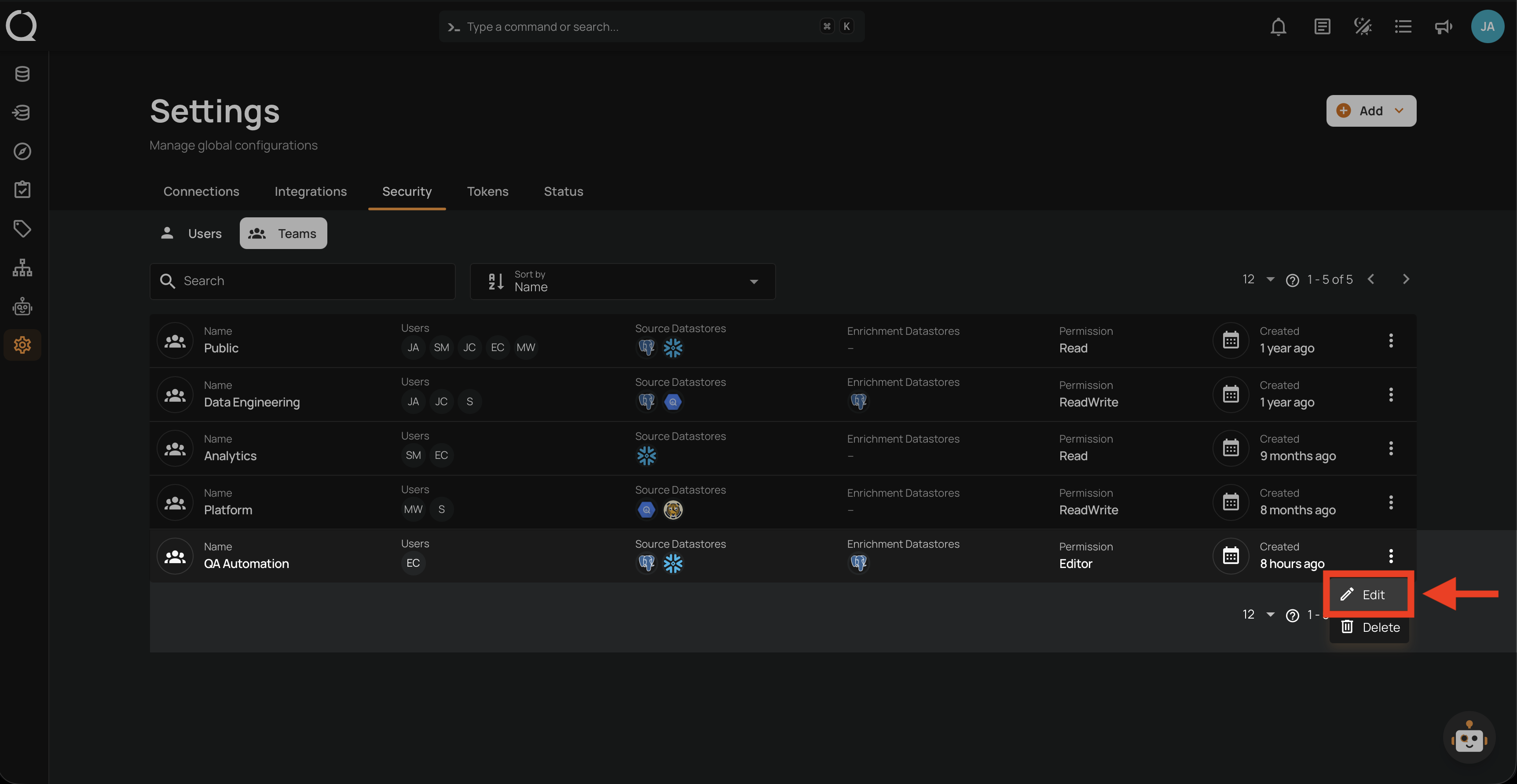
Step 1: Click the vertical ellipsis next to the team you want to edit, then click Edit from the dropdown menu.
Step 2: Update the team details as needed.
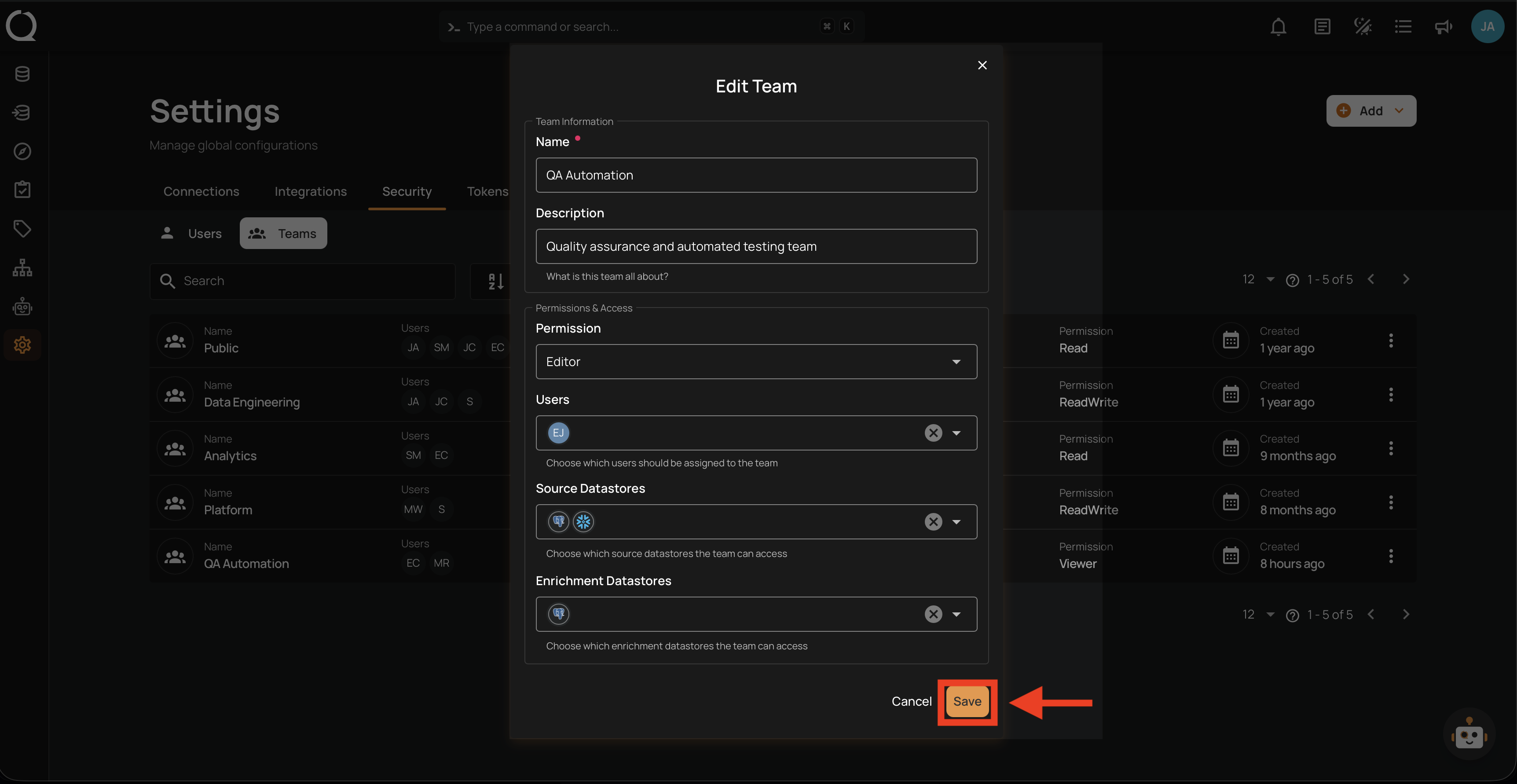
Step 3: Click the Save button to apply the changes.
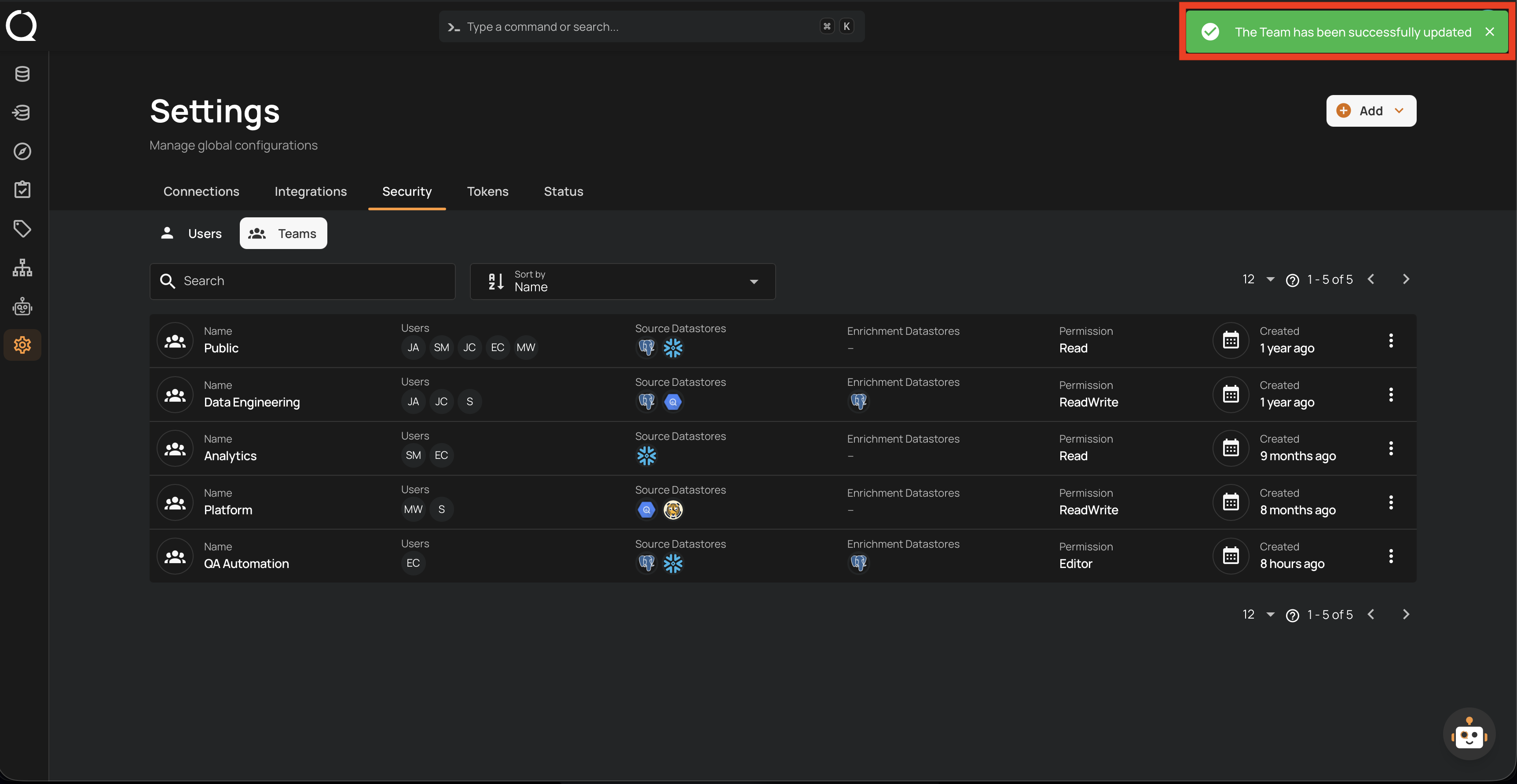
Step 4: A success notification confirms the team has been updated.