Product Updates
Product Updates is the in-app changelog that surfaces what's new in Qualytics — features, improvements, and fixes that shipped in recent releases. The button is in the top-right toolbar — clicking it opens a side panel from the right, the fastest way to learn what changed since you last logged in without leaving the platform or hunting for release notes.
What's Inside
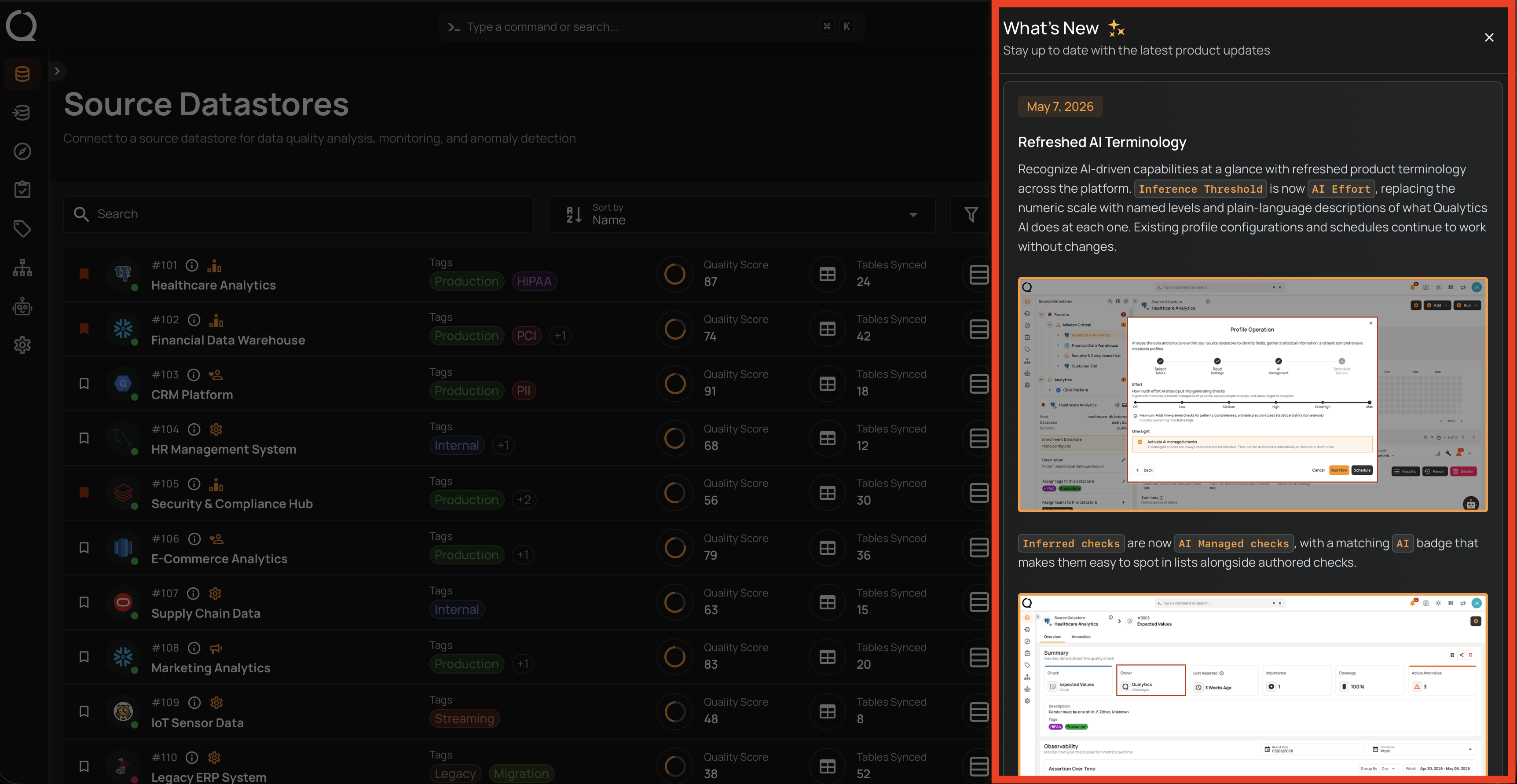
The panel displays the last 8 releases, sorted from newest to oldest. Each entry includes:
- A date badge showing when the release shipped (formatted as
Month D, YYYY— e.g.,May 7, 2026). - The full release notes, rendered from markdown — headings, bullet lists, code snippets, screenshots, and links all appear inline.
- A distinct color on the date badge of the most recent release, so it stands out at the top of the panel.
When a new release becomes available, the toolbar icon changes from outline to filled and shows a notification dot until you open the panel. After you view it, the icon returns to outline and the dot clears until the next release lands.
No pagination
The panel always shows up to 8 entries at once with no "see more" link. Older releases roll off the list as new ones are published.
Open the Product Updates Panel
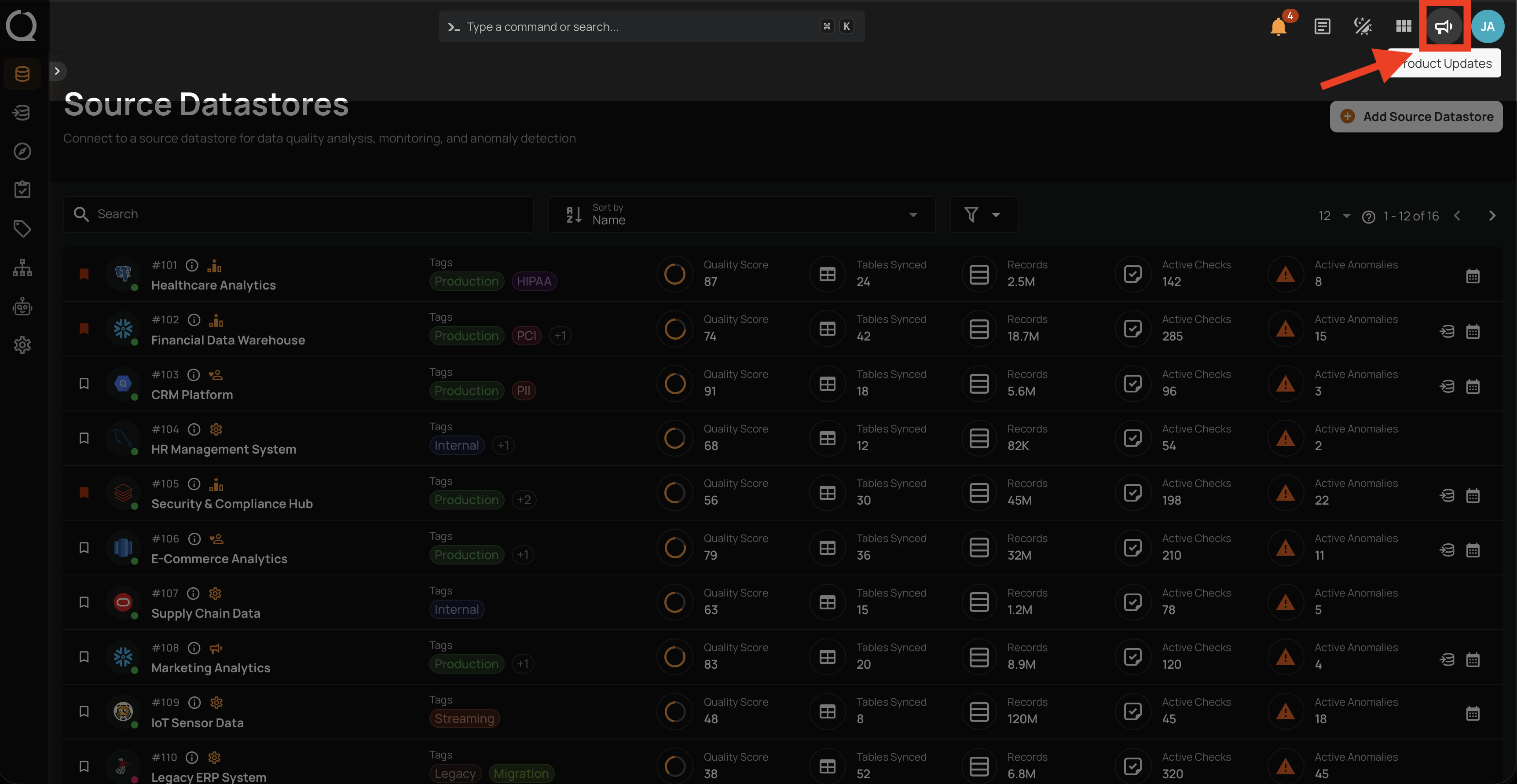
Step 1: Click the Product Updates button in the top-right toolbar. A notification dot appears on the icon when there are unread releases.
Step 2: The What's New panel opens on the right, listing the most recent releases with their date badges and full release notes. Scroll through the panel to read older entries.
Reading on the go
Links inside release notes open in a new tab — you can keep the panel open and explore linked features or external posts without losing your place.