Delete
Delete allows you to remove a table from Qualytics. Only the Qualytics record of the table is removed: the table and its data in the connected source datastore are not touched.
Warning
Deleting a table cannot be undone. Its fields, quality checks, anomalies, scan and profile results, quality scores, observability measurements, and computed fields are permanently removed. Running a sync with the "recreate" option later adds the table back as a container, but none of that history returns.
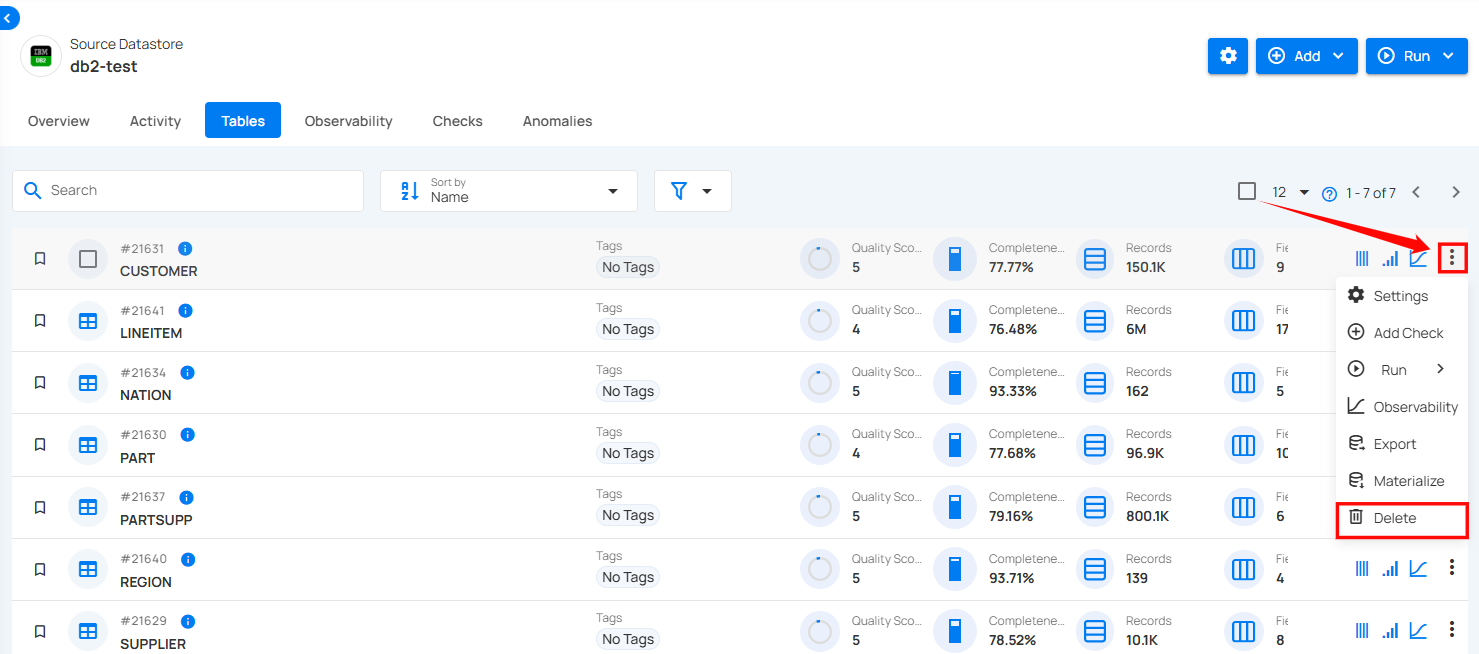
Step 1: Select the tables in your connected source datastore that you would like to delete, then click on Delete.
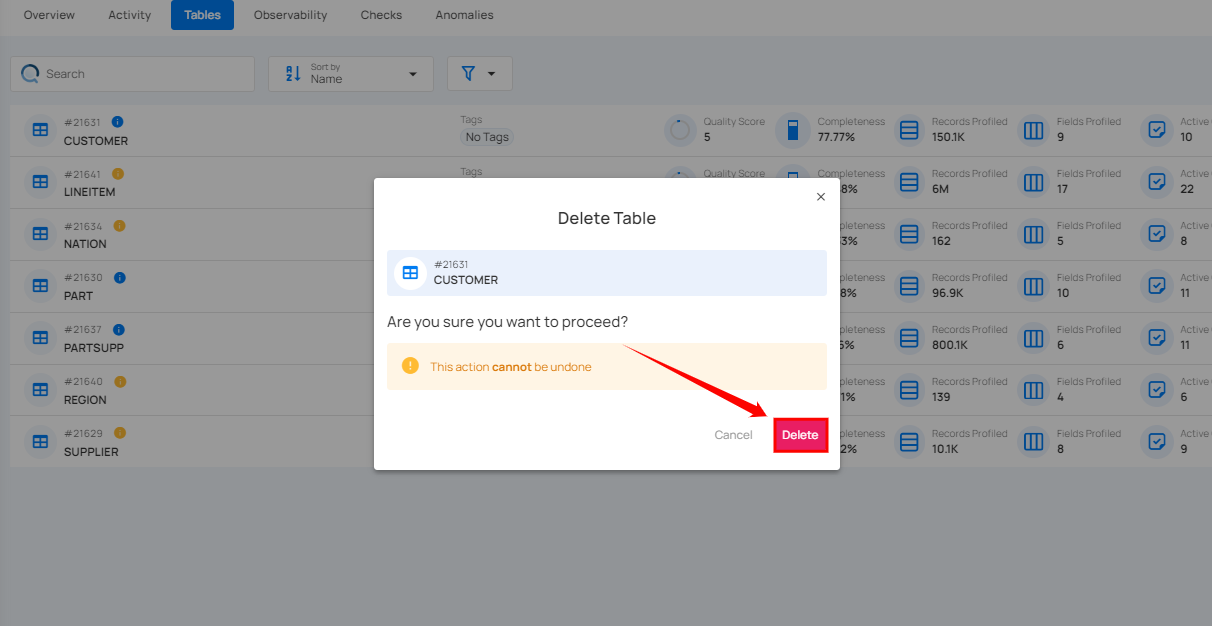
Step 2: A confirmation modal window will appear; click on the Delete button to remove the table from the system.
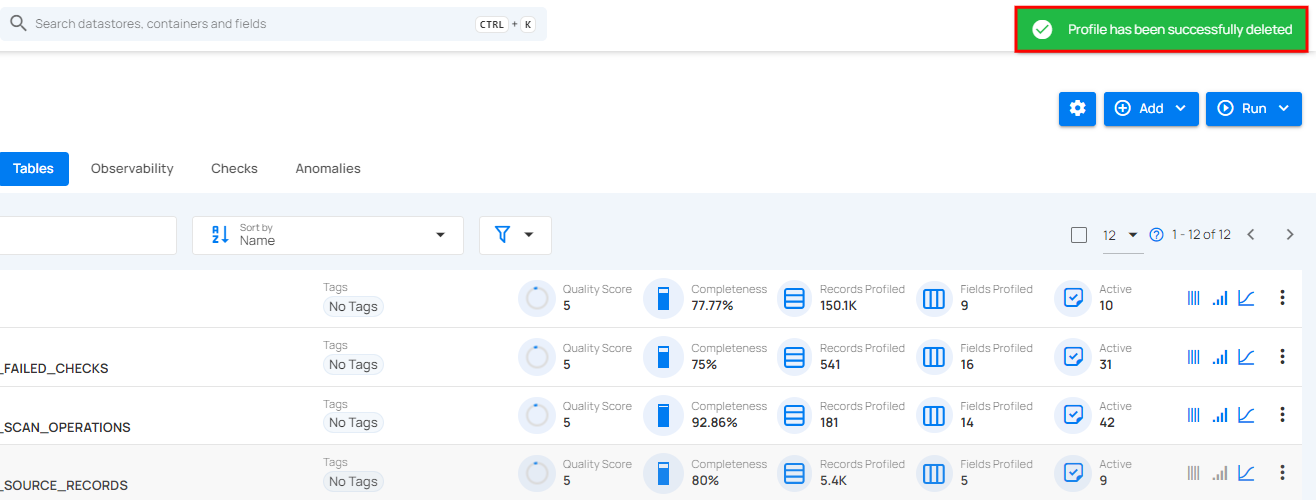
Step 3: After clicking on the delete button, your table is deleted and a success message appears.