Getting Started with Observability
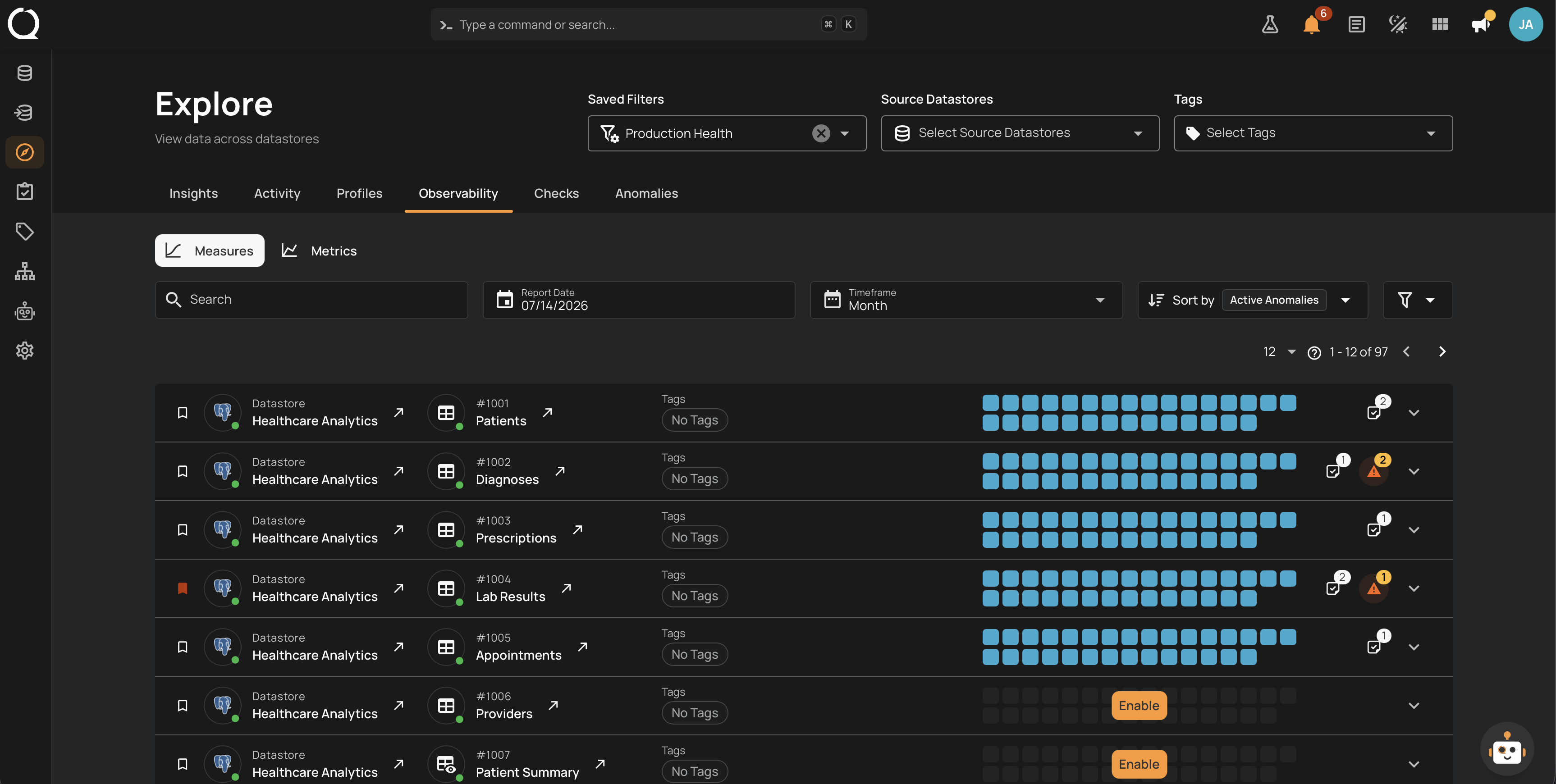
Observability brings volume, freshness, and field-level measurements into one place. When tracking is enabled, Qualytics records volume and freshness on a scheduled measurement cycle, while relevant Profile and Scan operations record field-level Metric measurements. The Observability tab lets data stewards review charts, historical anomalies, and controls for adjusting thresholds as new measurements are recorded.
Permissions
- Reporter on the datastore is enough to read the Observability tab and its charts.
- Author on the datastore (or above) is required to change thresholds, Maximum Age, or to modify the underlying checks.
See Observability Permissions for the full matrix.
Looking to create or edit a check?
This section documents the Observability tab itself: how it works, and how to manage the inline controls (thresholds, Maximum Age, favorites, filters). To author or edit a Volumetric, Freshness, or Metric check itself (including Description, Tags, Metadata), see the Data Quality Checks section.
Deep Dive
-
Introduction
What Observability is, why it matters, and how the three categories (Volumetric, Freshness, Metric) fit together.
-
How Volumetric Works
Row-count tracking, thresholds, the heatmap, and how anomalies are triggered.
-
How Freshness Works
Data update tracking, Maximum Age semantics, and the human-readable duration display.
-
How Metric Works
Field-level metric tracking, comparison types, and chart rendering rules.
-
Comparisons
Absolute Change, Absolute Value, and Percentage Change: how each comparison evaluates data and when to use it.
-
Examples
Real scenarios showing how Volumetric, Freshness, and Metric checks catch anomalies in practice.
-
Best Practices
Recommendations for choosing thresholds, sizing measurement periods, and combining categories effectively.
-
Permissions
Team-permission matrix covering read and edit actions on Observability charts and thresholds.
How-tos
-
Edit Threshold
Update the Min and Max limits on a Volumetric or Metric check directly from its chart.
-
Edit Maximum Age
Update the Maximum Age on a Freshness check using the unit dropdown and value input.
-
Mark a Check as Favorite
Pin frequently used checks to the top of the Observability listing.
-
Filter Observability Checks
Narrow the listing by tag or by rule type (Volumetric, Freshness).