Edit a Computed Field
Change the transformation, description, owner, or metadata of an existing Computed Field.
Related
- Add a Computed Field to create a new one.
- Delete a Computed Field to remove one.
- How It Works for validation semantics and re-registration behavior after Save.
What You Can Change
| Field | Editable after creation? |
|---|---|
| Transformation Type | |
| Source Field(s) or SQL Expression | |
| Target Type / Format (Cast) | |
| Term Settings (Cleaned Entity Name) | |
| Description | |
| Owner (Editors only) | |
| Additional Metadata | |
| Name | |
| Parent container |
The name is set at creation and shown as a read-only header in the Edit modal. If you need to rename the field, use the Rename action from the settings dropdown instead. The parent container is also fixed; to move a Computed Field to a different container, create a new one there and delete the old one.
Permissions
Editing requires the Editor team permission on the parent datastore, or the Author team permission when you are the current owner. Reassigning ownership always requires Editor. See Permissions for the full matrix.
Steps
Step 1: Navigate to the Computed Field's detail page by clicking its name in the container's field listing.
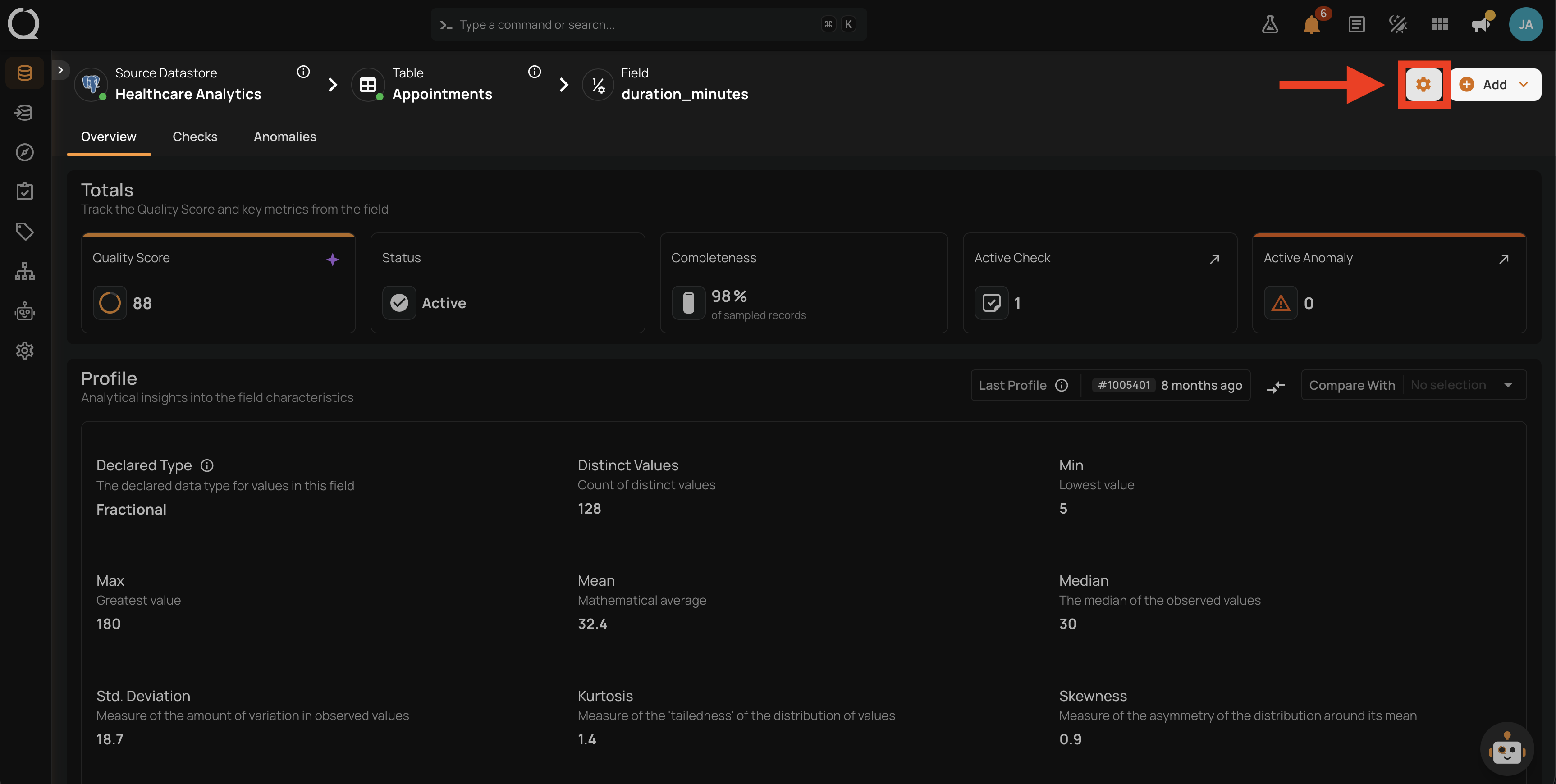
Step 2: Click the settings icon in the top-right corner of the field page. A dropdown appears with the actions available for the field.
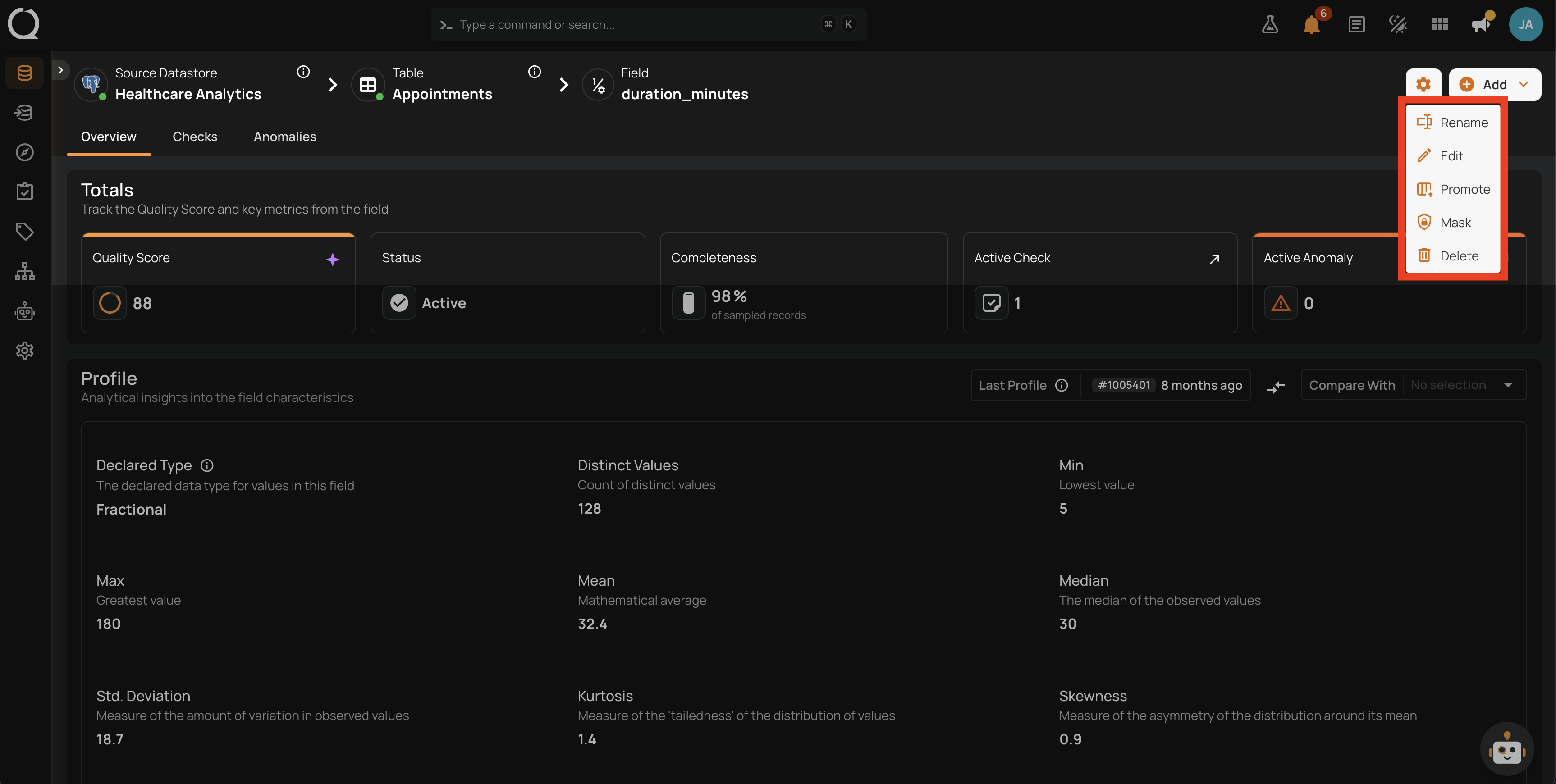
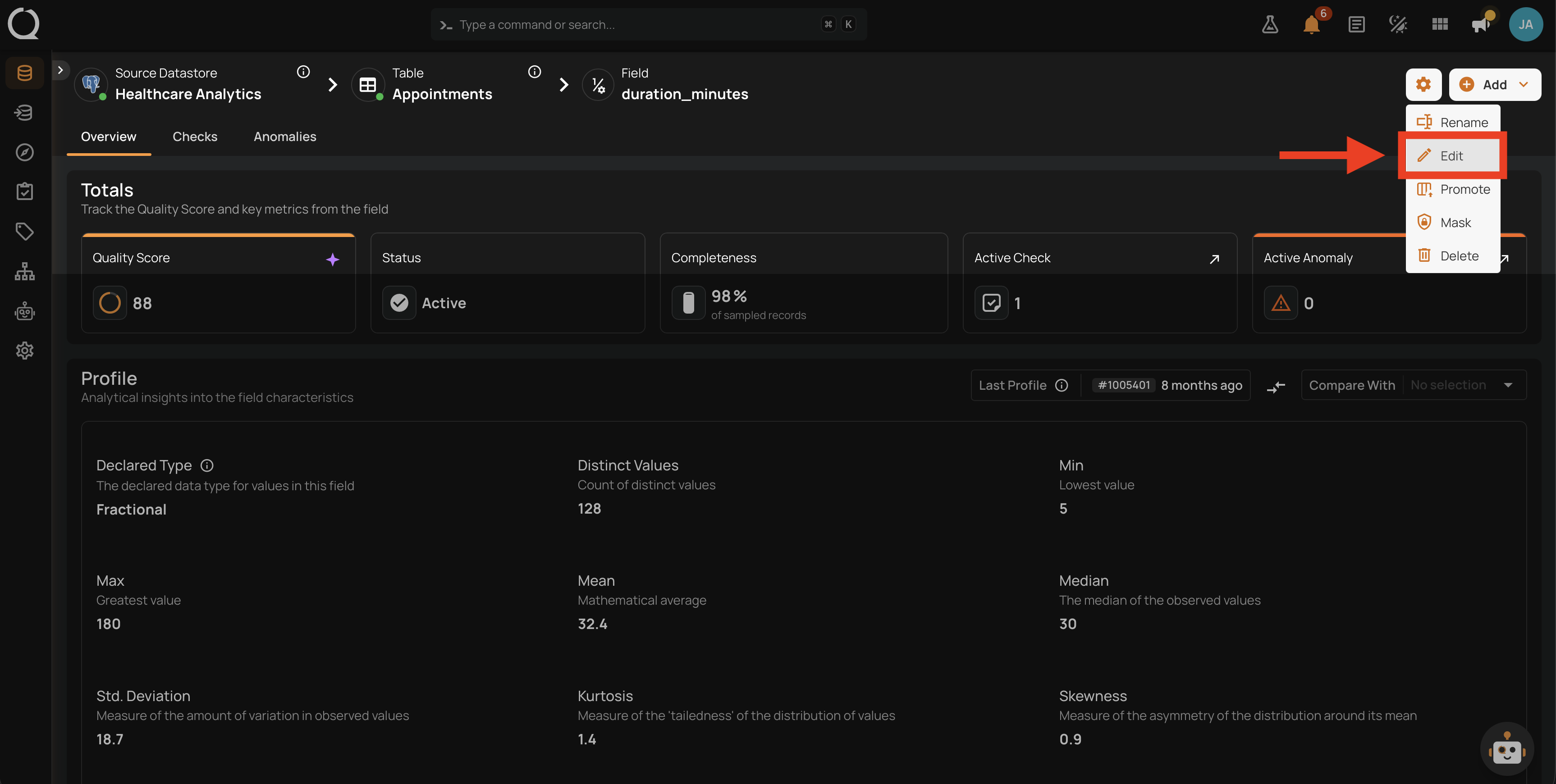
Step 3: Select Edit .
Step 4: The Edit Computed Field modal opens with the current values already filled in. The field name is displayed as a read-only header at the top of the modal.
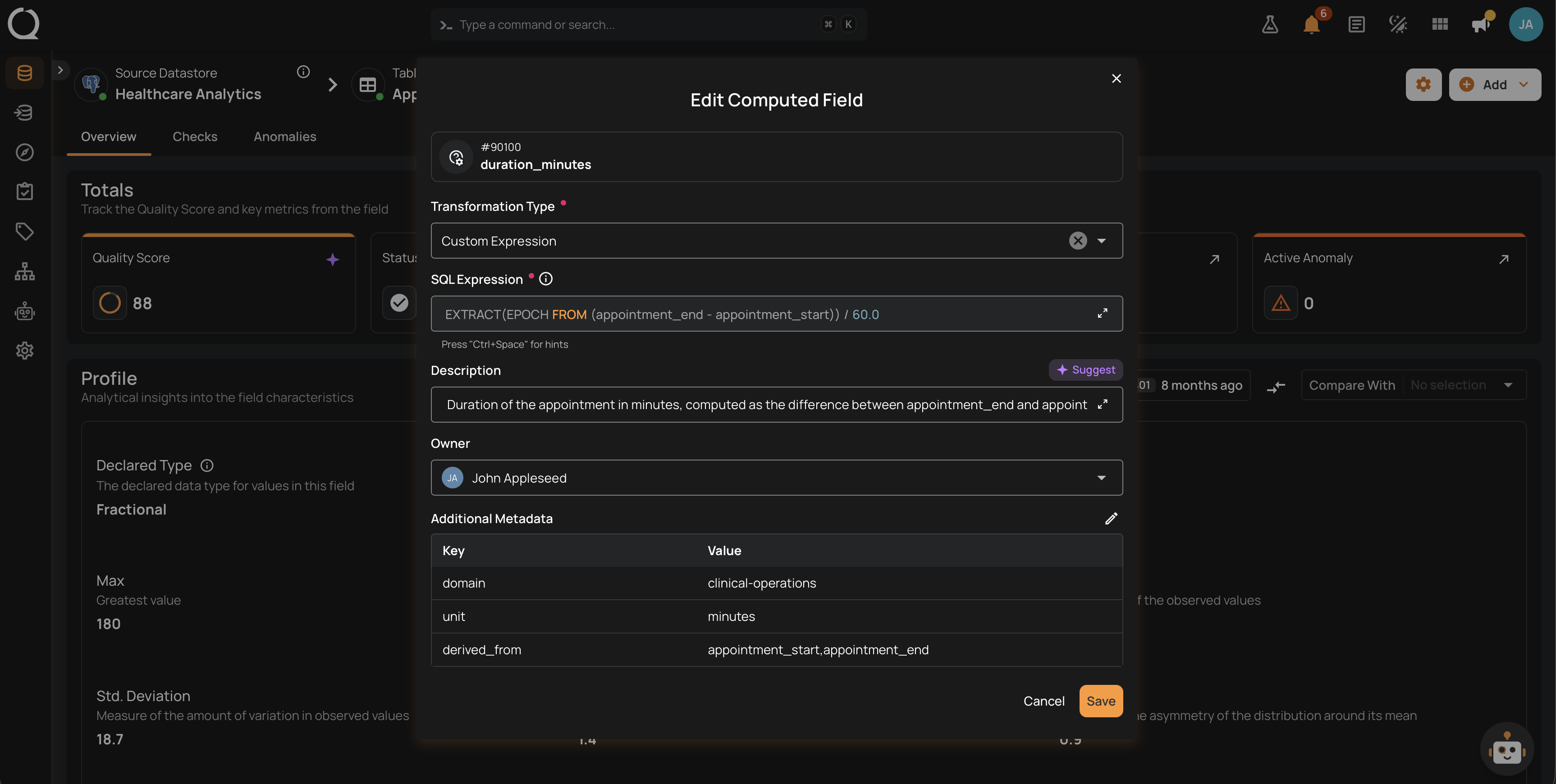
Step 5: Change any of the editable fields (Transformation Type, source fields, options, Description, Owner, Additional Metadata).
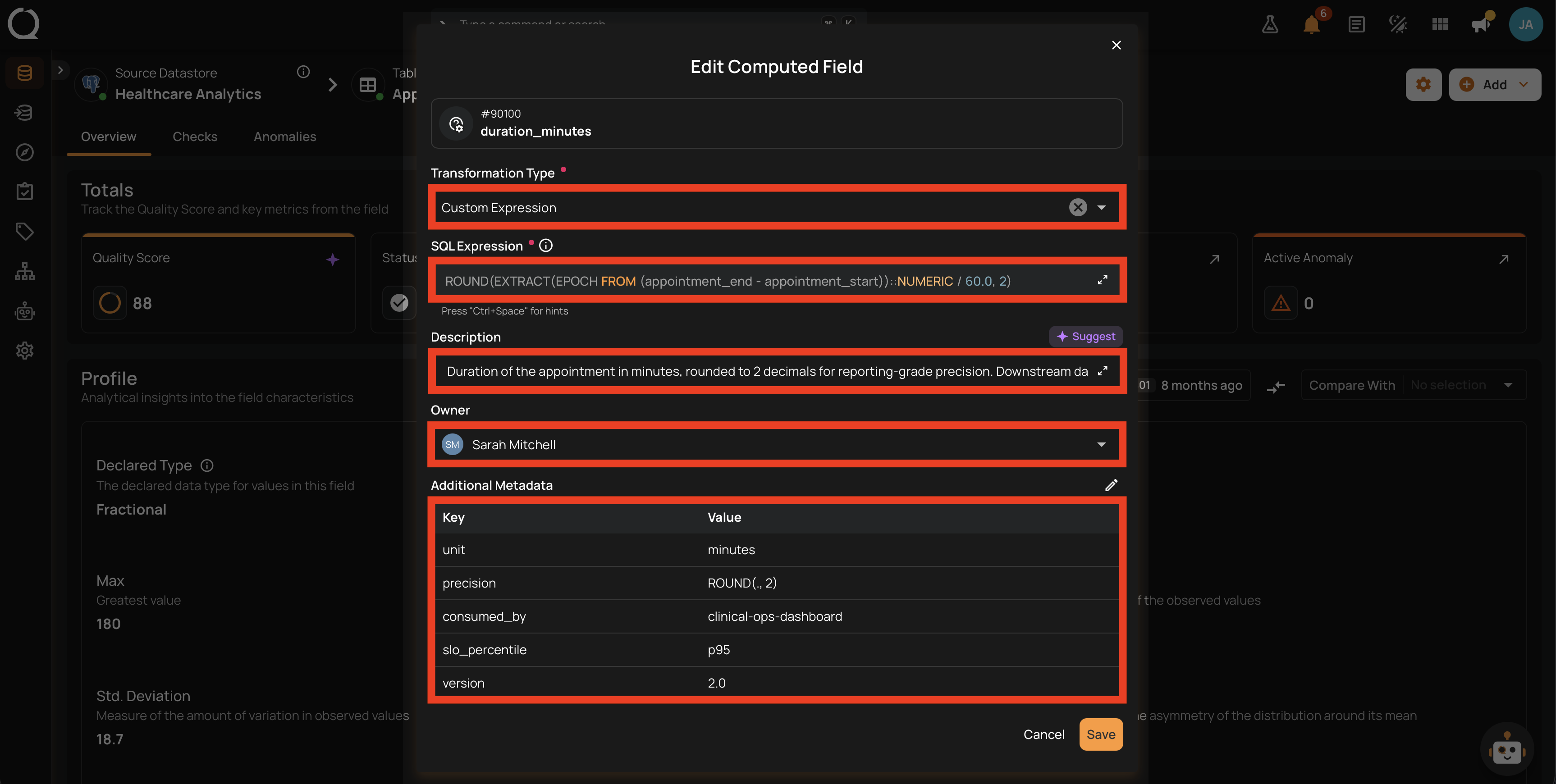
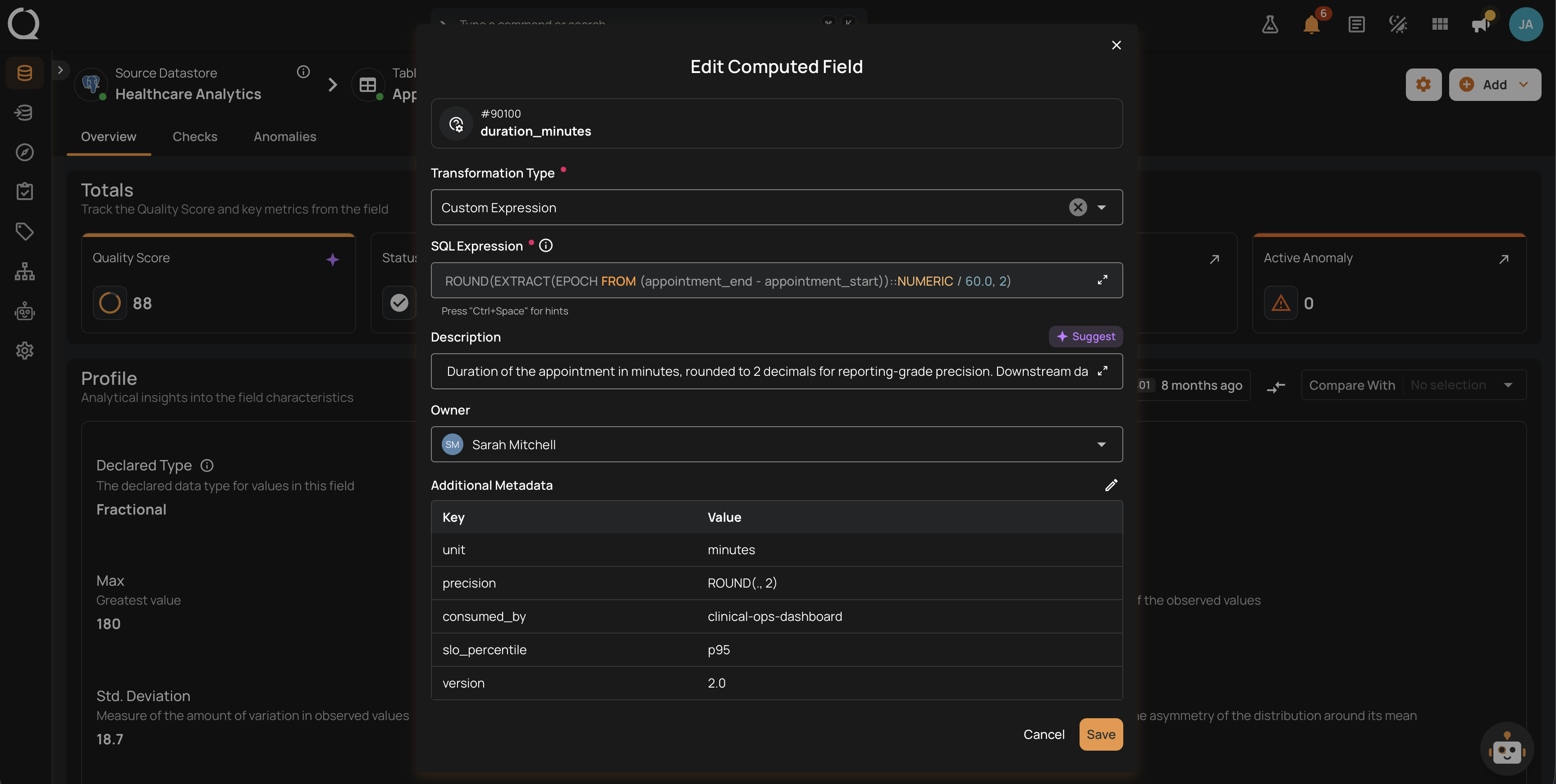
Step 6: Click Save.
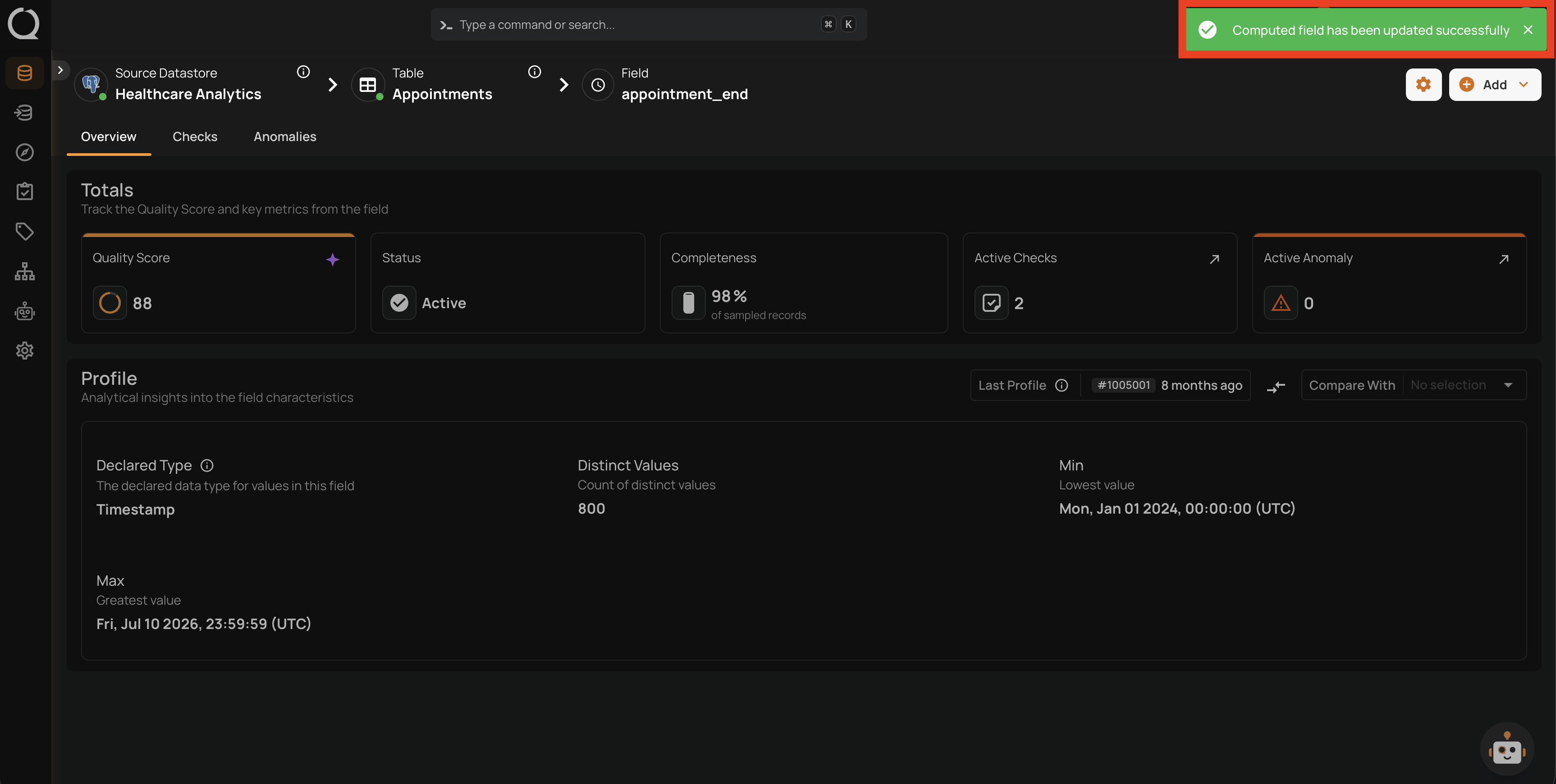
Step 7: A success message confirms the update.
Editing re-registers the definition
Saving an edit re-registers the transformation on the container. Existing quality checks that reference the field are preserved. The next profile computes values against the new transformation; anomalies raised against the previous definition remain in the anomaly history for auditability.