Runs
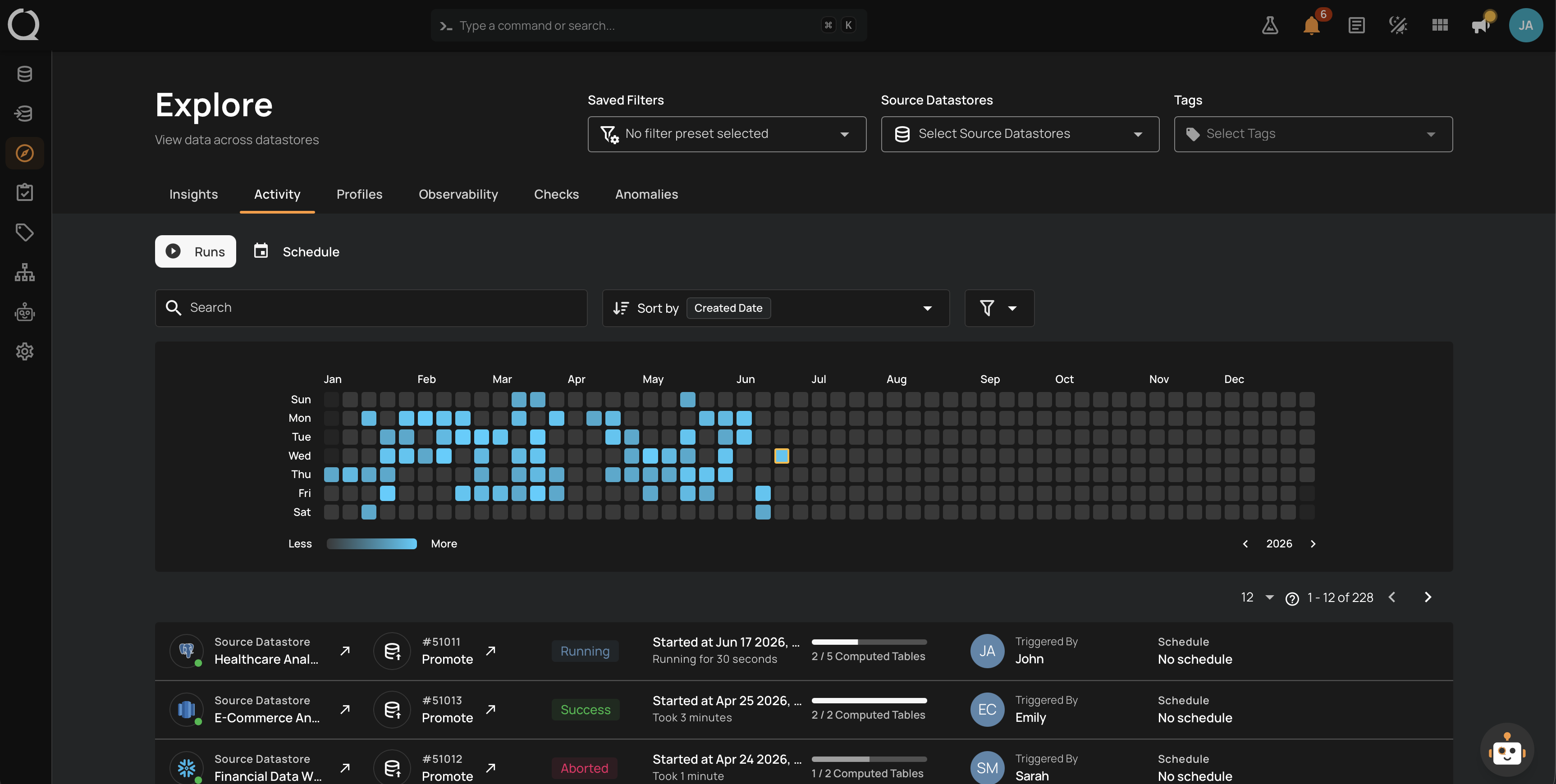
A Run is a single execution of an operation against a source datastore. Every operation that fires (manually, on a schedule, or via the API) is recorded as a Run with its own status, timing, summary metrics, and downloadable result.
Deep Dive
-
Introduction
Your entry point to the Runs deep dive, with what each page of the section covers.
-
How It Works
What Runs are for, what does not appear as a Run, and the contexts of the Activity tab.
-
Details
The Overview tab of the detail page, with the Run's key details, settings, summary metrics, logs, and timeline.
-
Results
The Results tab of the detail page, with the per-container breakdown of a Scan, Profile, or Promote, and where a Sync, Export, or Materialize wrote its results.
-
Anatomy
The components every Run exposes, from the status badge to the progress bar with its phase messages.
-
Quick Stats Icons
The icon cluster on the right of the Run row, broken down per operation type.
-
States
The five canonical states plus the Warning indicator, and what each one means.
-
Lifecycle
State diagram of how a Run moves between Queued, Running, Success, Failure, and Aborted, plus where to find the per-container progress and logs.
-
Available Actions
Abort, Resume, Rerun, and Delete: when each one is shown, what it does, and which operation types support it.
-
Permissions
Team-permission matrix that governs which roles can Abort, Resume, Rerun, and Delete a Run.