Reactivate a Service User
Use the Reactivate action to restore a previously deactivated Service User. This is useful if a Service User was deactivated by mistake or if an integration needs to be re-enabled.
Permissions
Only users with the Admin role can reactivate Service Users. See the Permissions page for details.
Before You Reactivate
Warning
Reactivating a Service User restores the account but does not automatically restore its previously revoked tokens. You can either:
- Restore individual tokens to reactivate them, or
- Generate new tokens for the account.
Steps
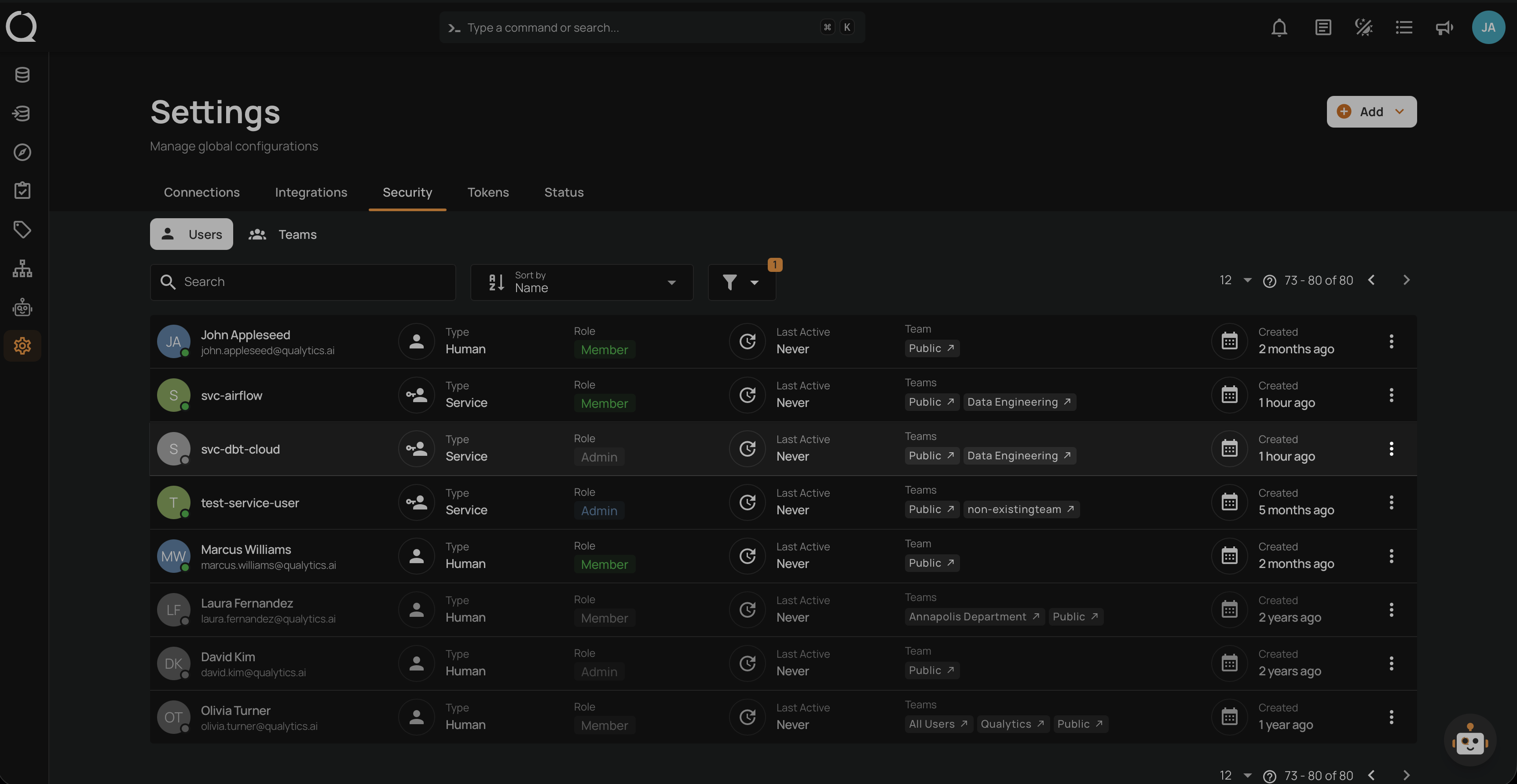
Step 1: Enable the Show Deactivated filter to display deactivated Service Users in the users list.
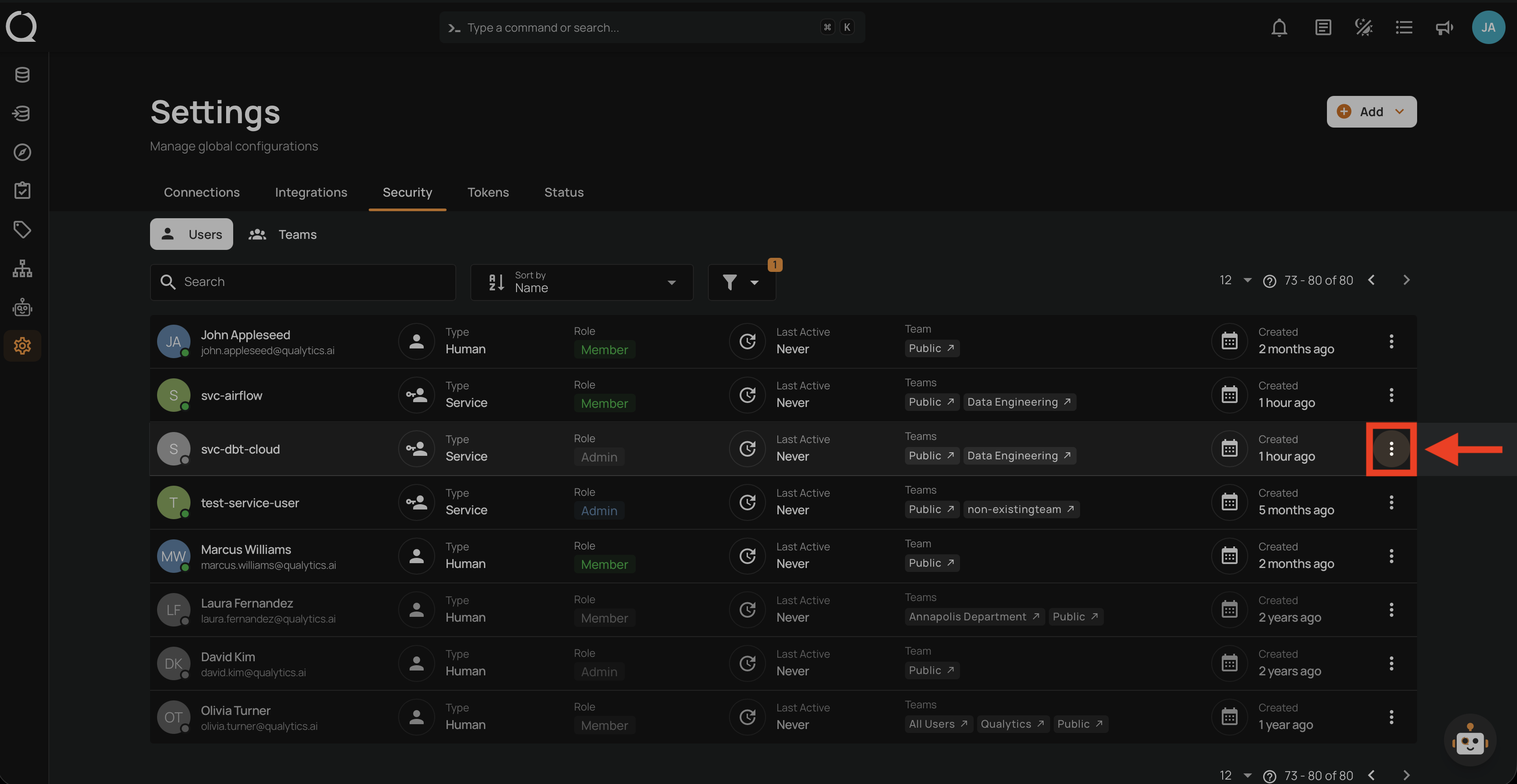
Step 2: Click the vertical ellipsis next to the deactivated Service User you want to restore.
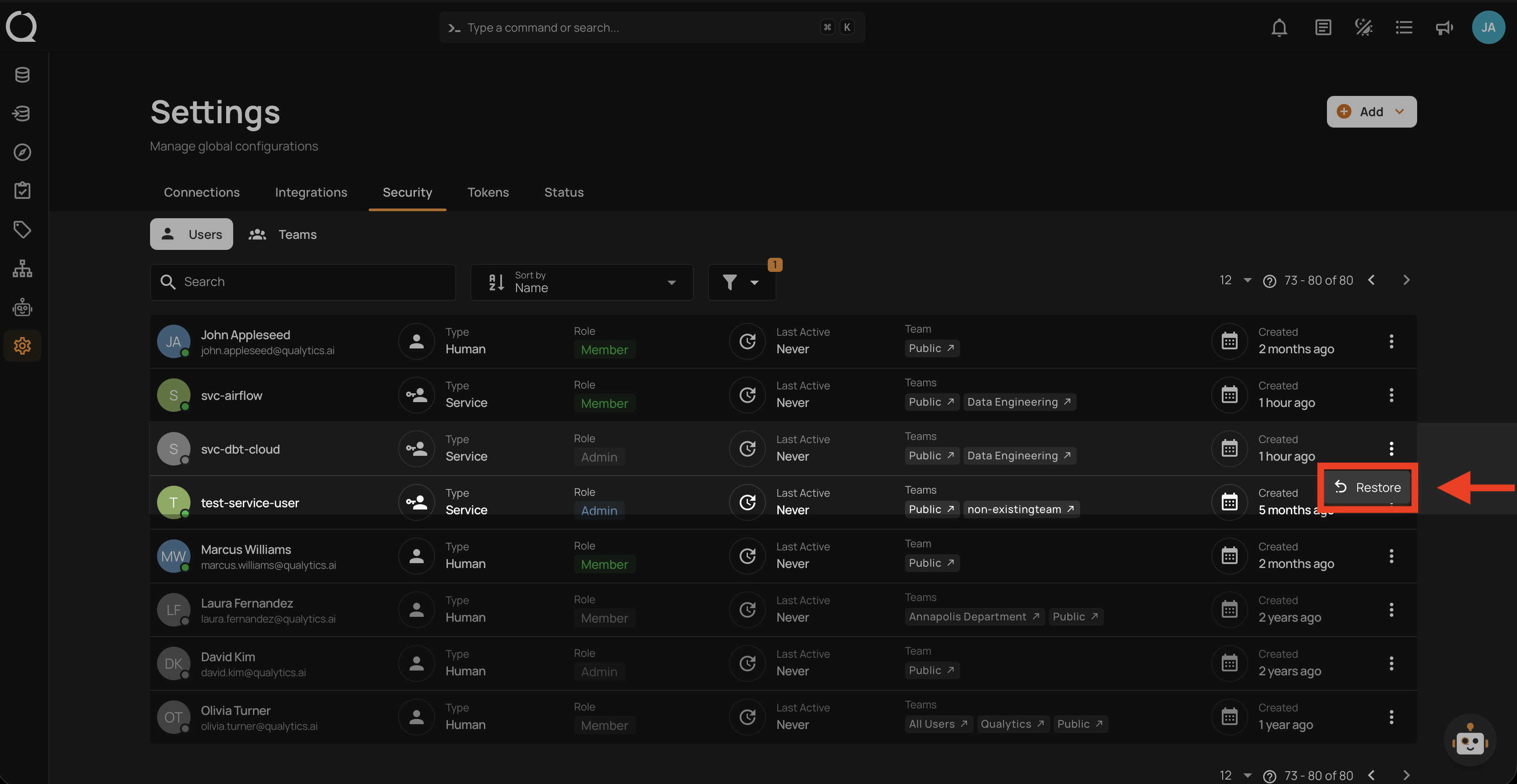
Step 3: Click Restore from the dropdown menu.
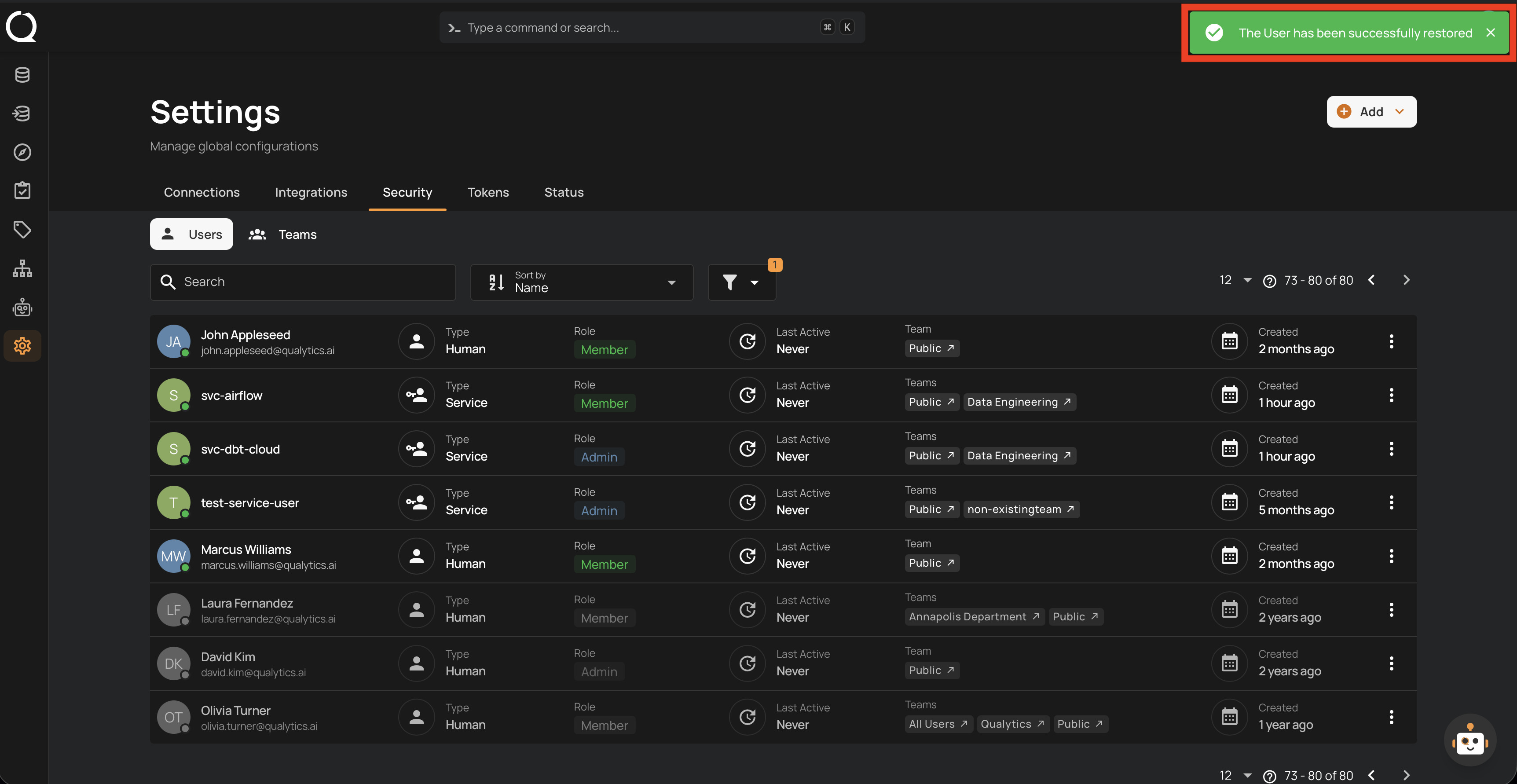
Step 4: A success notification confirms the Service User has been restored. The account reappears in the active users list.
Tip
After reactivating a Service User, review its role and team membership to ensure they still match the intended use case. Update them if necessary using the Edit action.