Sort Teams
Use the Sort action to organize the teams list by name or creation date. This helps you find the team you need more quickly — for example, browsing alphabetically or viewing the most recently created teams first.
Permissions
Only users with the Admin role can access the teams list and sort it. See the Permissions page for details.
Available Sort Options
| Option | Description |
|---|---|
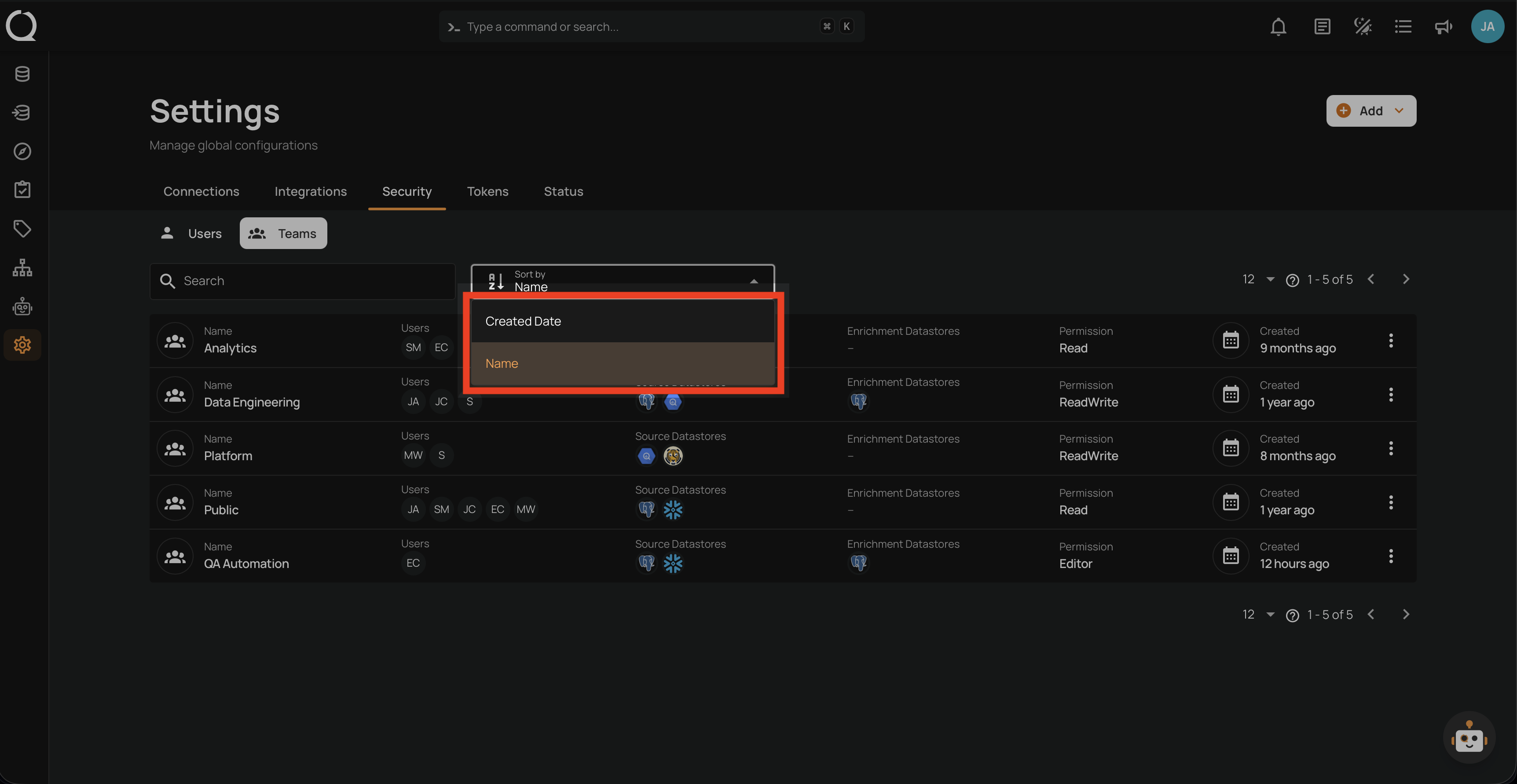
| Name | Sort alphabetically by team name. |
| Created Date | Sort by when the team was created. |
By default, teams are sorted by Name in ascending order (A–Z).
Steps
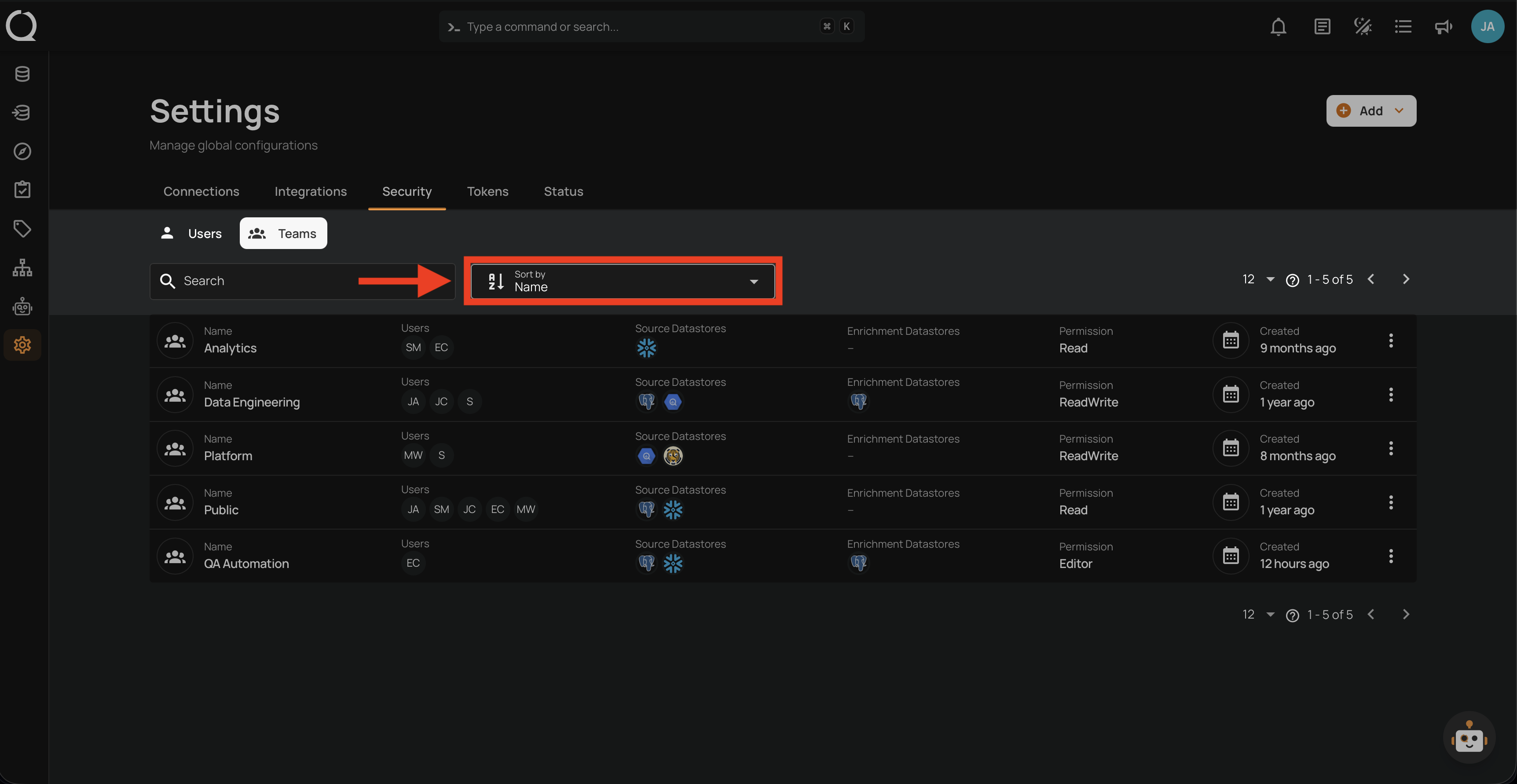
Step 1: Click the Sort by dropdown at the top of the list.
Step 2: Choose Name or Created Date from the dropdown. The list updates immediately.
Change the Sort Direction (Optional)
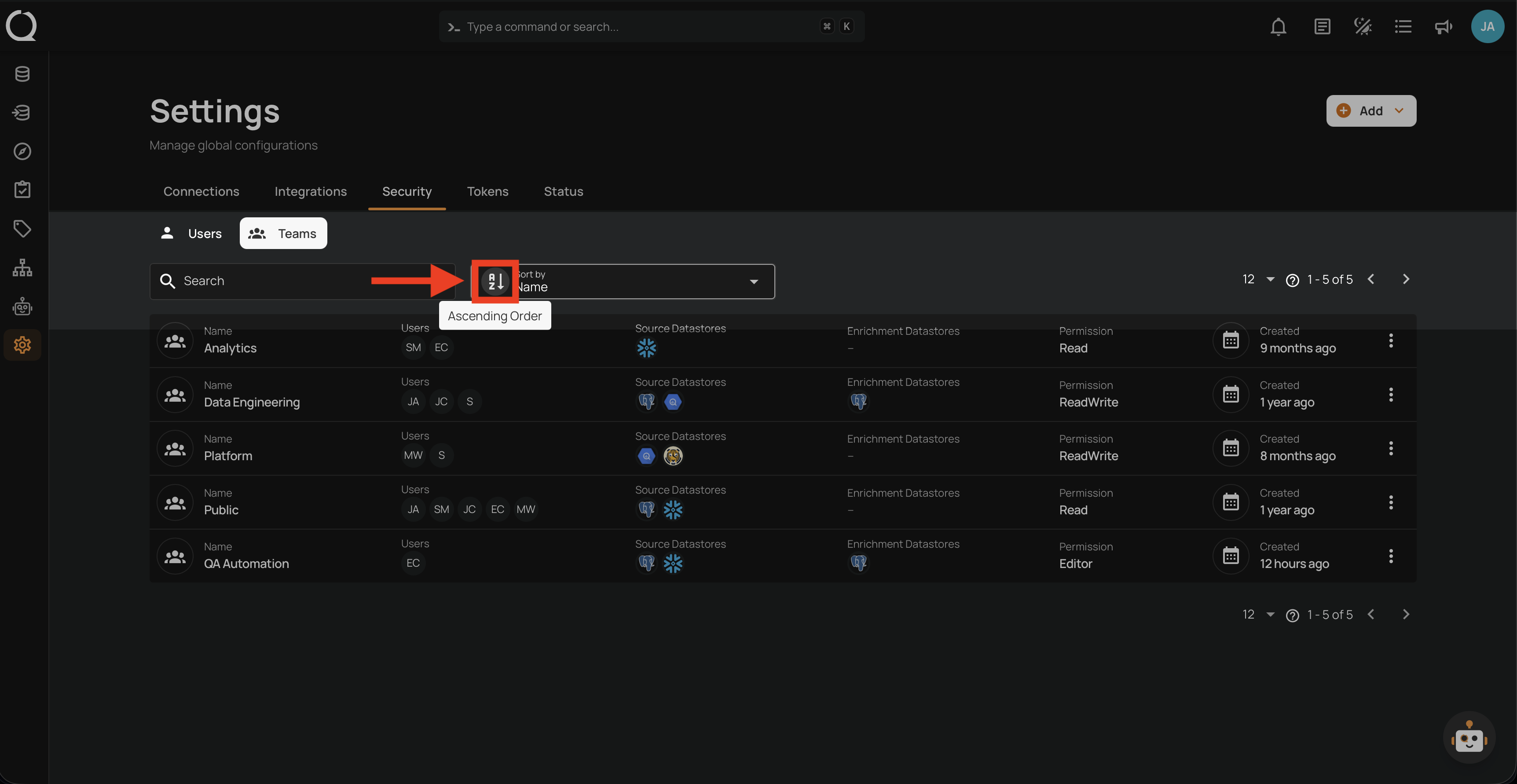
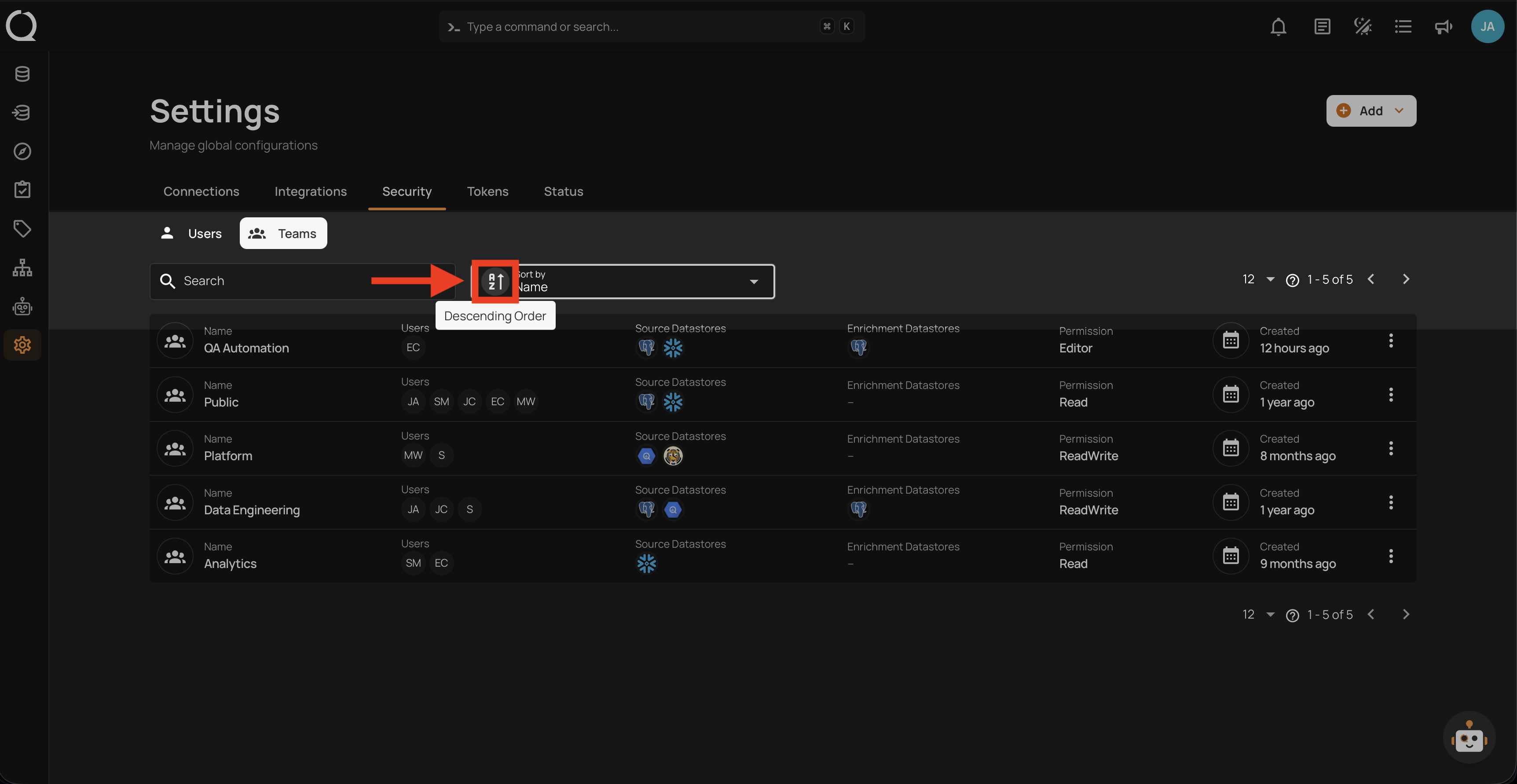
After picking the sort field, you can optionally toggle between ascending and descending order. Click the sort icon next to the dropdown to switch directions.
Note
The sort icon changes based on the selected sort field:
- Name (text): ascending / descending
- Created Date (date): ascending / descending
Ascending Order — A–Z for names, oldest first for dates.
Descending Order — Z–A for names, newest first for dates.
Tip
Hover over the sort icon to see which order is currently applied.