Run Export Operation
Screenshots pending refresh
Screenshots on this page were captured against the previous Export Operation UI and will be refreshed. Follow the step text where the two differ.
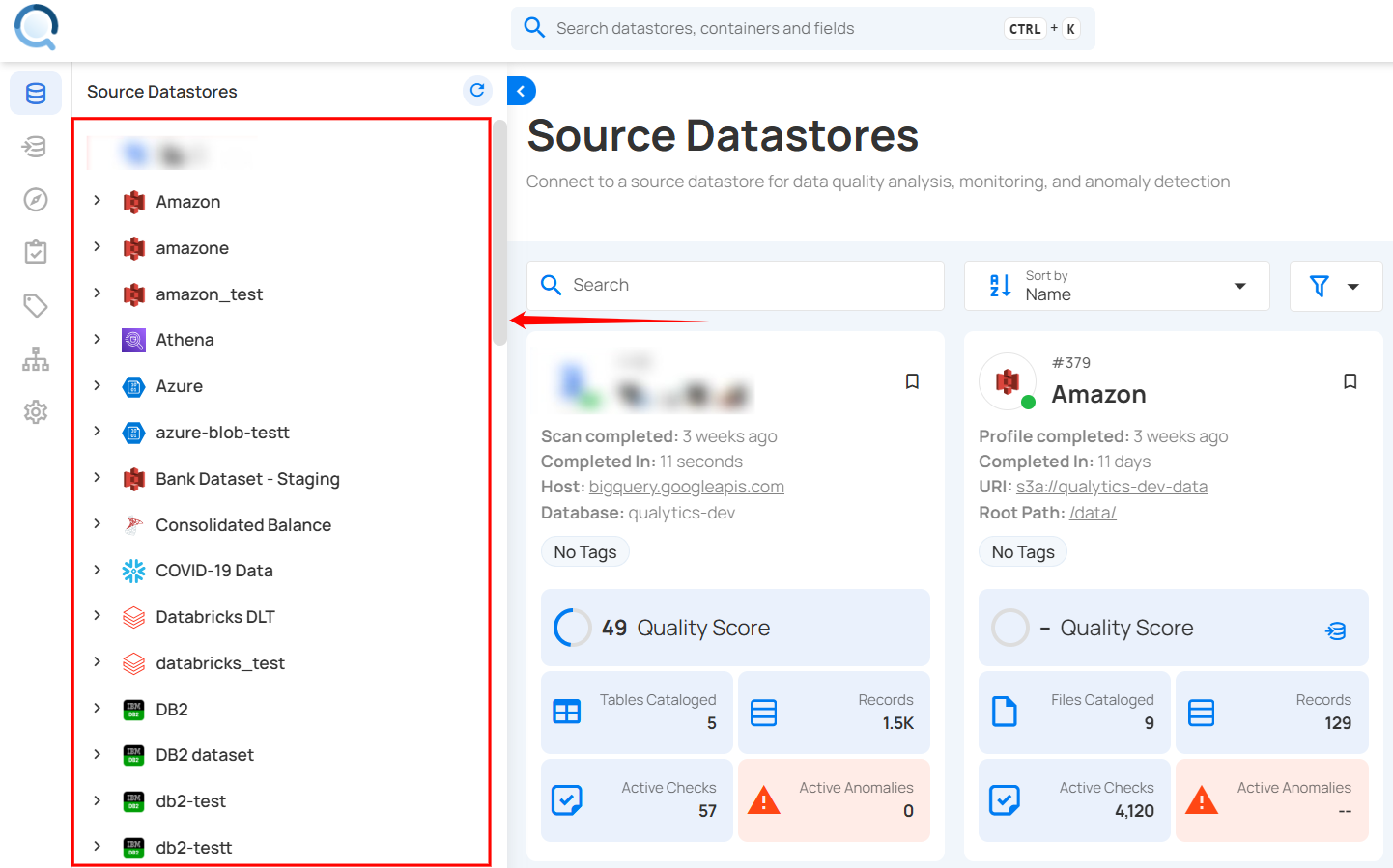
Step 1: Select the datastore from which you would like to export the metadata. It must have an enrichment destination linked.
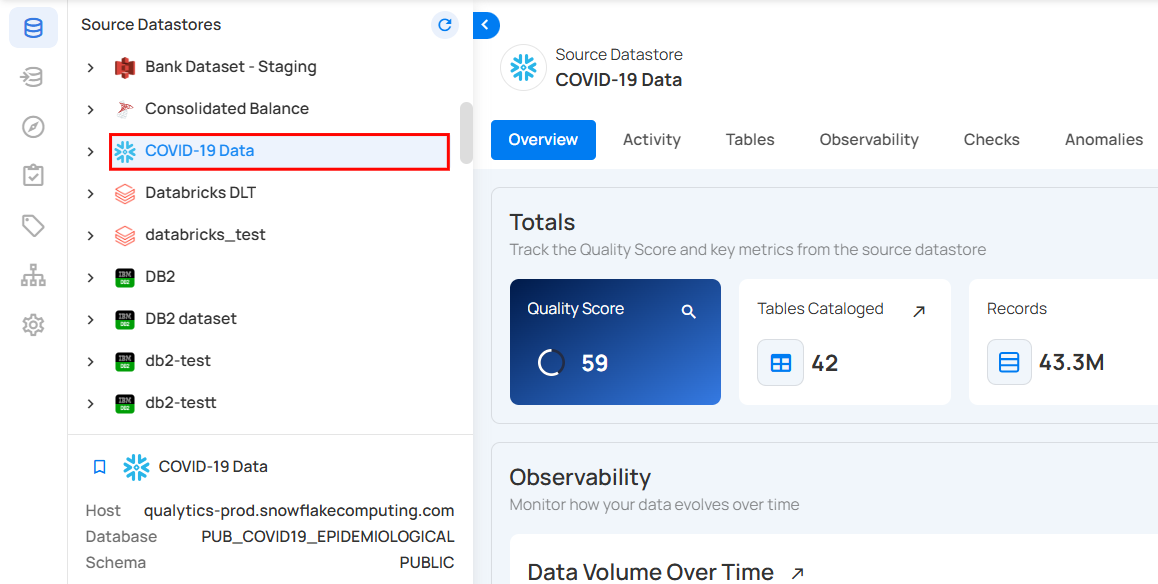
For demonstration purposes, we have selected the "COVID-19 Data" Snowflake datastore.
Step 2: Open the Tables tab, open the actions menu of one of its containers, and click Export. The same dialog also opens from the tree footer: under Writes enrichment to, open the menu next to the destination and click Export, then choose the containers to export inside the dialog.
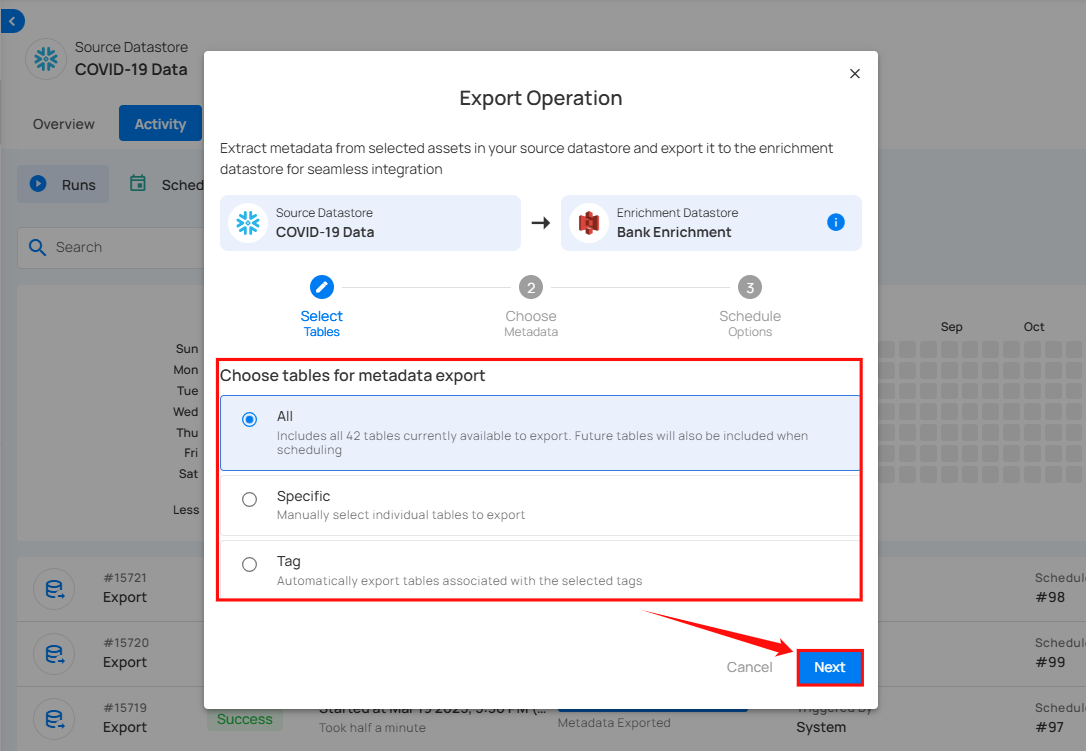
Step 3: After clicking Export, the Export Operation modal window appears, allowing you to extract metadata from the selected datastore to its enrichment destination.
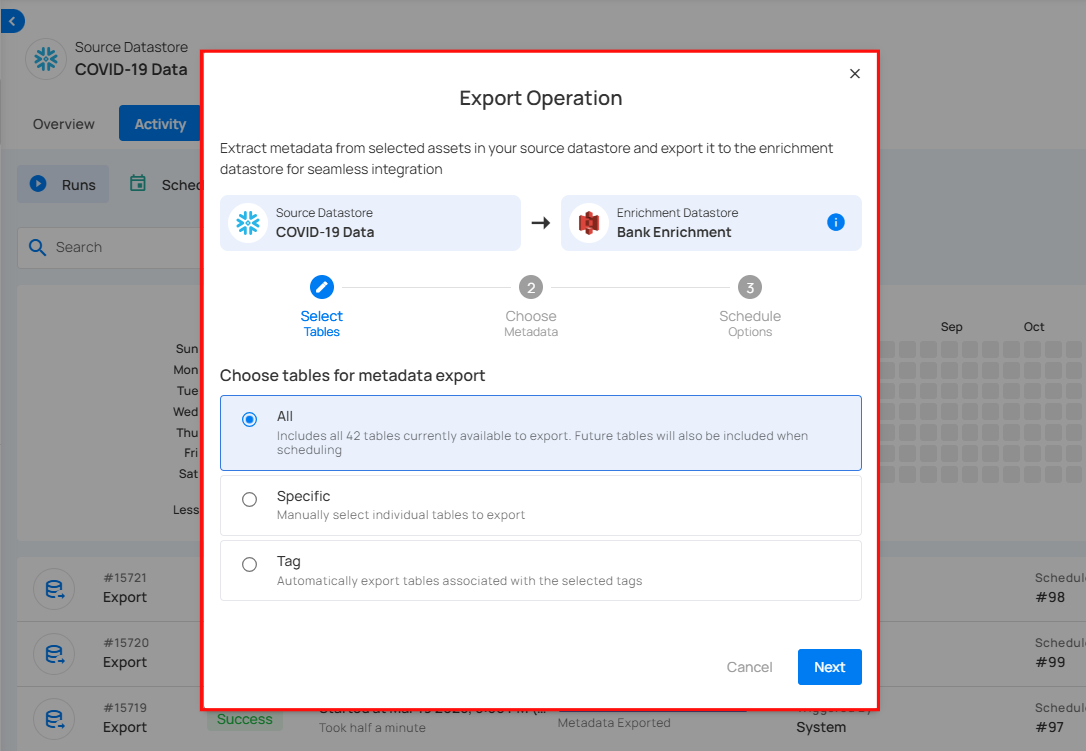
Step 4: Select the tables you wish to export: All, Specific, or Tag and click Next to proceed.
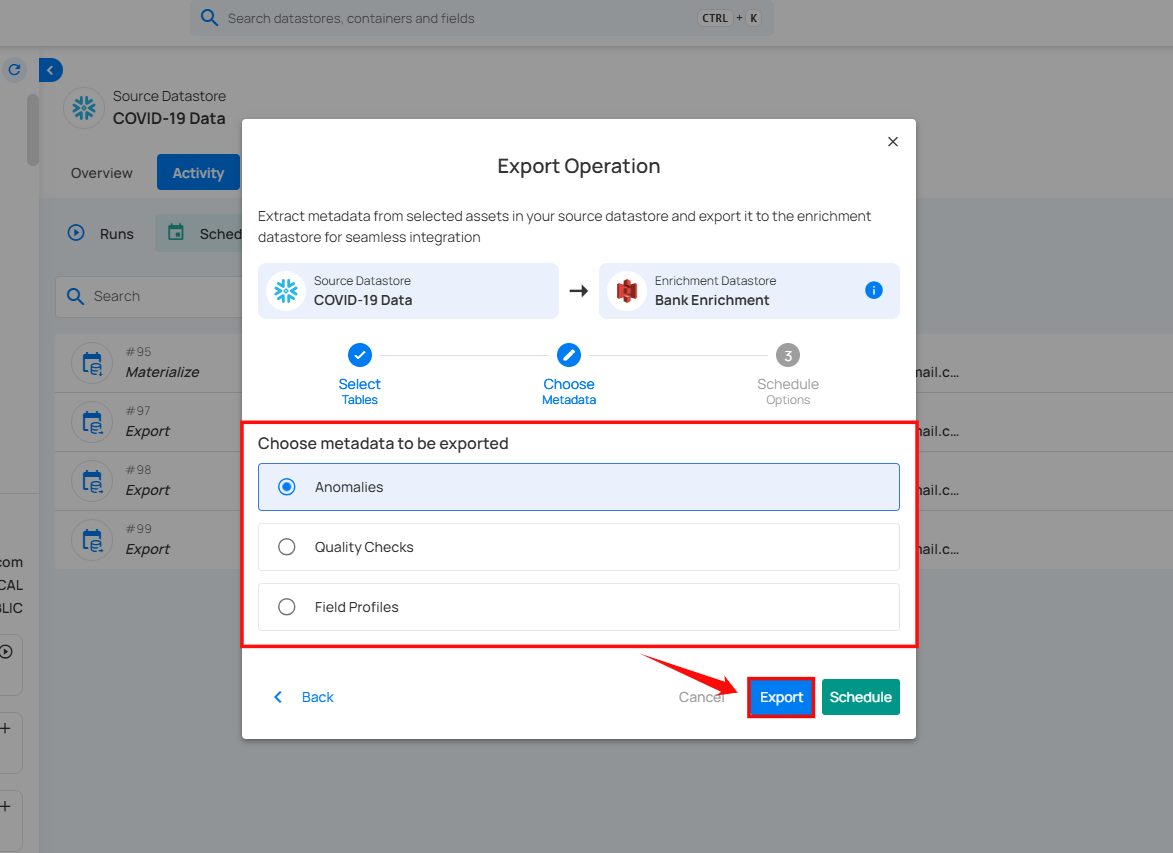
Step 5: After clicking Next, select the assets you want to export to the enrichment destination: Anomalies, Quality Checks, or Field Profiles, and click Export to proceed with the export process.
For Anomalies, check Merge with Source Records to write each anomaly beside the source records it flagged, in a separate output that takes the place of the regular Anomalies output for that run. See Merge with Source Records.
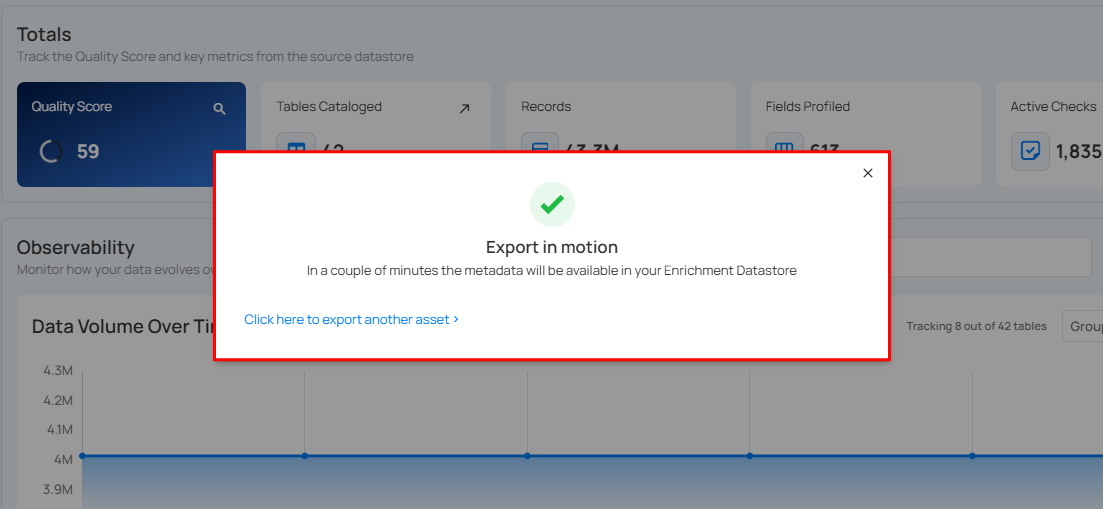
After clicking Export, a confirmation message appears stating "Export in motion." On the Activity tab, the export's progress bar shows an estimated percentage while it runs. A time-remaining estimate appears beside it once comparable exports have completed; until then, or if the run takes longer than expected, there is no countdown. Large exports are prepared in parts, so they can take a while; see Export size limits for the safeguards that still apply. When the export finishes, Qualytics adds the exported container to the destination on its own, without a Sync, and it appears under the Export purpose in the destination's Tables or Files tab. When the source datastore has Profile written tables in the enrichment destination turned on (the default), Qualytics then profiles it, which gives its fields their types. With the setting off, the container still appears, but its fields stay untyped until you run a Profile on the destination.