Unlink a Jira Ticket
Remove the link between an anomaly in Qualytics and a Jira issue. This only removes the association in Qualytics — the Jira issue itself is not deleted or modified.
Permissions
Unlinking a ticket requires the Manager or Admin role, plus Author permission on the anomaly's datastore team. See the Permissions page for details.
Before You Unlink
Removing this link affects only the association in Qualytics — the Jira issue itself is not modified. Specifically:
| Action | Effect |
|---|---|
| Link record in Qualytics | Deleted |
| Jira issue | Unchanged — the issue stays in Jira |
| Future sync events | No longer propagated to the unlinked Jira issue |
| Anomaly status | Unchanged |
Note
Comments and status updates previously synced to the Jira issue (from earlier acknowledges, archives, or comments in Qualytics) remain in Jira as part of the issue history. They are not removed when the link is unlinked.
Steps
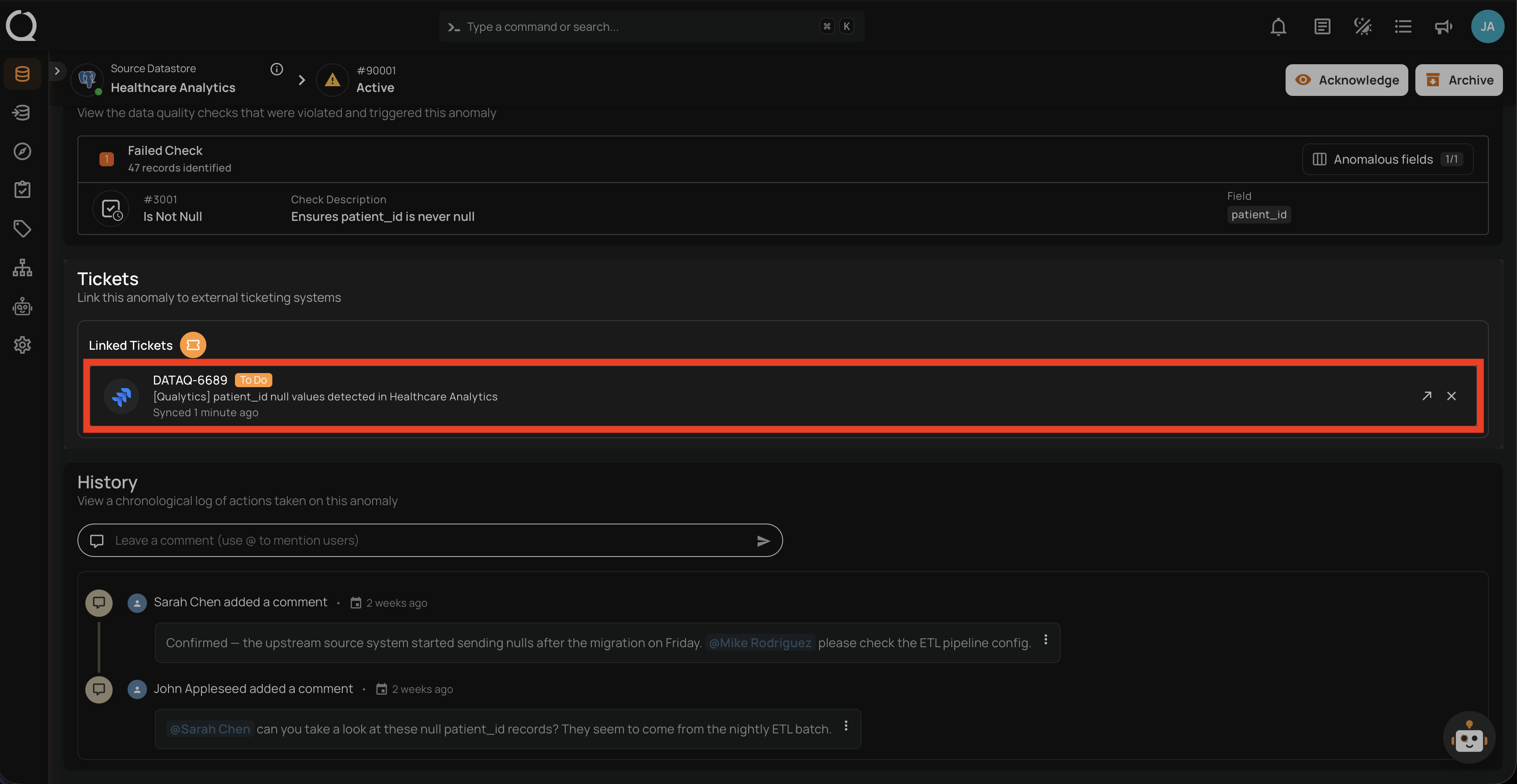
Step 1: Open the anomaly in Qualytics and scroll to the Linked Tickets section. Locate the Jira issue you want to unlink.
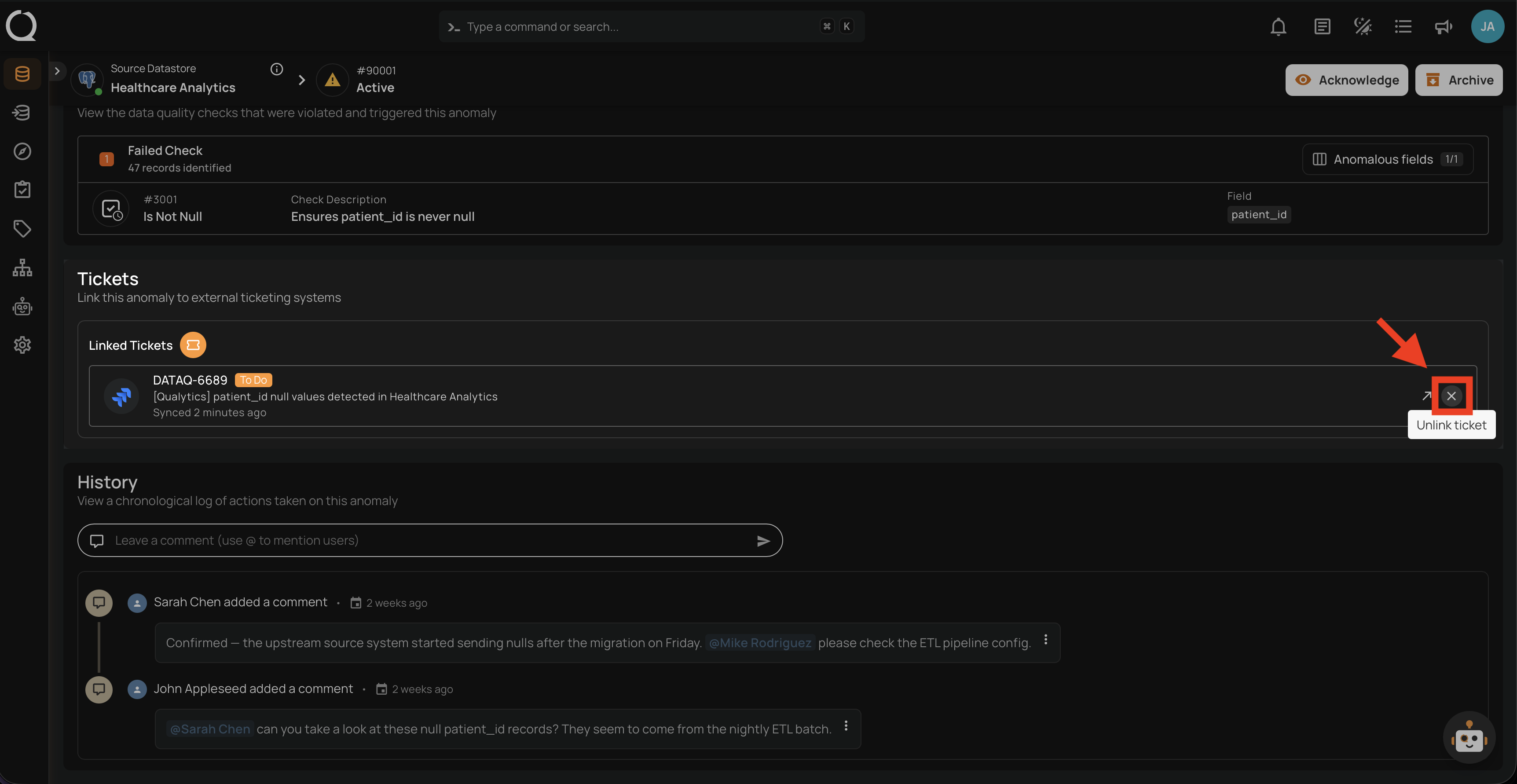
Step 2: Hover over the ticket row and click the Unlink ticket button on the right side.
No Confirmation
Unlinking happens immediately — there is no confirmation prompt. If you unlink by mistake, you can link the ticket again.
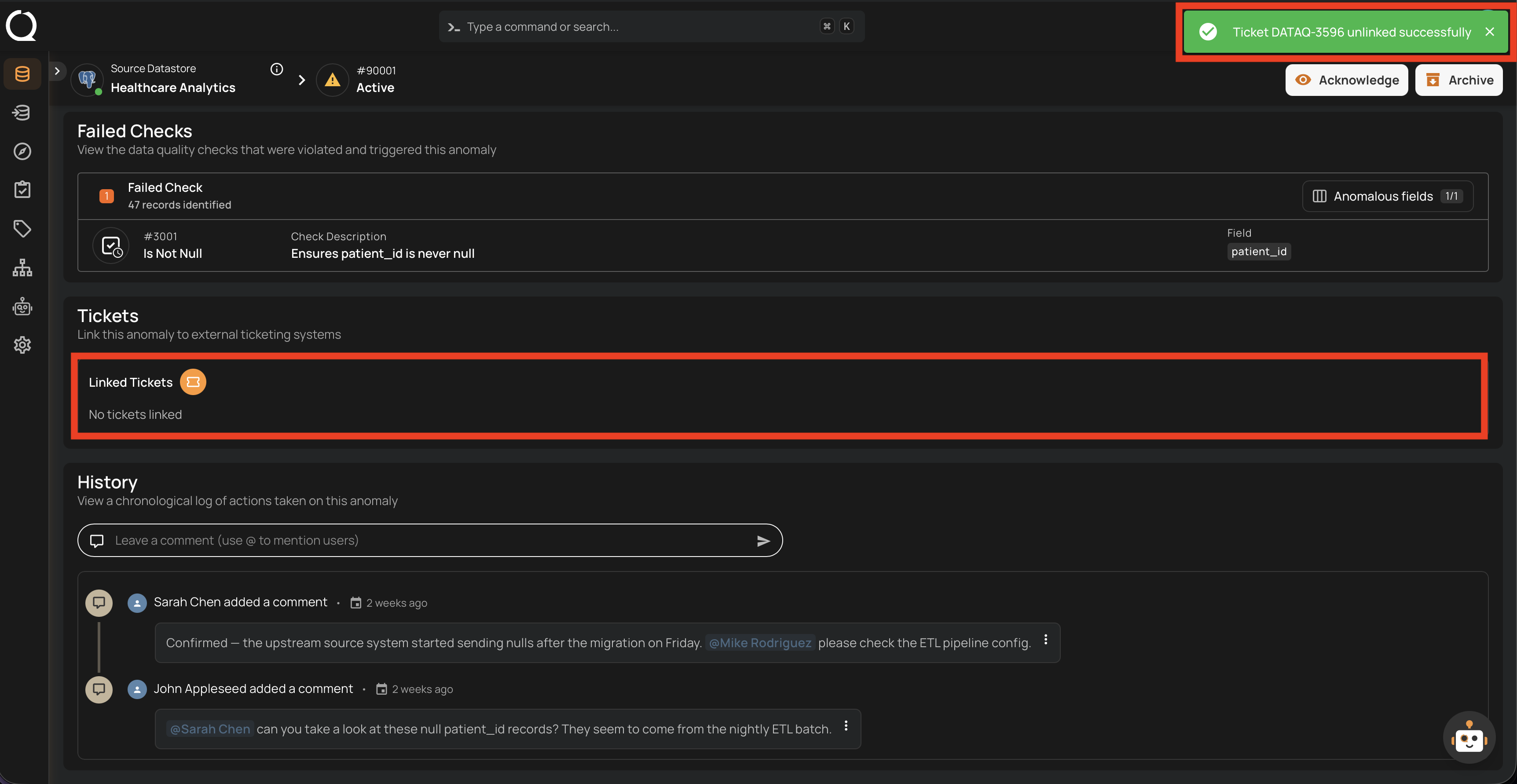
Step 3: A success notification appears, and the Linked Tickets section shows No tickets linked (or the remaining tickets if there were others).