Restore Archived Checks
You can restore an archived check to an active or draft state from the Archived list. To restore it as active, use the Activate action, described in detail in Activate Archived Checks.
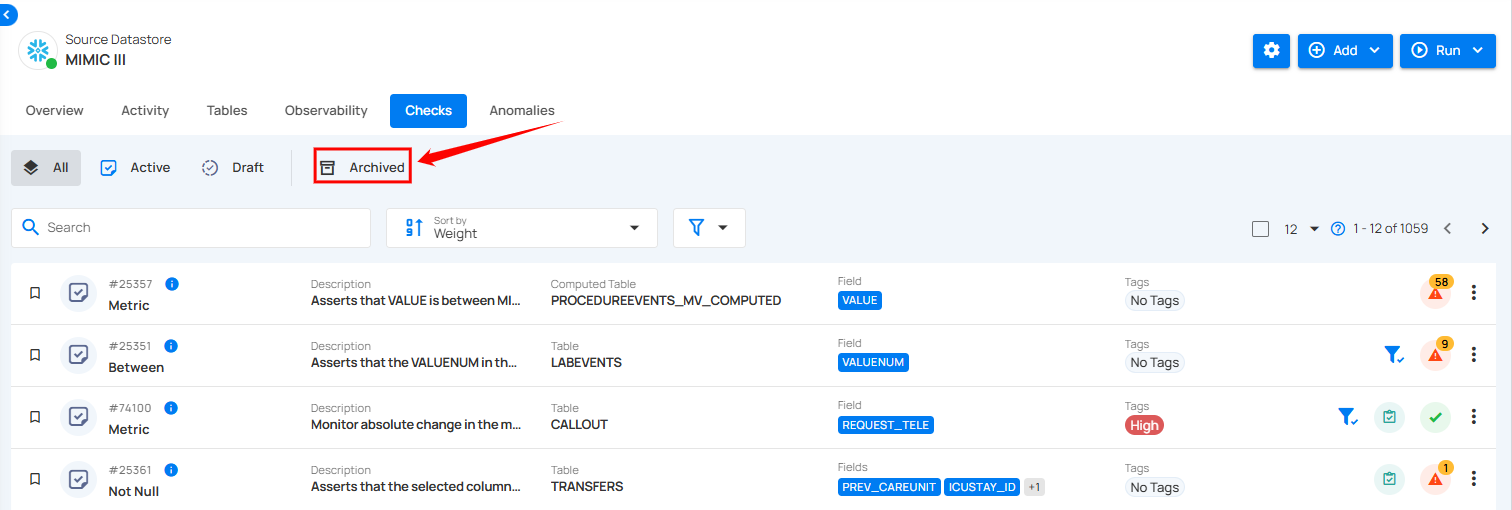
Step 1: Click Archived from the navigation bar in the Checks section to view all archived checks.
Step 2: Click the vertical ellipsis (⋮) next to the archived check that you want to restore.
Step 3: Choose how to restore the check:
- Activate: restores the check as an active check. A confirmation modal titled "Activate Check" appears. Click Activate to confirm.
- Draft: restores the check as a draft check.
Activate restores the check once you confirm, and Draft restores it right away with no confirmation. A success message appears after either action.