Export Activity
The Export button in the Platform Audit filter bar downloads the current page of the activity log as a CSV file. This page covers how the export behaves and which fields it includes.
Permissions
Only users with the Admin user role can access the Audit page. See the Permissions page for the full matrix.
Exporting the current page
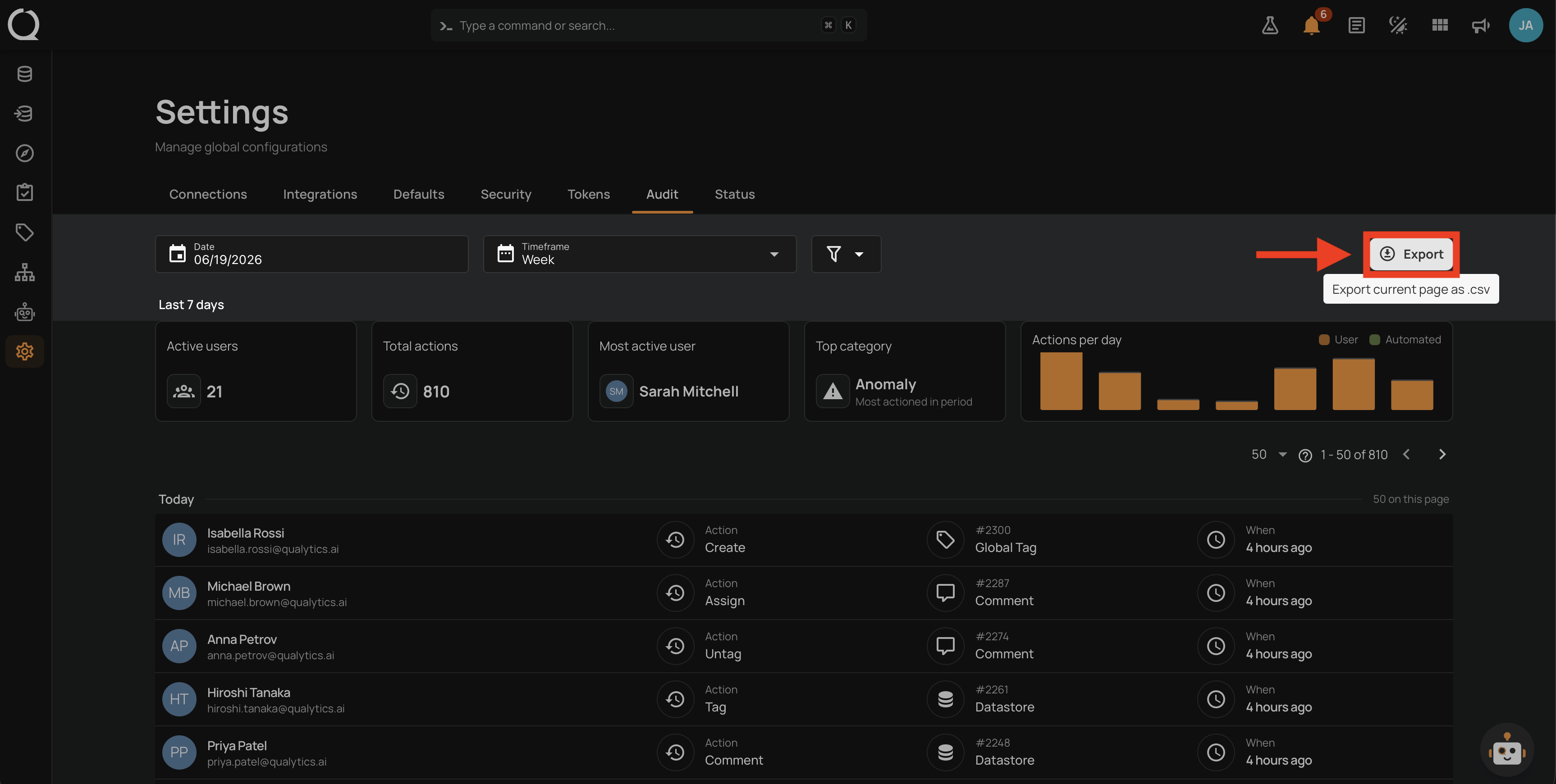
Click the Export button at the right edge of the filter bar. The browser downloads a file named audit-<report-date>.csv, where <report-date> is the value currently set in the filter bar's Date field.
Empty pages cannot be exported
The Export button is disabled whenever the activity log is empty. A short tooltip Export current page as .csv appears on hover when the button is enabled.
CSV columns
Each row corresponds to one activity entry and contains these columns:
| Column | Description |
|---|---|
user |
The actor's display name. Unknown is written when the user account no longer exists. |
action |
The action verb in human-readable form (Create, Update, Delete, and so on). |
entity_id |
The numeric ID of the affected entity (blank when the action does not target a specific entity). |
entity_type |
The entity type label (Anomaly, Quality Check, Datastore, and others). |
issued_at_local |
The action timestamp formatted in the viewer's local timezone. |
issued_at_utc |
The action timestamp in raw UTC ISO 8601. |
Export is page-scoped
The export contains only the rows on the current page. To export a larger dataset, increase the page size or paginate through the log and export each page in turn. For full retrospective analysis at scale, prefer the GET /api/activity endpoint, which supports the same filters.