Delete a Computed Join
This page walks through deleting a Computed Join from the Container settings menu. For the conceptual overview, see How Computed Join Works.
Permissions
You need Editor permission on the datastore the Computed Join belongs to, or Author permission plus ownership of this Computed Join. In pairwise mode that datastore is the left datastore; in SQL mode it is the first source's datastore. See Computed Join Permissions for the full matrix.
Before You Delete
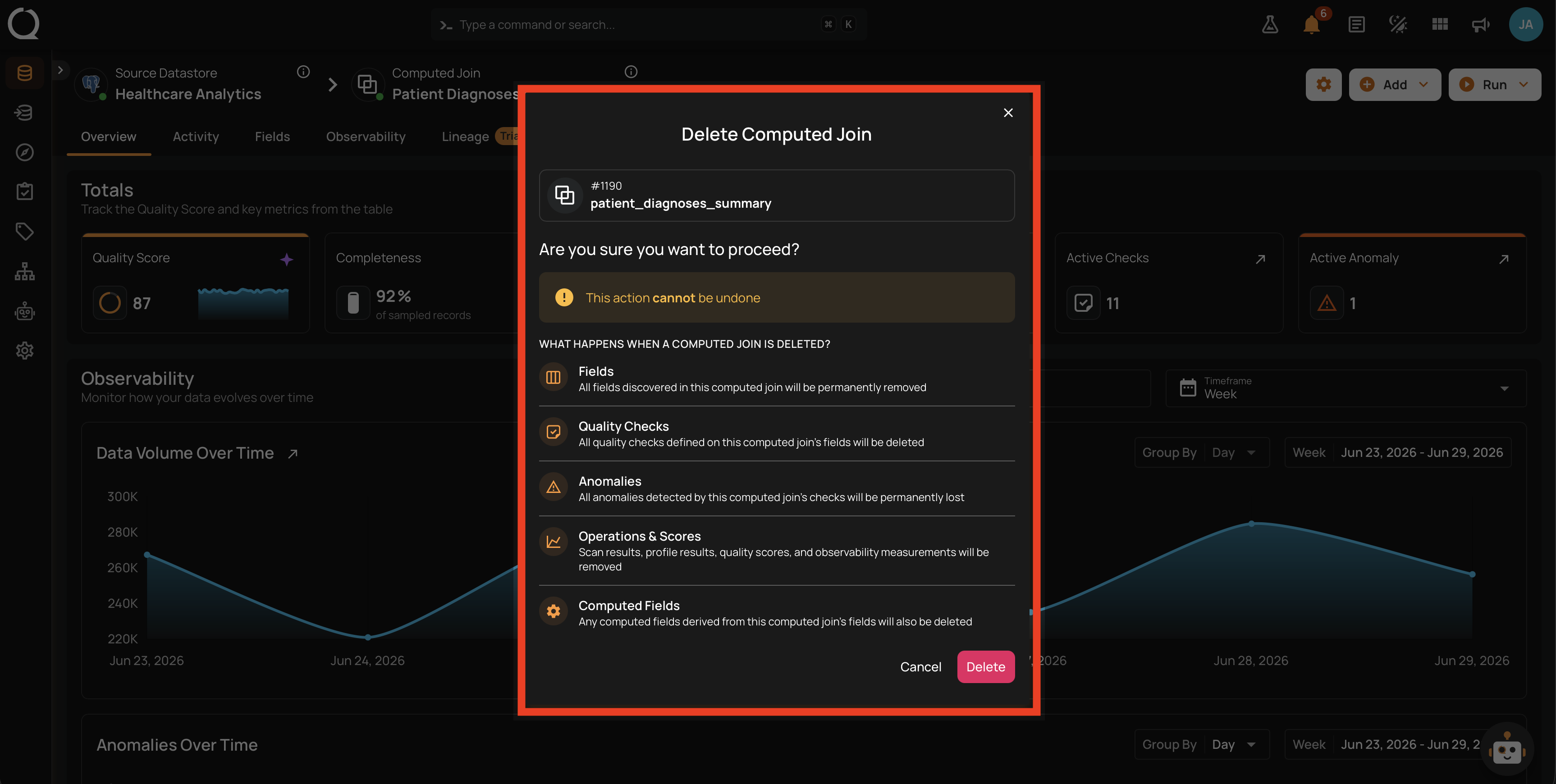
Deleting a Computed Join is irreversible and removes the following:
| Item | What happens |
|---|---|
| Fields | All fields are permanently removed. |
| Quality Checks | All quality checks defined on this Computed Join's fields are deleted. |
| Anomalies | All anomalies detected by this Computed Join's quality checks are permanently lost. |
| Operations & Scores | Scan results, profile results, quality scores, and observability measurements are removed. |
| Computed Fields | Any Computed Field derived from this join's fields is also deleted. |
The source containers, their data, their quality checks, and their anomalies are not affected. This covers the left and right containers in pairwise mode, and every aliased source in SQL mode.
There is no soft-delete or recovery. If you want to stop running checks against this join without losing it, archive the checks instead of deleting the join.
Steps
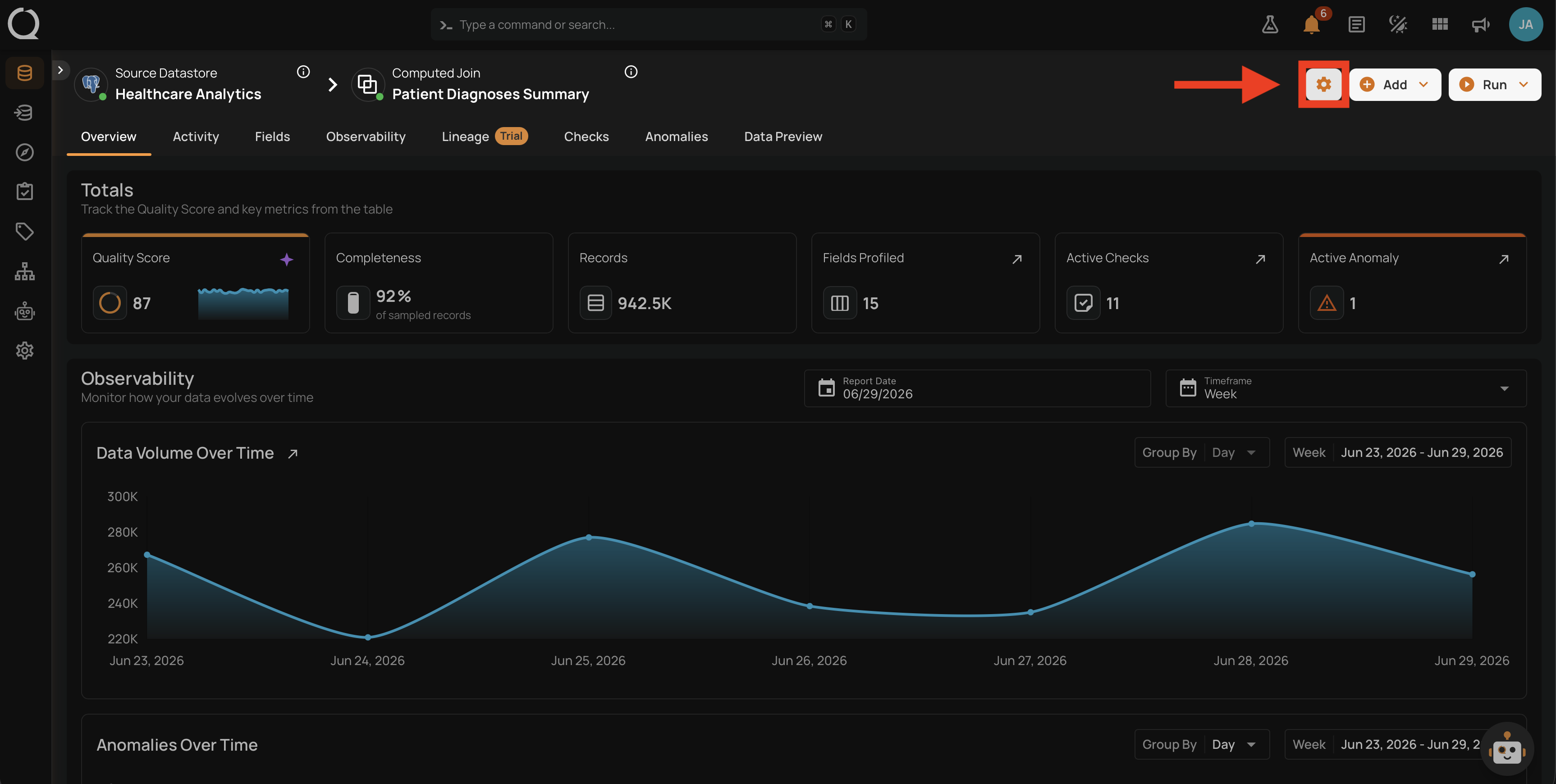
Step 1: Click the Container settings menu (gear icon) on the Computed Join's card or detail page.
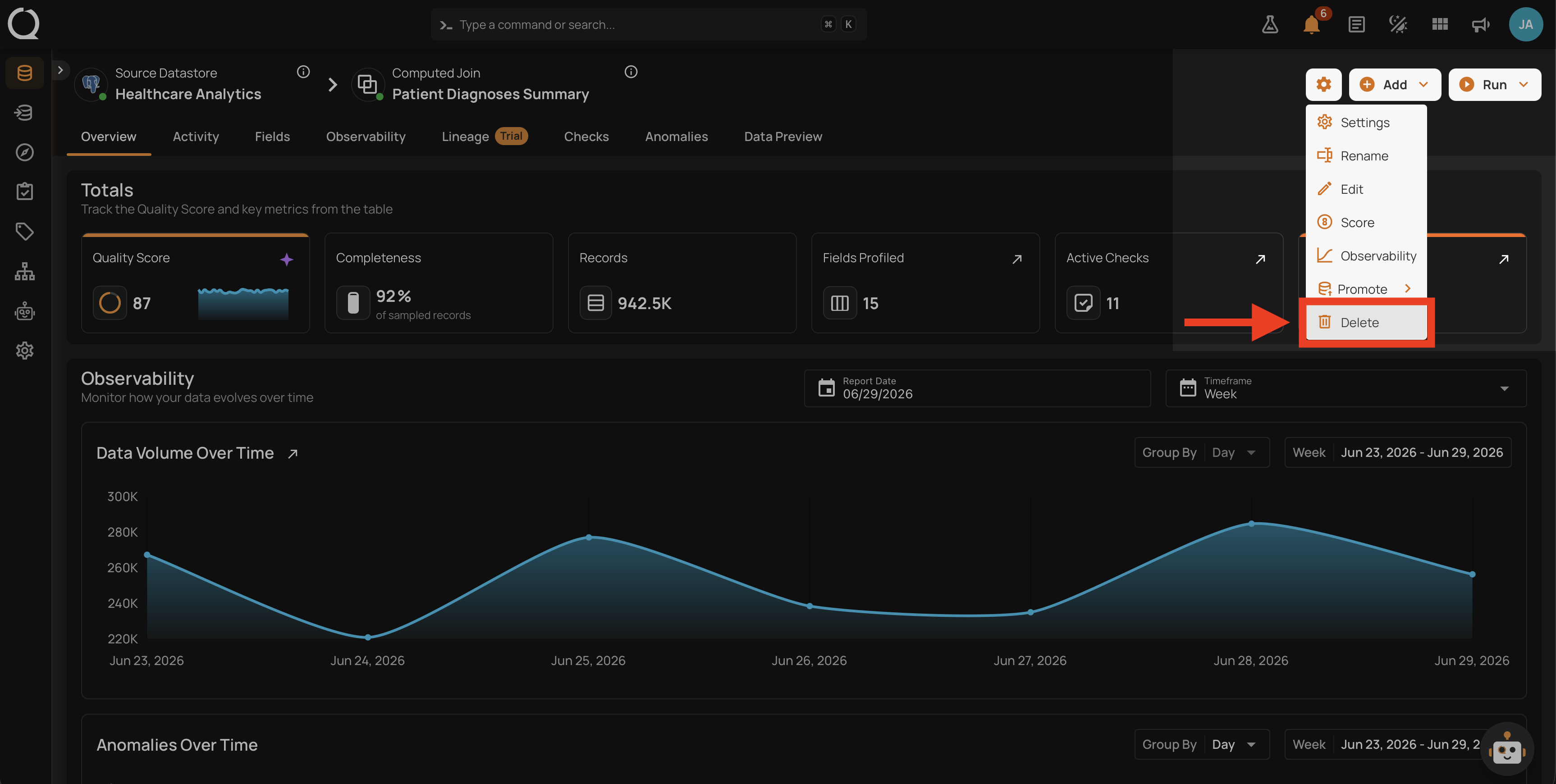
Step 2: Click Delete in the dropdown.
Step 3: A confirmation dialog appears with the header Delete Computed Join and a summary of what will be removed.
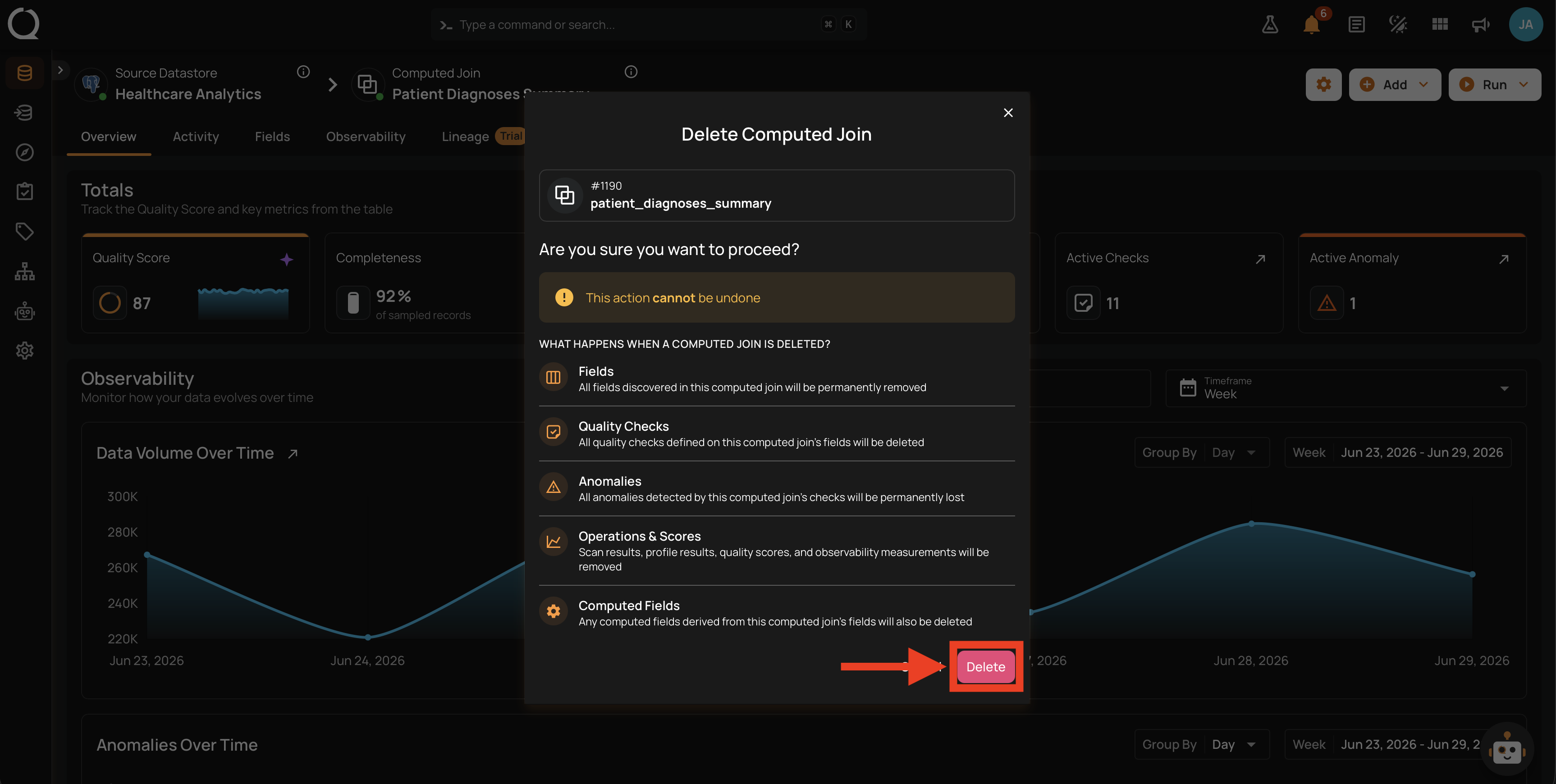
Step 4: Click Delete in the dialog to confirm.
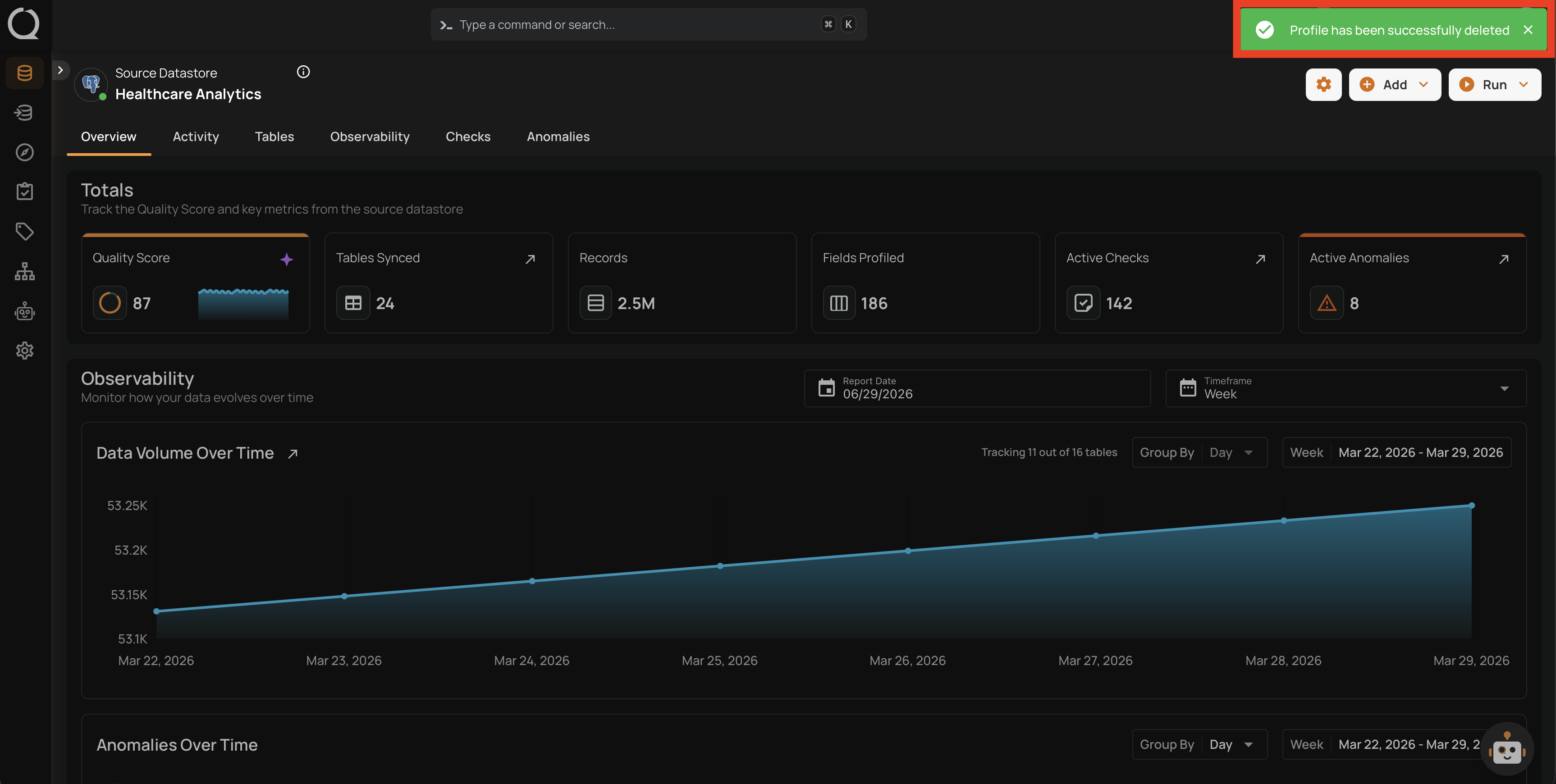
Step 5: A success message appears and the Computed Join is removed.
When the Delete Fails
If the Computed Join is referenced by quality checks elsewhere (for example, an Aggregation Comparison, Exists In, Not Exists In, or Data Diff check using the joined output), the delete fails with a message listing the referencing quality checks. Delete or re-target those quality checks first, then retry.
See Container referenced by quality checks (delete) for the literal error message.