Edit Anomaly Description
Editing tags or assignees instead?
The anomaly description is a business-friendly explanation of the data quality issue. When an anomaly is detected, the platform writes a default description summarizing the scan and the checks that failed; see Anomaly Description for what it contains. Users with the Author team permission (or higher) on the datastore can edit that text to add context, clarify the business impact, or document investigation findings.
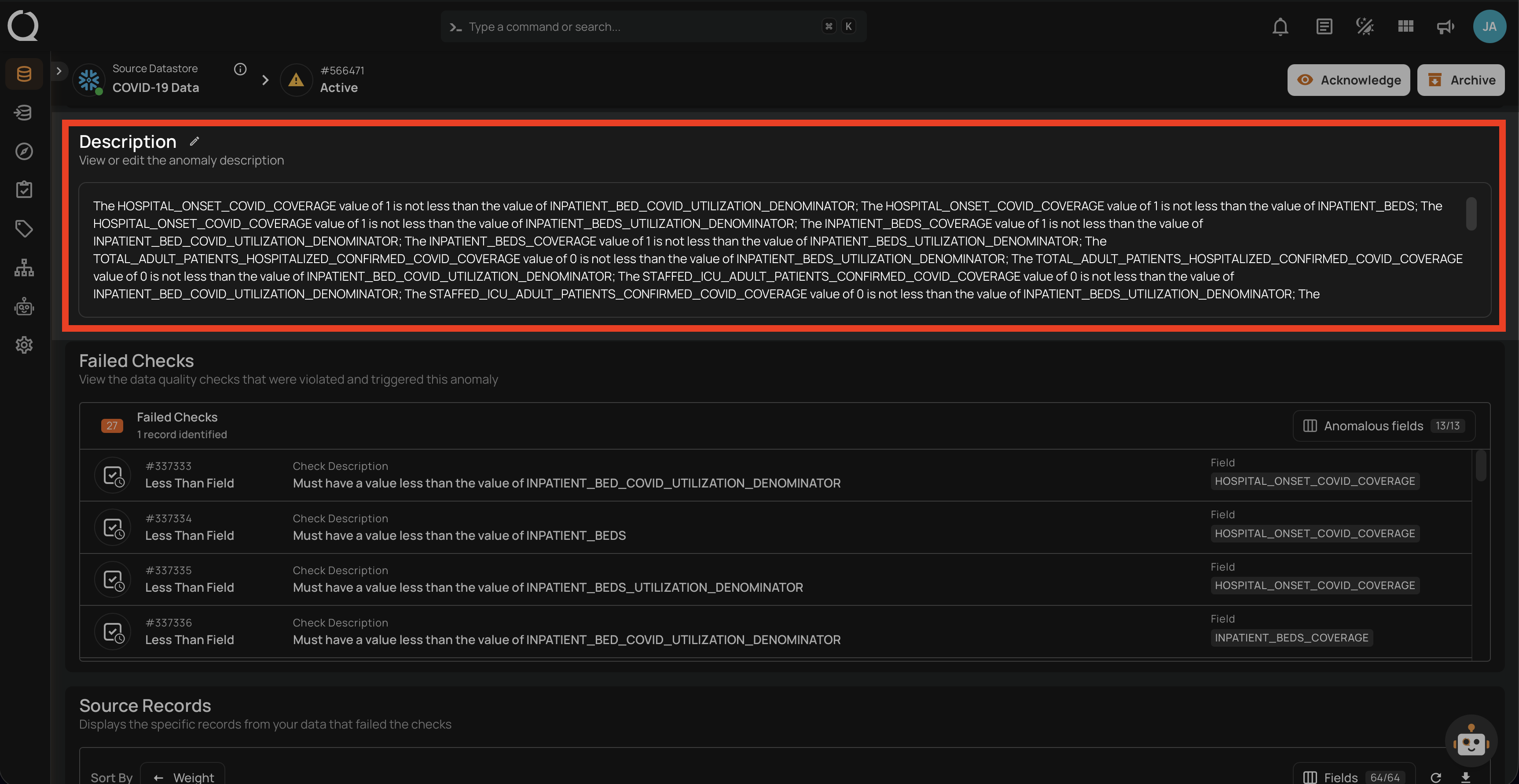
Editing the description
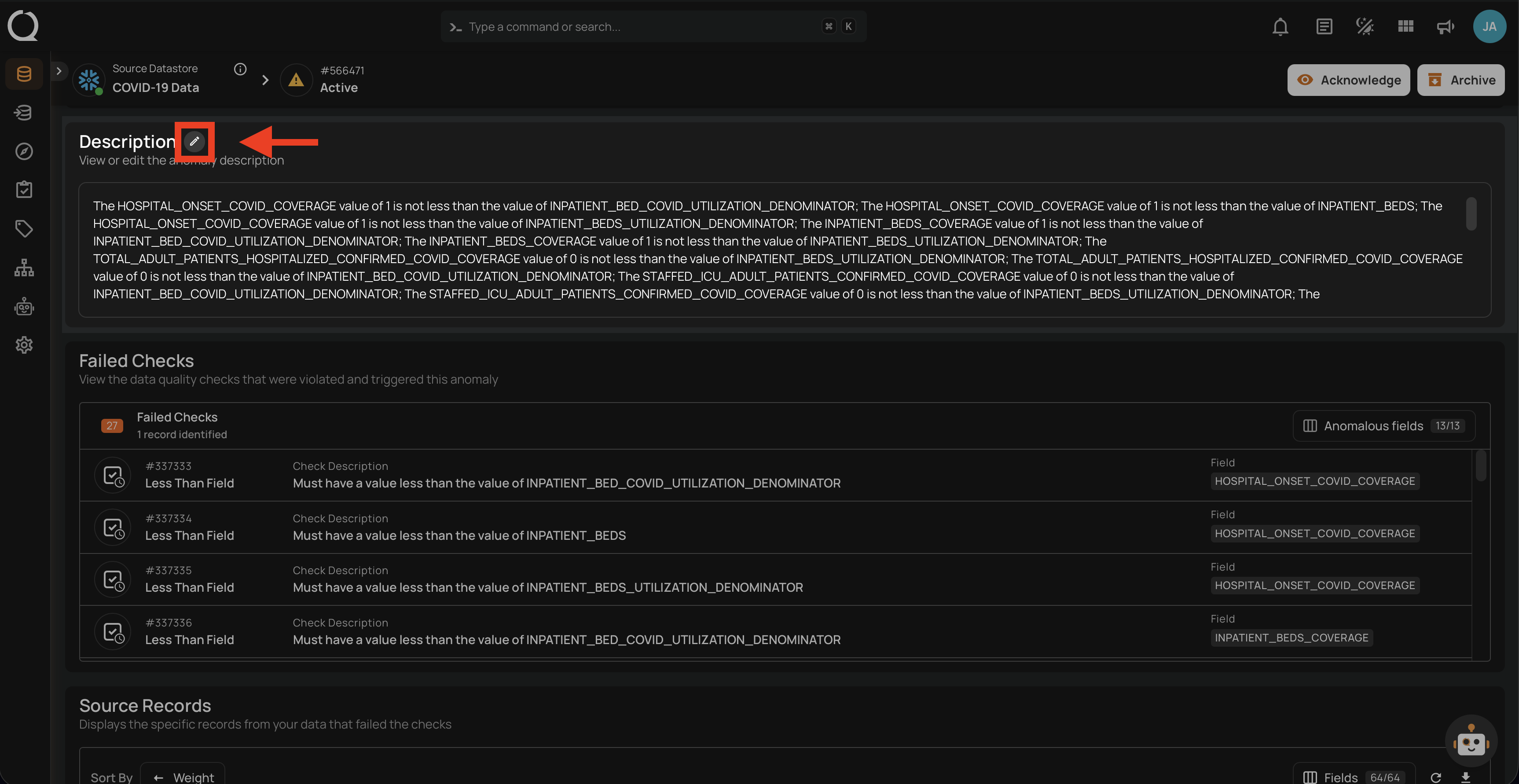
Step 1: Open the anomaly from the anomalies list. In the Description section, click the pencil icon next to the Description label (tooltip: Edit description) to enter edit mode.
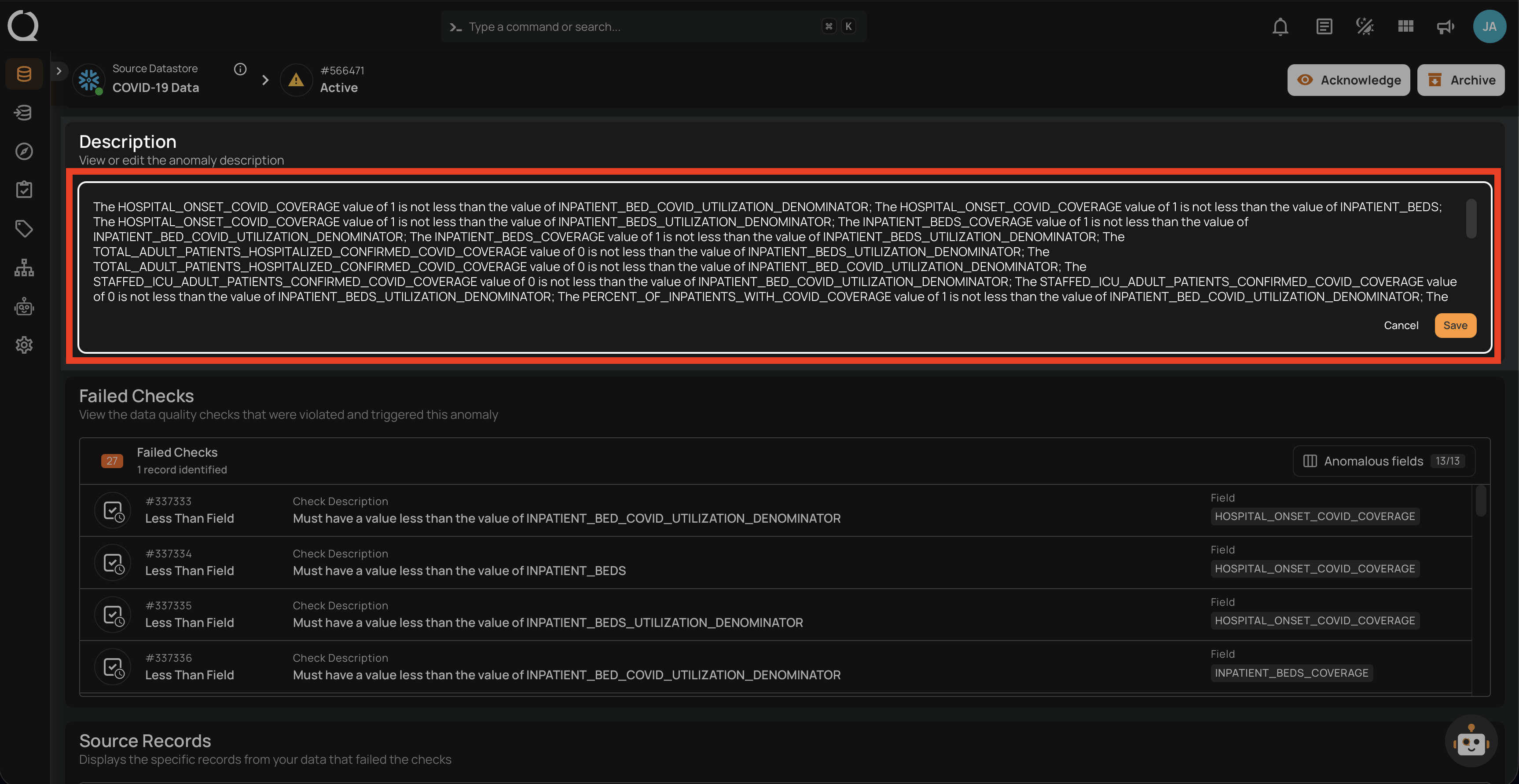
Step 2: Make your changes in the rich-text Markdown editor; you see the formatting as you type. Select text to bring up a toolbar (bold, italic, links, block styles), or type / to insert blocks such as headings, lists, quotes, code blocks, and tables.
Need a starting point?
Click the sparkle icon (Suggest a description) to have AgentQ draft one. If the description already has text, the suggested change is marked over it in the editor so you can review it, then click Replace draft to apply it or Dismiss to keep your text. An applied suggestion can be undone with Cmd+ZCtrl+Z.
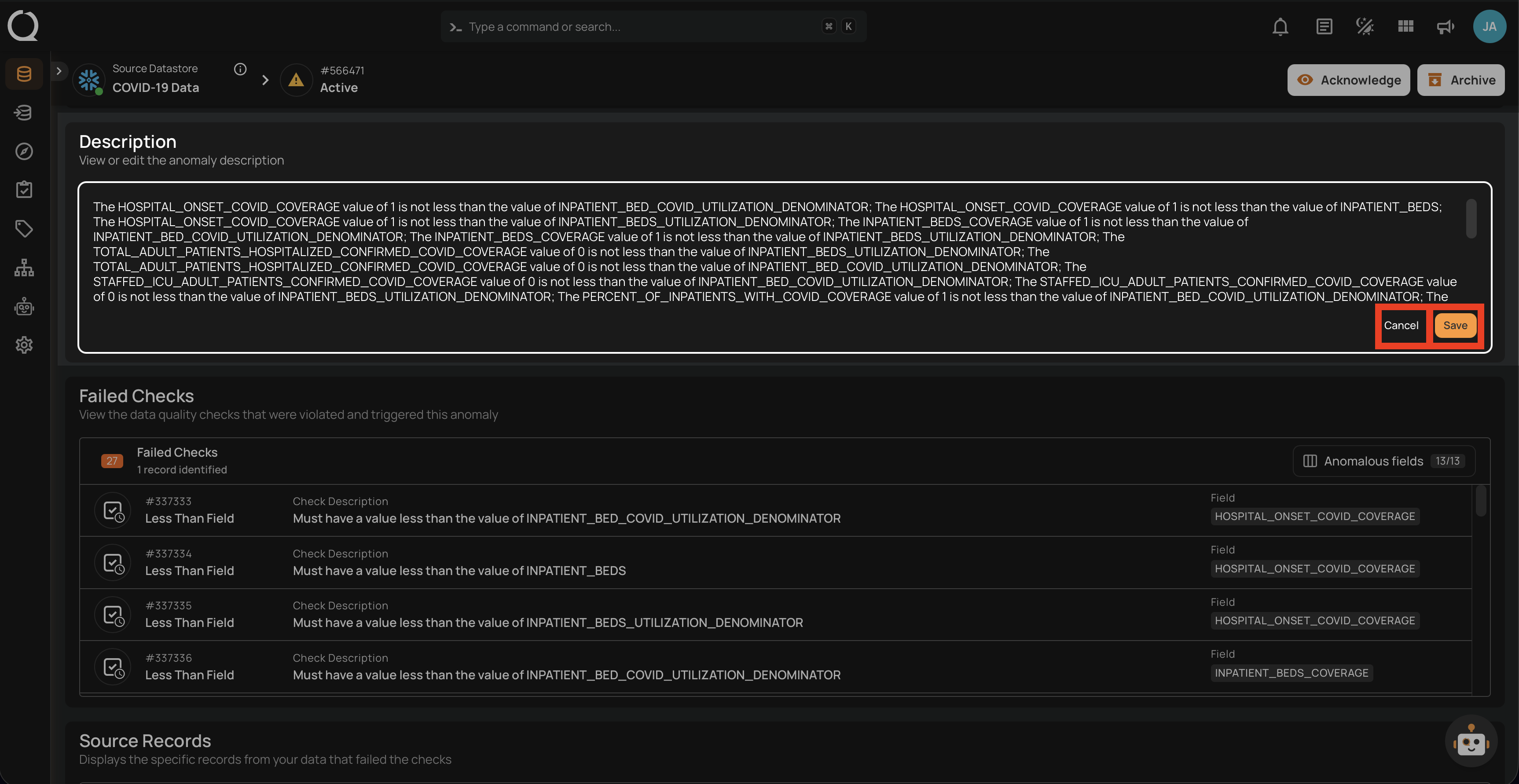
Step 3: Click Save to persist your changes, or click Cancel to discard them and revert to the original description.
Info
Only users with the Author team permission (or higher) on the respective datastore can edit the description through the UI. For more details, see the Team Permissions page.
Note
- The pencil icon is hidden on archived anomalies; restore the anomaly first if you need to edit the description through the UI. See Restore Anomalies.
- All changes to the description are tracked in the Timeline section, maintaining a complete audit trail of modifications. See Timeline on the Anomaly Insights page.