Global Search
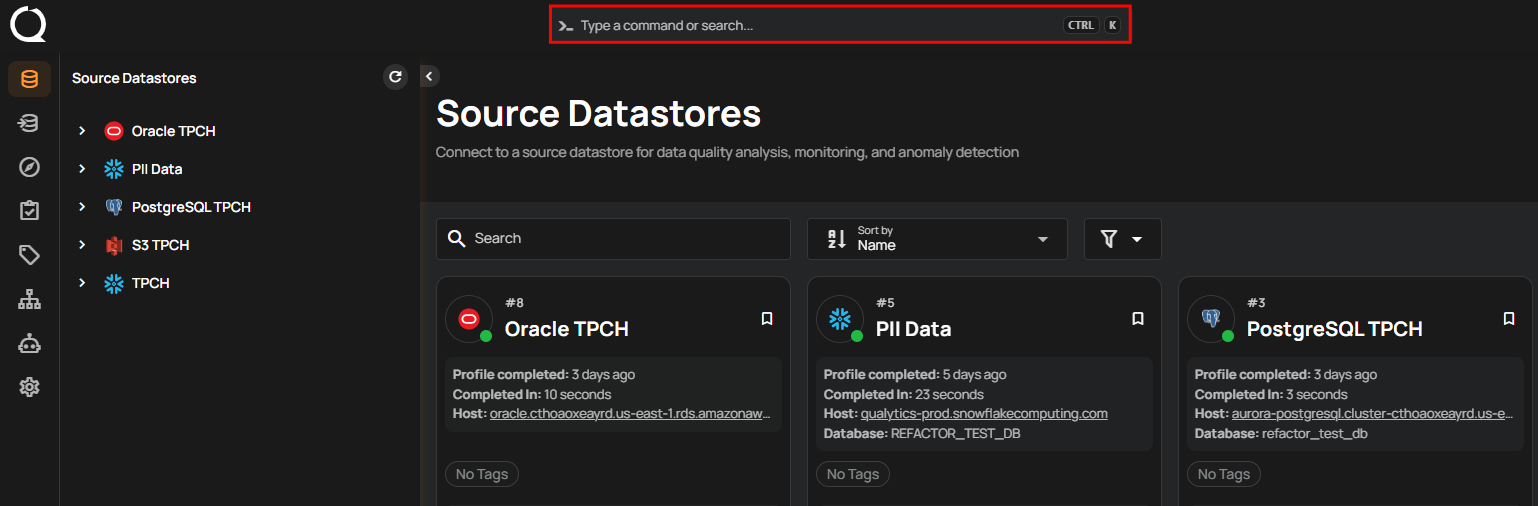
Global Search is a command palette in Qualytics that lets you navigate, run operations, and create items across the platform without leaving the keyboard. Open it from the search bar at the top of the dashboard.
Tip
Press Cmd+KCtrl+K for quick access to Global Search from anywhere in the platform.
What You Can Do With Global Search
Global Search doubles as a command palette and a navigation tool. Use it to:
- Navigate to any major area of the platform (Datastores, Explore, Library, Tags, Flows, Recipes, Settings) without leaving the keyboard.
- Find assets: datastores, tables and files, fields, and flows by name or ID, and checks, check templates, anomalies, and operations by ID. Results are ranked, with exact matches first.
- Run operations like sync, profile, scan, export, or materialize on a selected asset.
- Create quality checks, check templates, flows, tags, teams, service users, and tokens.
- Act on the page you are on: rerun, abort, resume, or delete an operation from its page, or activate and deactivate a flow from its page.
- Open documentation: the User Guide, the API Docs, and the Qualytics CLI and MCP docs from any page.
Where to Go Next
-
Command Palette
A deeper look at the command-palette experience: how to open it, navigate the results, and execute actions with the keyboard.
-
Keyboard Shortcuts
The full list of keyboard shortcuts available across the Qualytics platform, including the search bar, operations, checks, and navigation.