Discover
The Discover menu in Qualytics is a dropdown that gathers everything you need to learn about, extend, or get help with the platform. It groups external resources into four sections — Products, Resources, API, and Support — so you can jump from the web app to docs, tooling, or the helpdesk without losing your place.
Open the Discover Menu
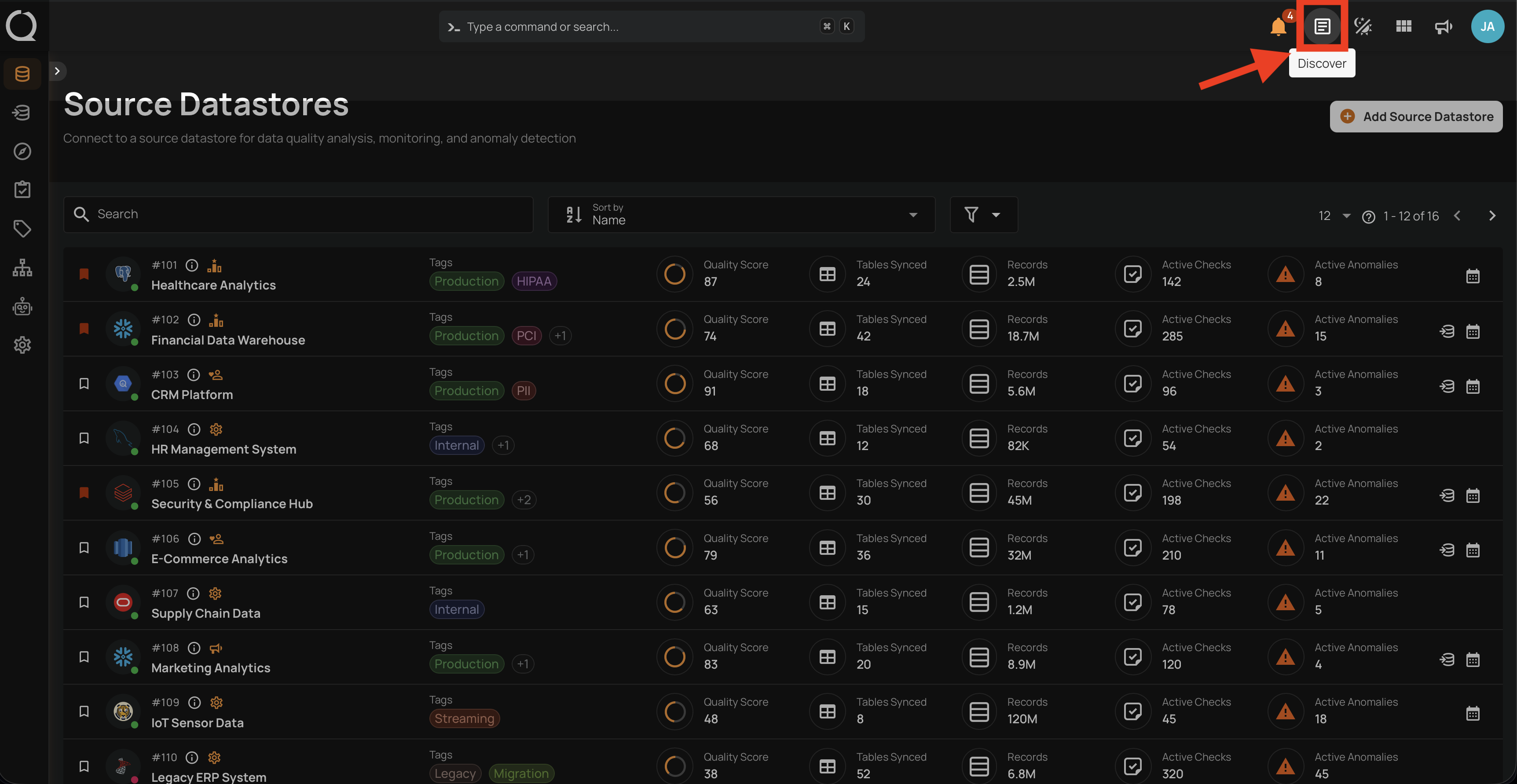
Step 1: Click the Discover button in the top-right corner of the toolbar.
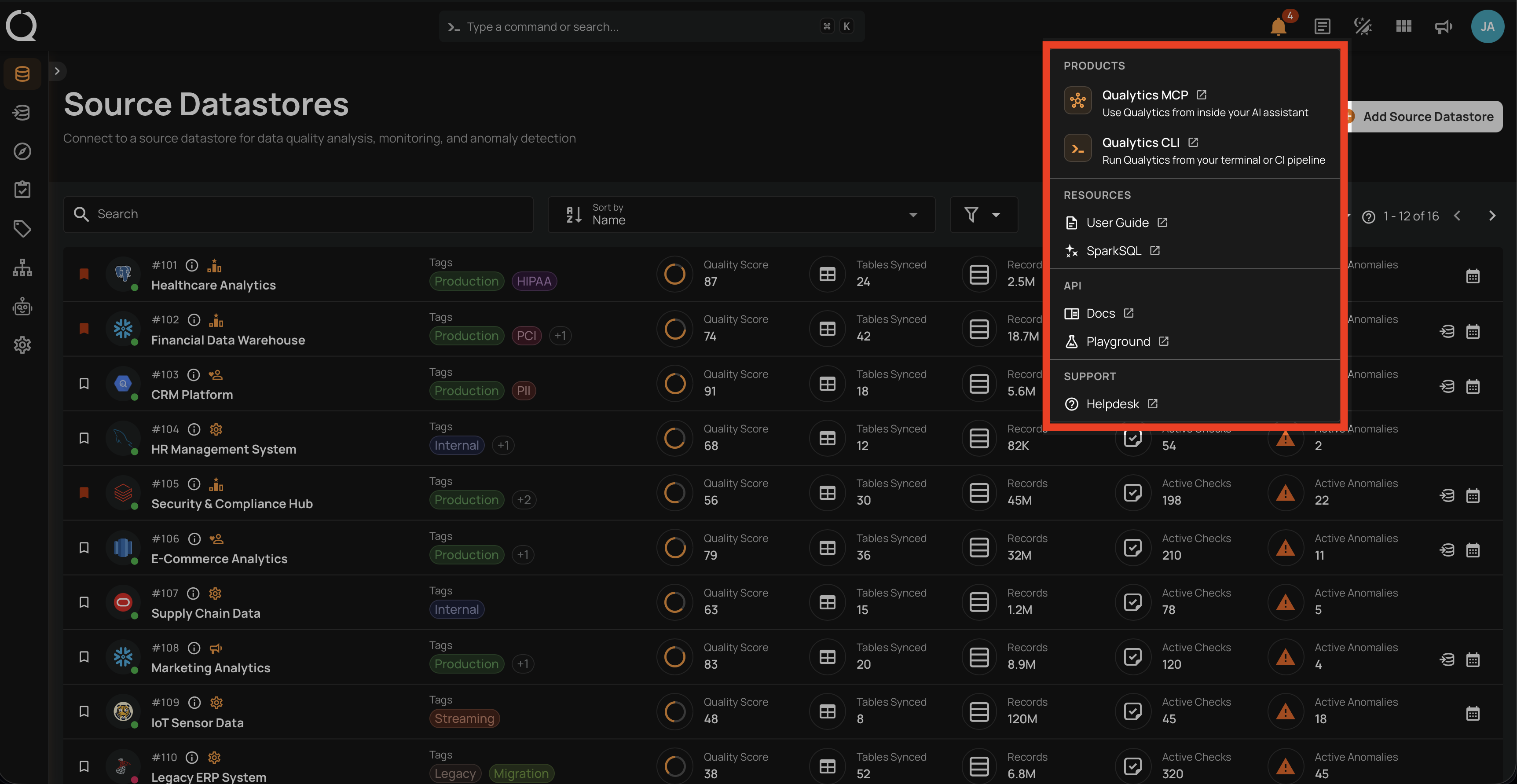
Step 2: The Discover dropdown opens with four sections — Products, Resources, API, and Support — each containing one or more links that open in a new tab.
Products
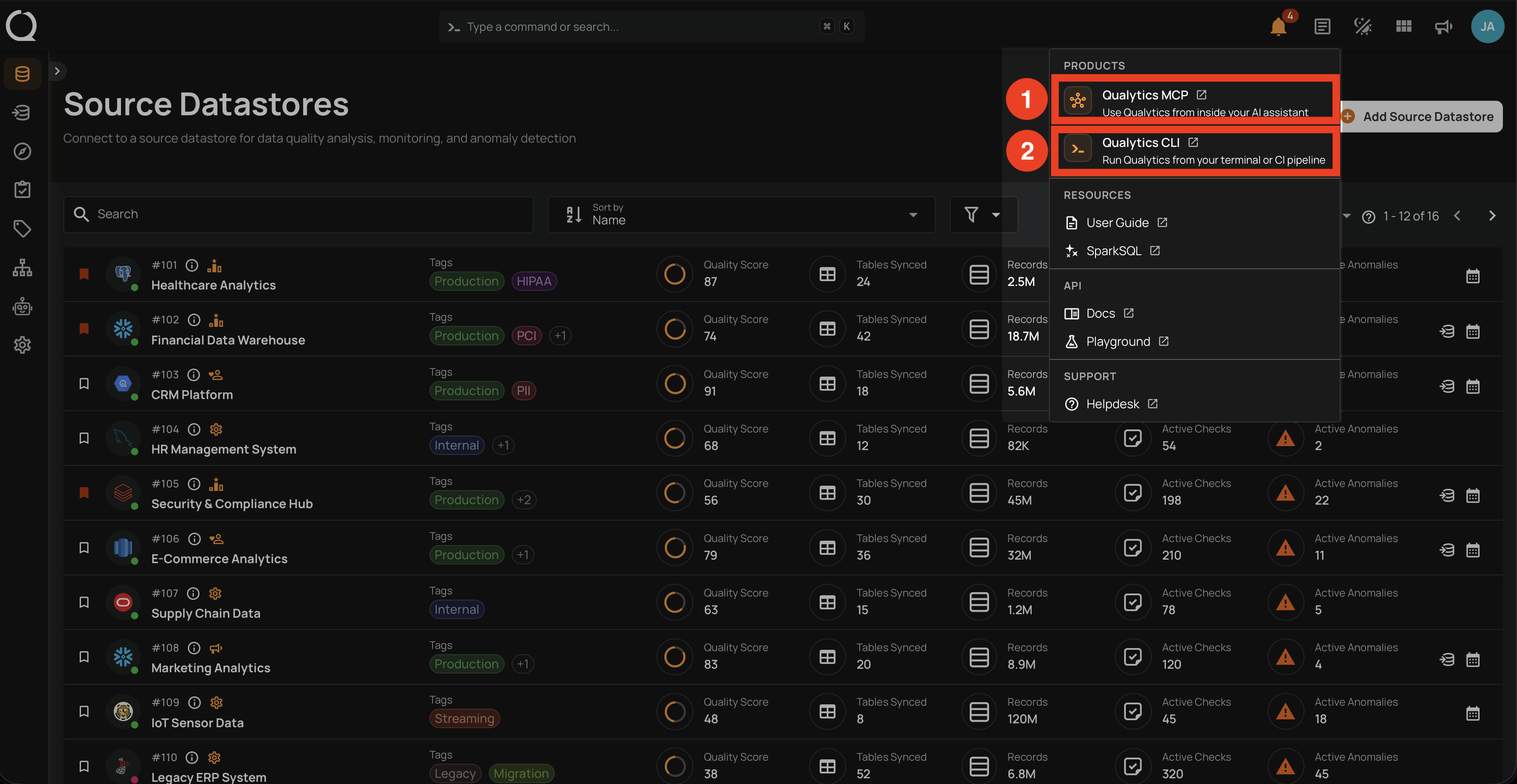
The Products section links to companion Qualytics products that extend the web app into other environments.
| Ref | Product | Description |
|---|---|---|
| 1 | Qualytics MCP | Use Qualytics from inside your AI assistant by exposing data quality actions through the Model Context Protocol. |
| 2 | Qualytics CLI | Run Qualytics from your terminal or CI pipeline to automate operations and integrate quality checks into your workflows. |
Resources
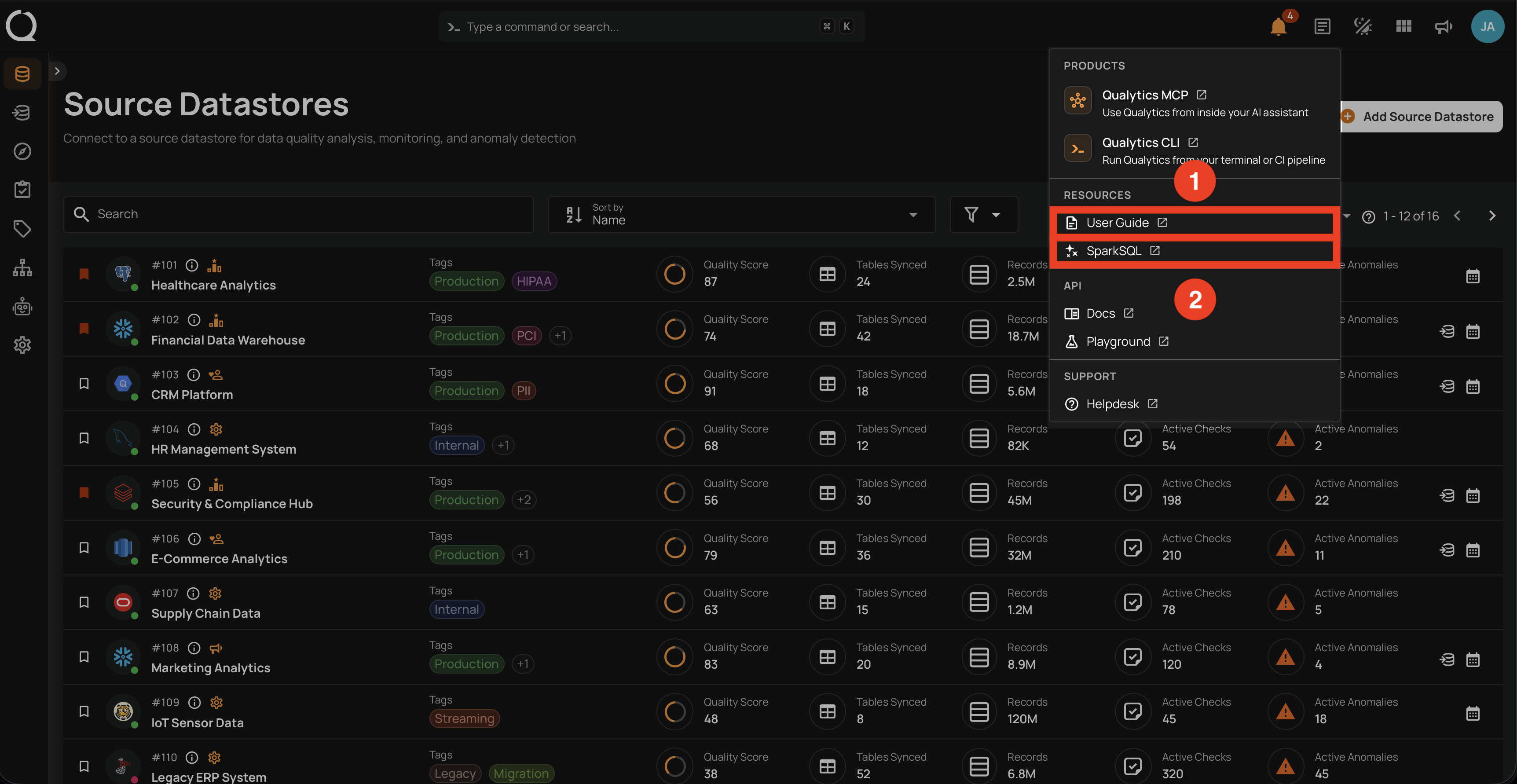
The Resources section opens learning material that helps you get more out of Qualytics.
| Ref | Resource | Description |
|---|---|---|
| 1 | User Guide | Opens the Qualytics User Guide with detailed instructions on how to use the platform. |
| 2 | SparkSQL | Opens the SparkSQL reference, useful when writing filter clauses and SQL-based quality checks. |
API
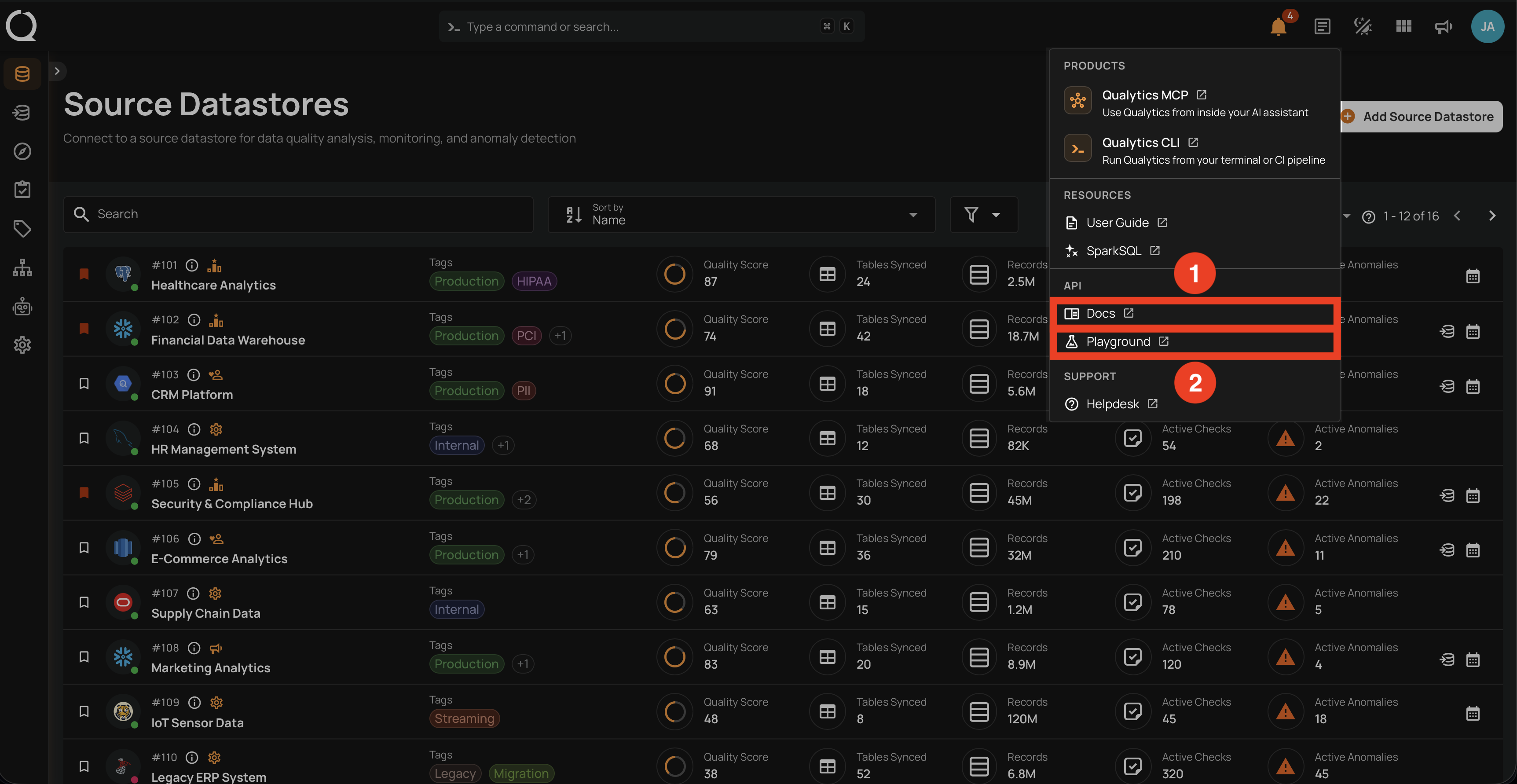
The API section gives you access to the Qualytics API surface for programmatic integrations.
| Ref | Resource | Description |
|---|---|---|
| 1 | Docs | Opens the API documentation with endpoint details, request/response schemas, and authentication. |
| 2 | Playground | Opens an interactive environment where you can test API calls against your workspace before wiring them into your application. |
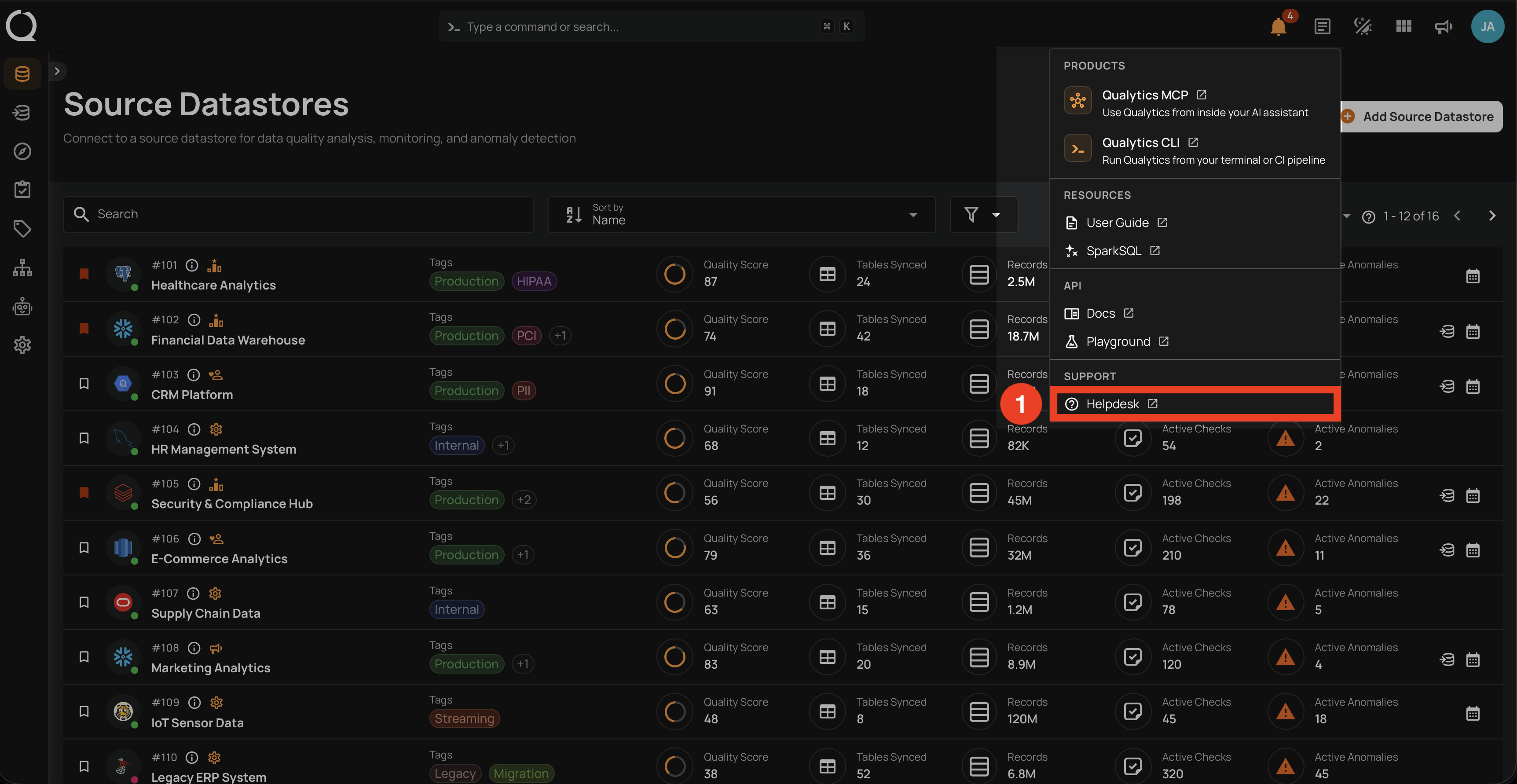
Support
The Support section is the entry point to get help from the Qualytics team.
| Ref | Resource | Description |
|---|---|---|
| 1 | Helpdesk | Opens the support portal where you can browse articles, open tickets, and track existing requests. |