Getting Started with Flow
A Flow is an automation you build on a visual canvas, where a trigger defines when it starts and chained actions define what it does. This hub gathers everything about working with a Flow.
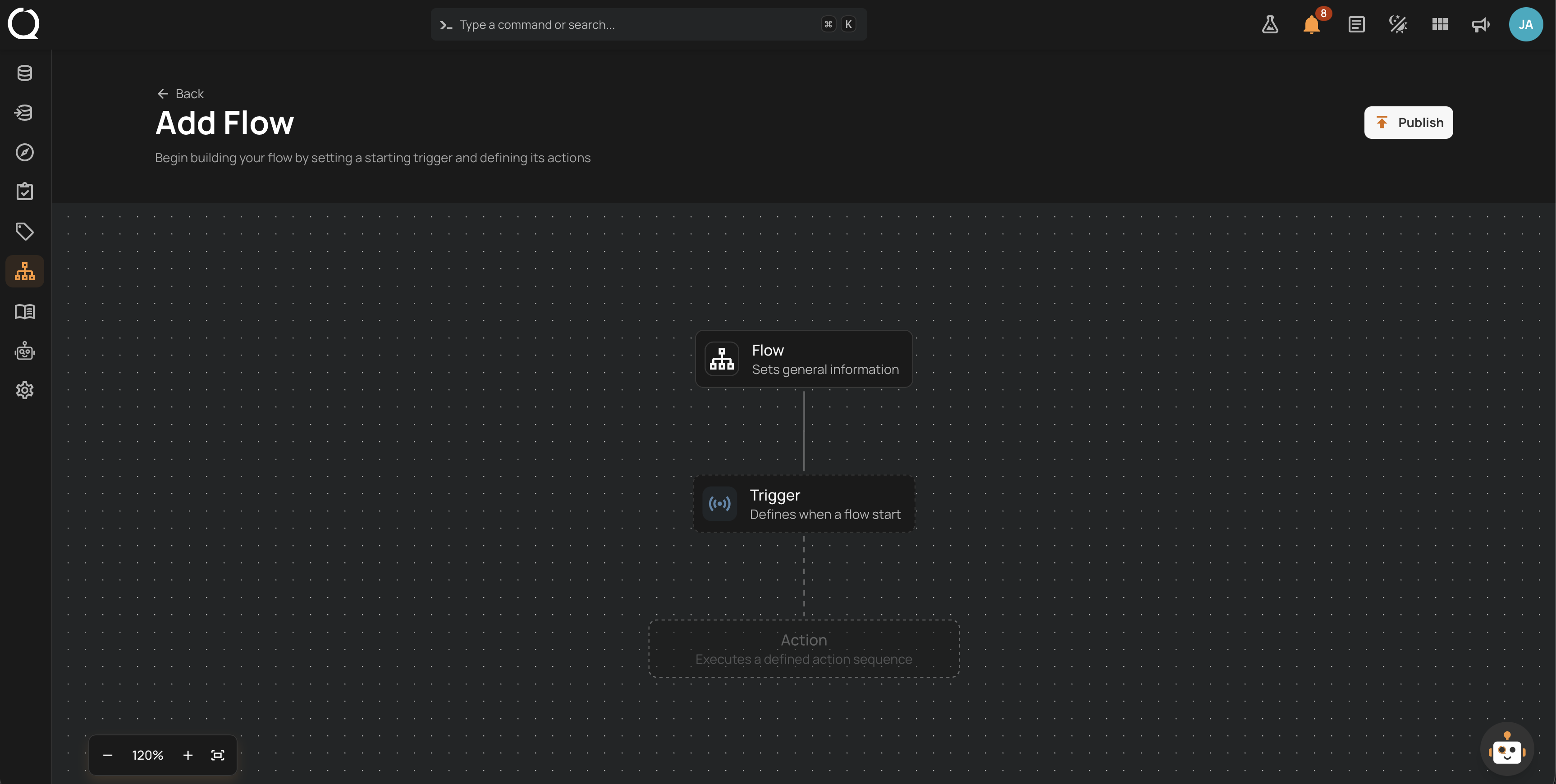
The Deep Dive pages explain the concepts, from what a Flow is and how publishing works to triggers, actions, and executions. The How-tos walk through each task step by step, grouped by what it touches. The API page covers the endpoints, and the FAQ answers the common questions.
Permissions
Anyone can view Flows and their executions. Creating, editing, executing, and deleting a Flow requires the Editor team permission on every datastore it relates to, so any Member or Manager can manage a Flow on datastores they edit, or one that relates to no datastore. Admins can manage every Flow. See Flow Permissions for the full matrix.
Deep Dive
Understand what a Flow is, how the canvas and the publish lifecycle work, what each trigger reacts to, and what actions can run.
-
Introduction
What a Flow is, why to use one, and the three node types every Flow is built from.
-
How It Works
The canvas, Flow settings, chaining rules, and the publish lifecycle behind every edit.
-
Triggers
The six trigger types, schedule configuration, and the filter conditions each type supports.
-
Actions
The five action categories, the chaining rules between them, and where each is documented.
-
Executions
The Definitions and Executions tabs, execution states, and the read-only execution graph.
-
Examples
Real scenarios showing how a trigger and a chain of actions combine into a working automation.
-
Best Practices
Guidelines for building Flows that stay quiet when healthy and loud when something breaks.
-
Permissions
The user roles behind viewing, building, executing, and deleting Flows.
How-tos
Build, run, and manage Flows step by step, grouped by what each task touches.
Flow
-
Create a Flow
Start a new Flow from its two base nodes and publish it.
-
Update a Flow
Edit nodes, follow the CHANGED badges, and publish or cancel the changes.
-
Clone a Flow
Duplicate a whole Flow to reuse its configuration.
-
Activate or Deactivate a Flow
Pause a Flow's triggers without deleting it, and resume them later.
-
Delete a Flow
Permanently remove a Flow, its executions, and its schedules.
-
Navigate the Canvas
Move around the canvas, adjust the zoom, and open each node's settings.
-
View a Flow's Activity
See every published change to a Flow, its trigger, and its actions, with who made it and when.
-
Configure a Trigger
Pick the trigger type, set its schedule or filters, and save it.
Interactions
-
Execute a Flow
Run a manual Flow, or run a scheduled Flow ahead of schedule.
-
Abort an Execution
Stop a running execution and the operations it started.
-
Delete an Execution
Remove a finished execution from the history.
-
Filter and Sort Flows
Search the list and narrow it by trigger type or activation state.