Teams
Teams are the primary mechanism for controlling access to datastores and their associated data assets in Qualytics. By organizing users into teams and assigning datastores to those teams, administrators can ensure that users only access the data they need.
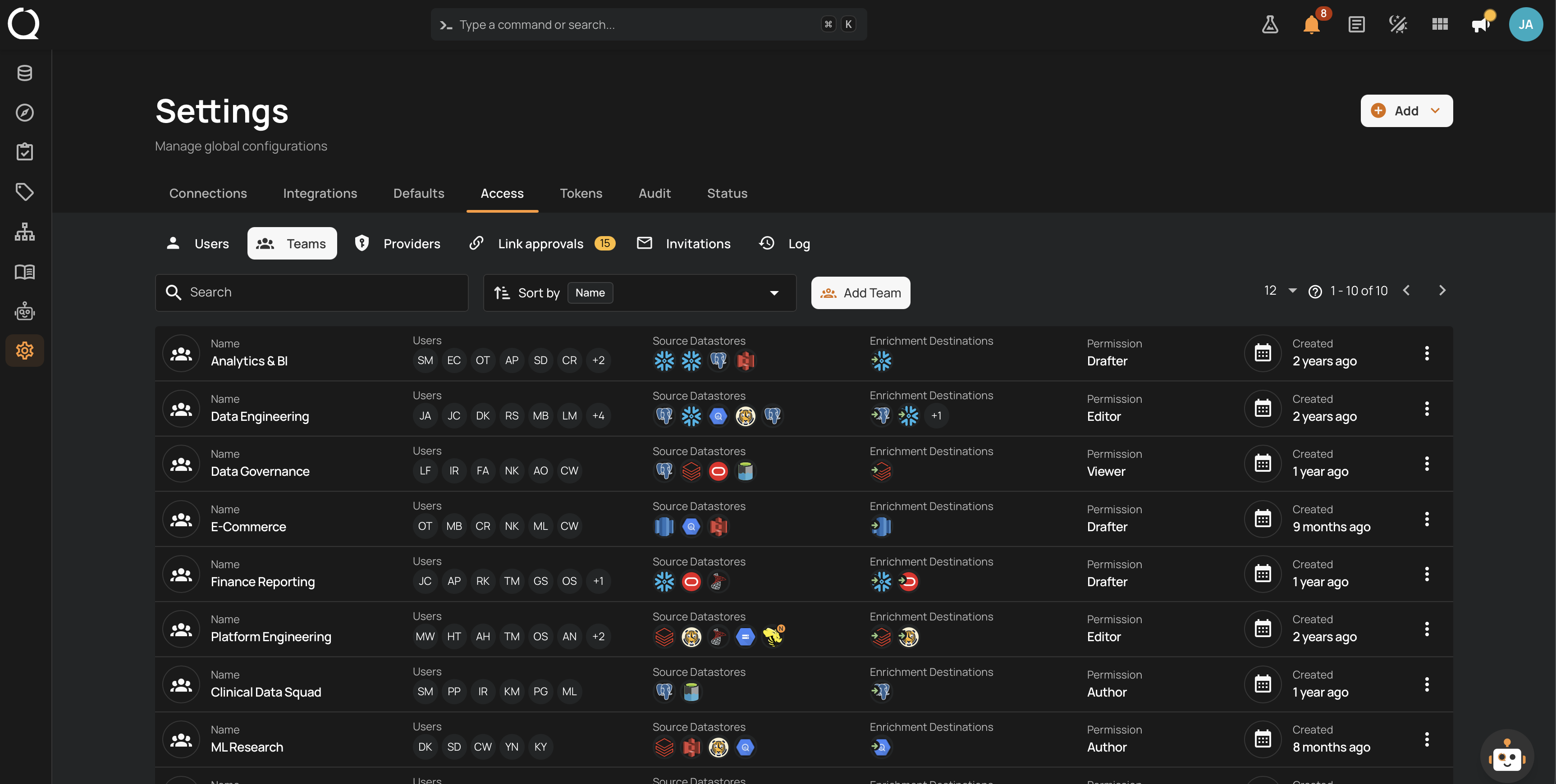
What You Will Find Here
Here you will find the concepts behind Teams, the permission levels a team can have, examples of real team setups, best practices, and who is allowed to manage teams.
There are tutorials for adding, editing, and deleting a team, and for sorting the Teams list.
For API users, there is a dedicated page on how to work with teams from the terminal. And there is a page with nothing but questions and answers.
Deep Dive
Understand how teams work: the permission matrix, worked examples, best practices, and who can manage teams.
-
How It Works
What teams are, how access is granted, Name and Display Name, the Teams list, and how teams relate to user roles.
-
Examples
Team setups for common goals: least privilege by department, a locked-down Public team, a team filled by an identity-provider group, and more.
-
Best Practices
Team organization, permission assignment, Public team usage, and regular audits.
-
Permissions
User roles required to view, create, edit, and delete teams.
How-tos
Create, find, edit, and delete teams.
-
Add Team
Create a new team with permissions, users, and datastore assignments.
-
Edit Team
Update a team's permissions, users, and datastore assignments.
-
Delete Team
Permanently remove a team from the system.
-
Sort Teams
Search the teams list and order it by name or created date.