Unlink Enrichment Datastore
Unlinking an enrichment datastore removes the connection between the source datastore and the enrichment target. After unlinking, no new enrichment data will be written during future Scan operations.
Permission Required
You need the Admin user role to unlink an enrichment datastore. See the Permissions page for details.
Before Unlinking
You cannot unlink if the source datastore has active Export or Materialize operations in flows or scheduled operations. Remove those operations first through the Flows settings.
What Happens When You Unlink
For details on what happens to your data, whether you can re-link, and how to clean up enrichment tables, see the Enrichment Introduction — Unlinking section.
Steps
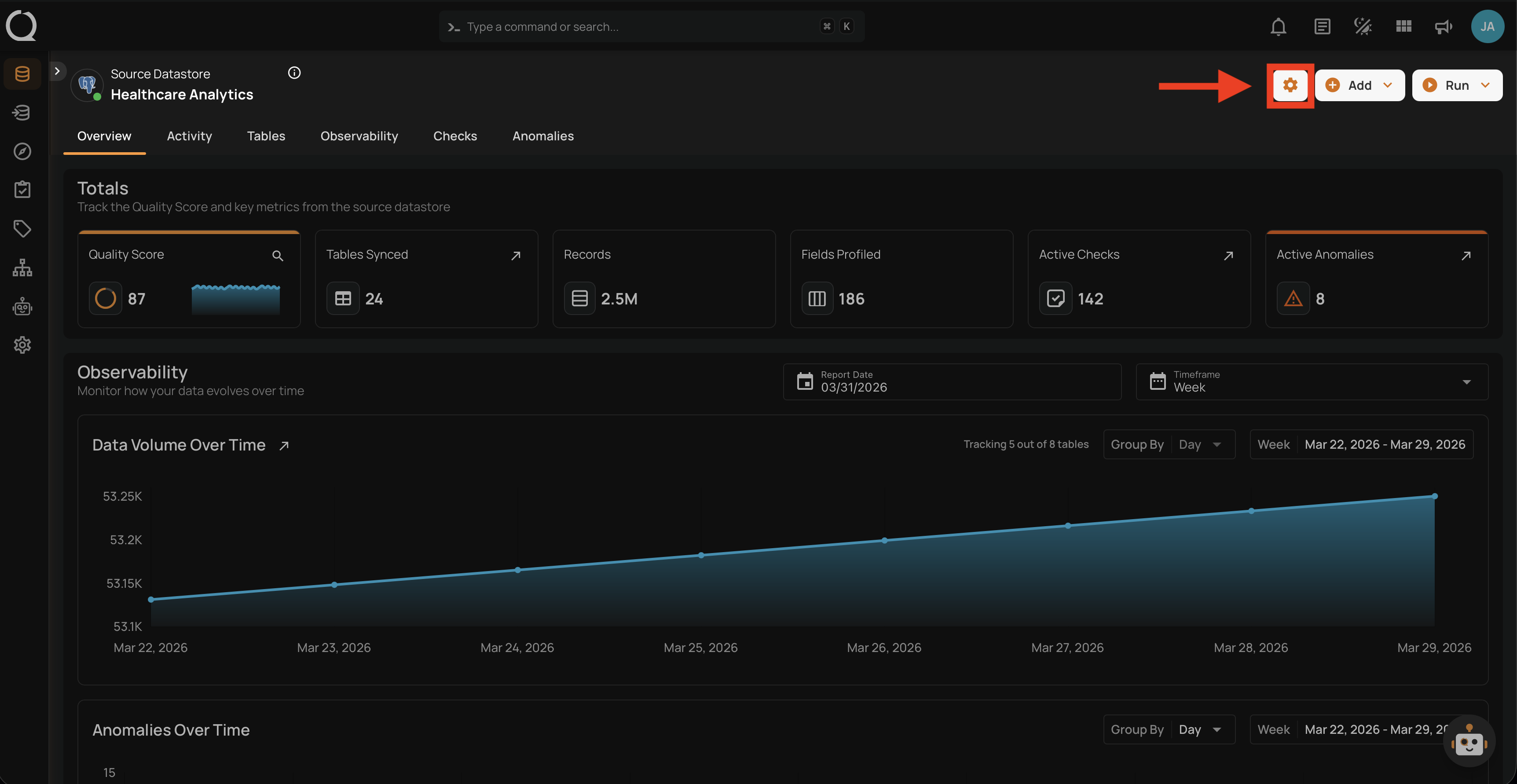
Step 1: Navigate to your datastore overview and click the Settings button located at the top-right corner of the interface.
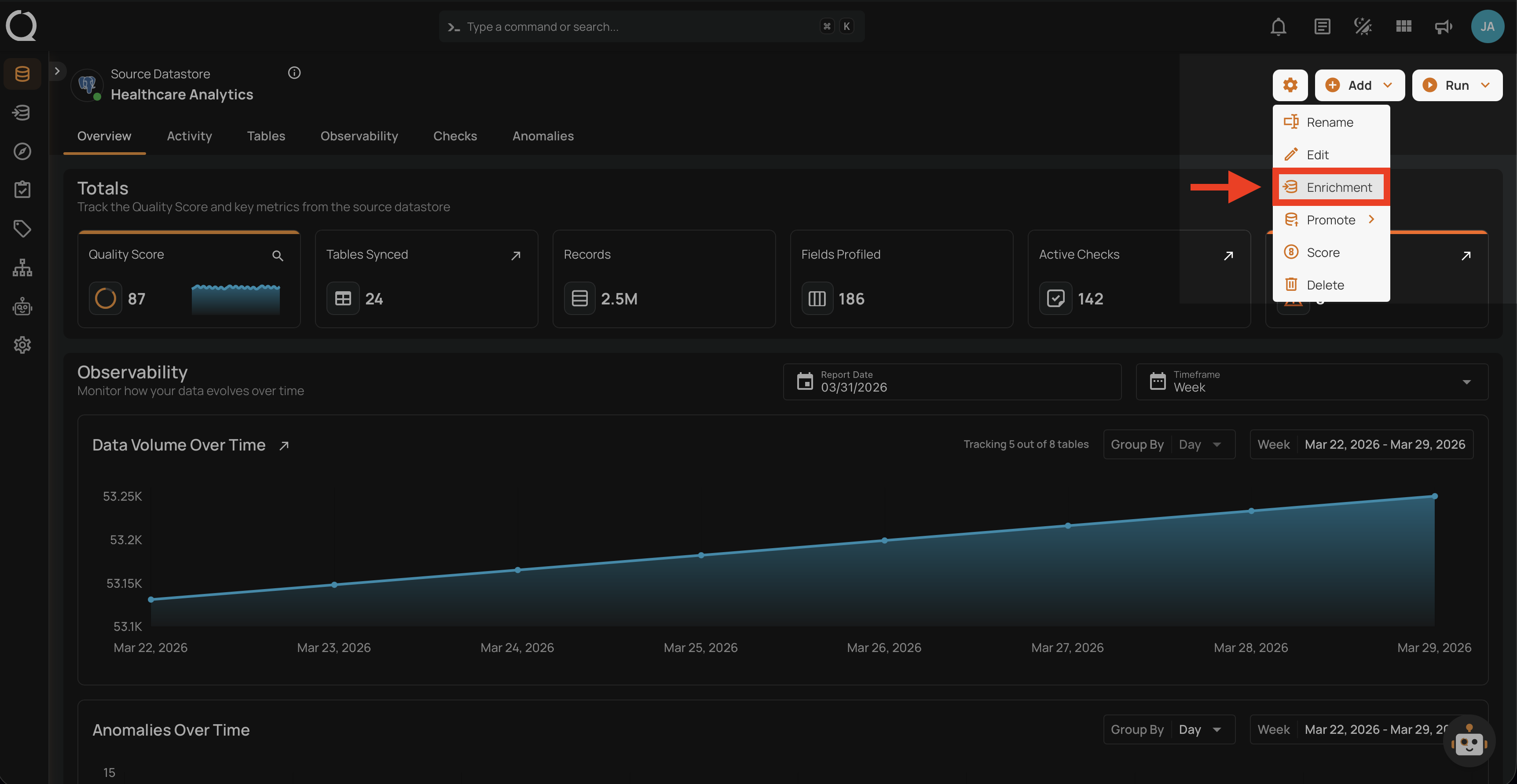
Step 2: A dropdown menu will appear. Click on Enrichment to open the enrichment datastore settings.
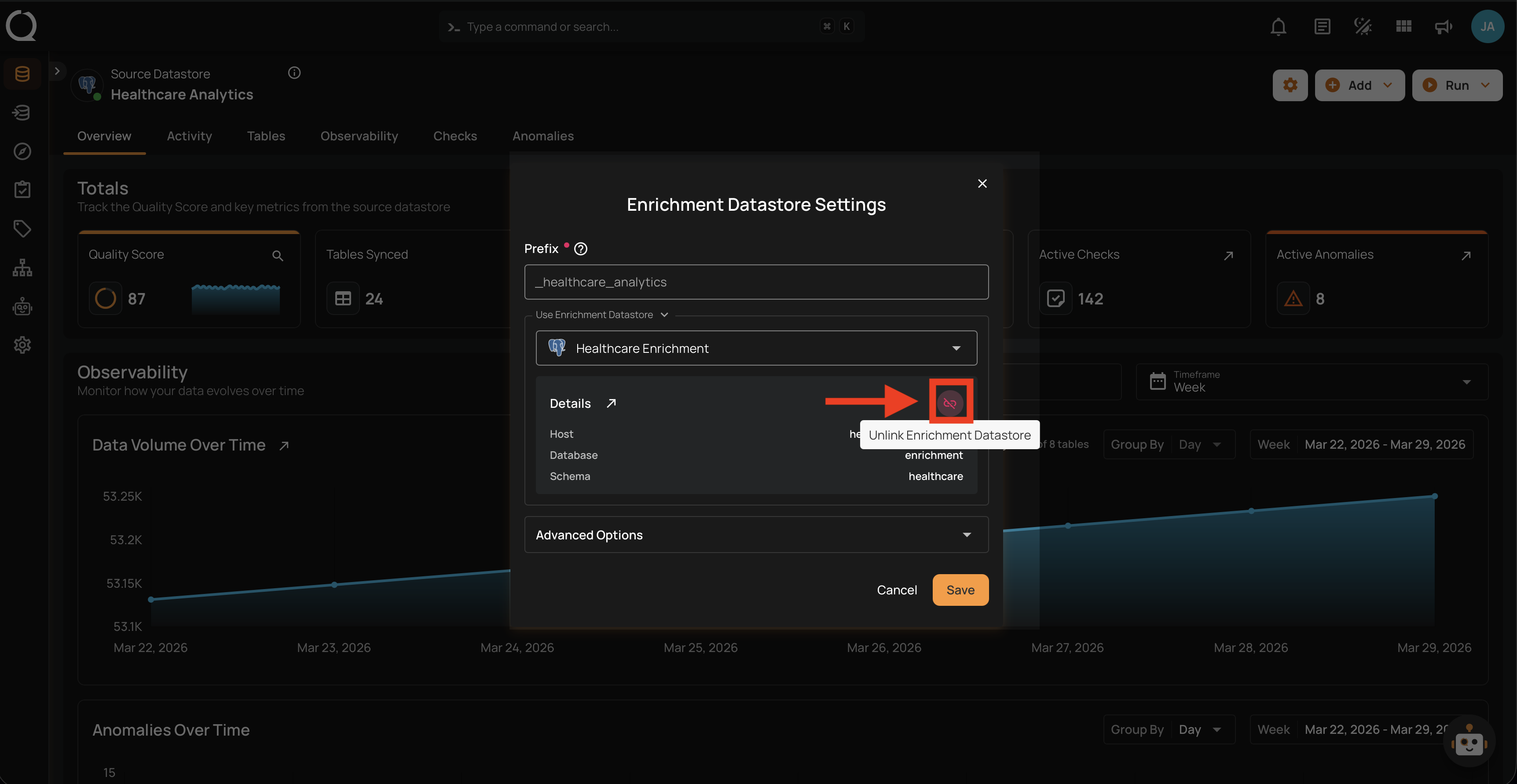
Step 3: The enrichment settings modal will appear. Click the Unlink Enrichment Datastore button located on the right side of the Details section.
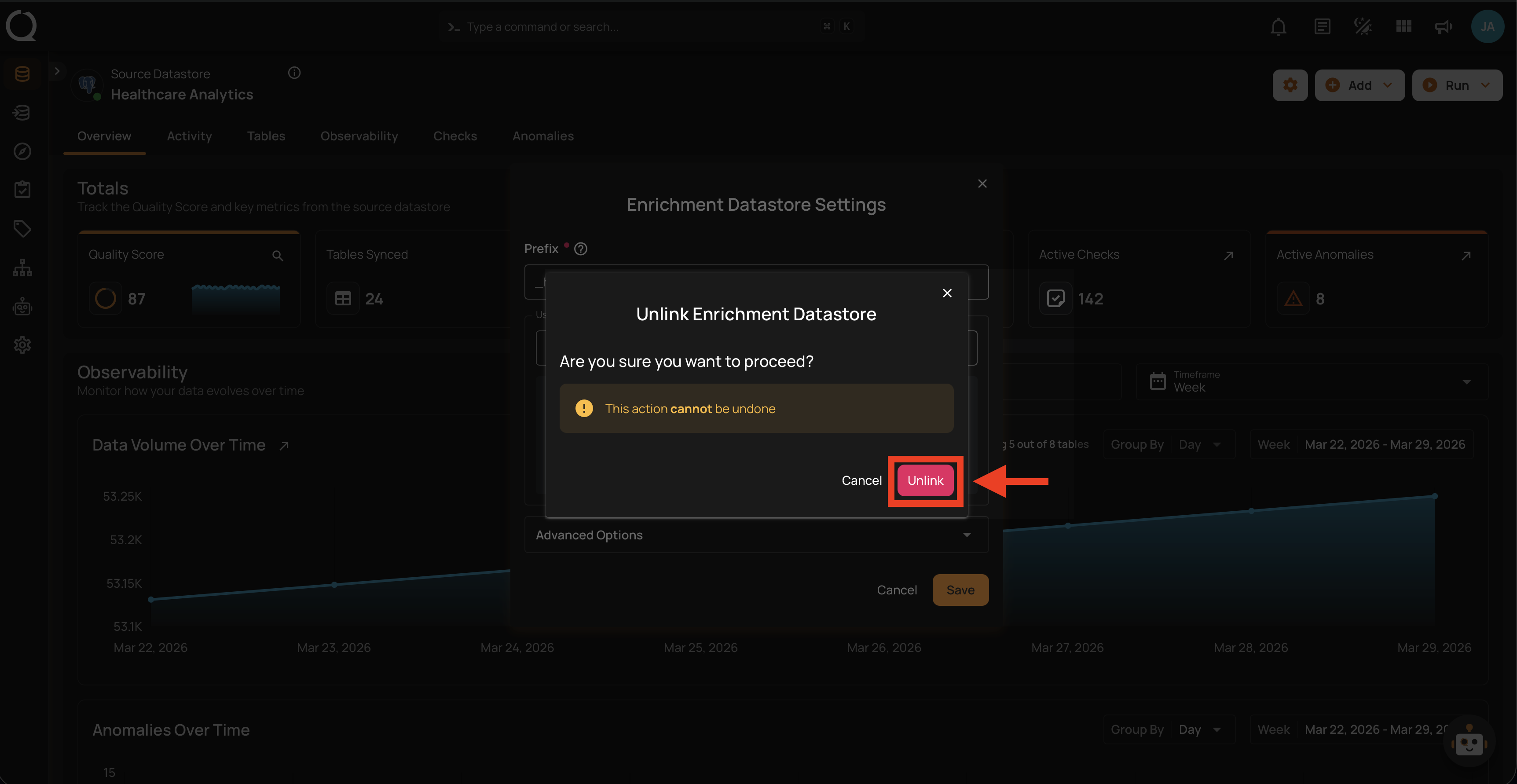
Step 4: A confirmation dialog will appear. Click Unlink to confirm.
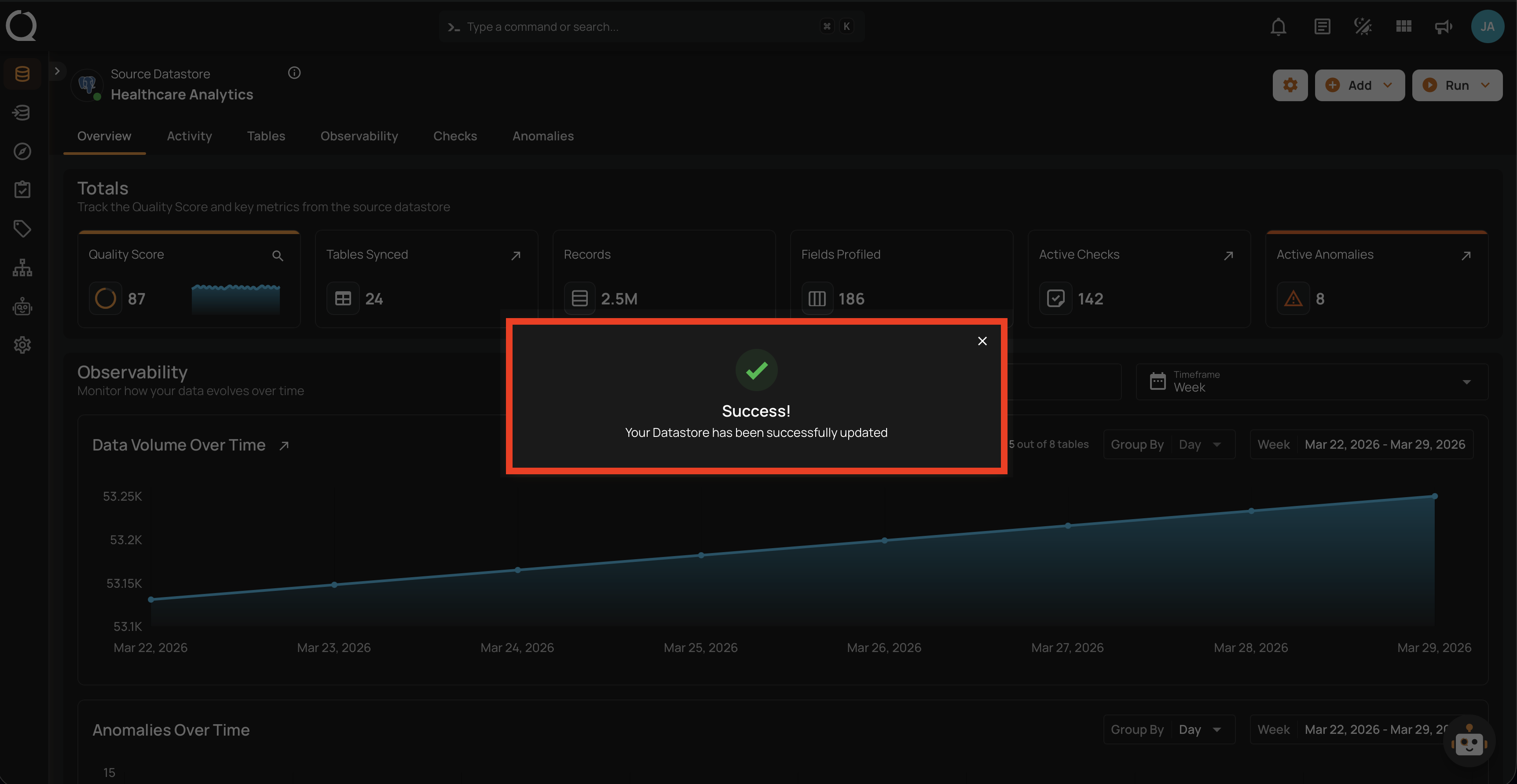
Step 5: A success message will confirm that the enrichment datastore has been unlinked.
Link Enrichment Datastore
To link an enrichment datastore to a source datastore, see the Link Enrichment Datastore documentation.