Delete a Datastore Group
This guide walks you through the steps to delete a datastore group.
Note
You need the Manager role to delete datastore groups.
Warning
Deleting a group does not delete the datastores within it. All datastores in the group will become ungrouped.
Steps
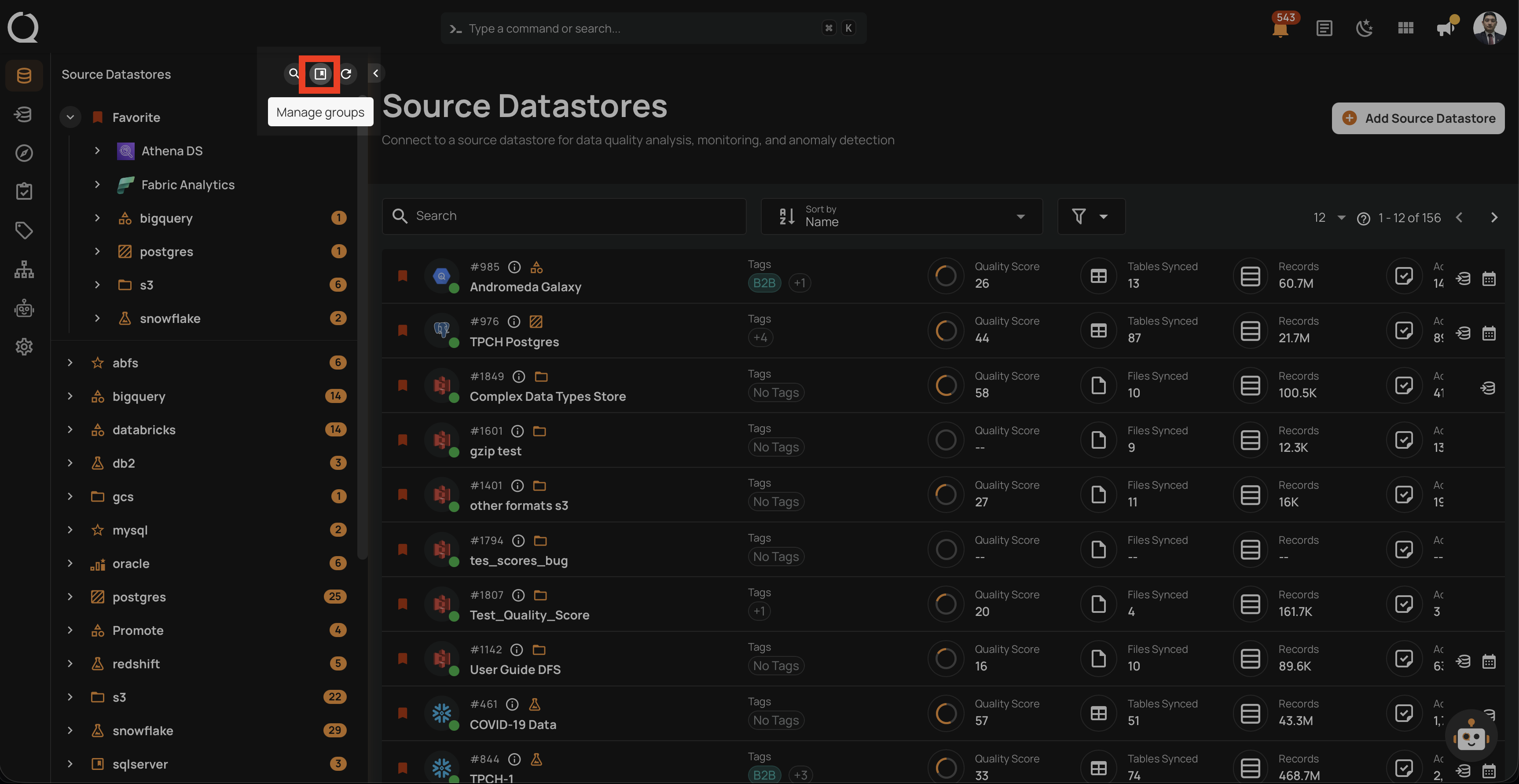
Step 1: Click on the Manage groups button (bookmark icon) in the tree view header.
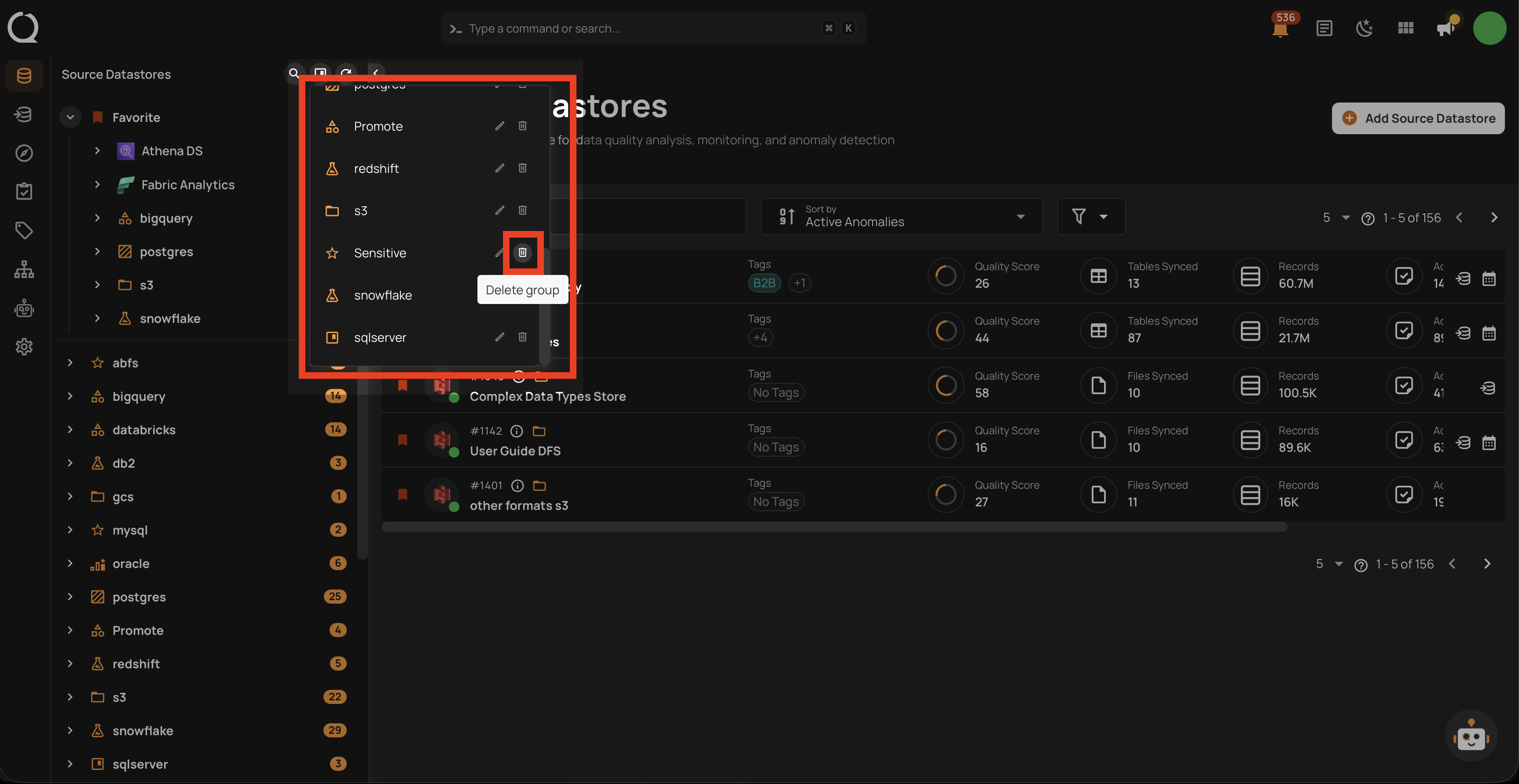
Step 2: In the Manage Groups panel, find the group you want to delete and click the Delete group button (trash icon). The group will be deleted immediately.
Warning
The deletion happens immediately — there is no confirmation dialog. Make sure you are deleting the correct group.
Step 3: The group is removed. All datastores that were in the group now appear in the Ungrouped section of the tree view.