Execute Manual Flows
Manual execution gives you complete control over when a Flow should run. You can start a manual Flow directly from the Flows list or from inside the Flow editor.
Method 1: Execute From the Flows List
Step 1: Locate the manual flow in your list of flows.
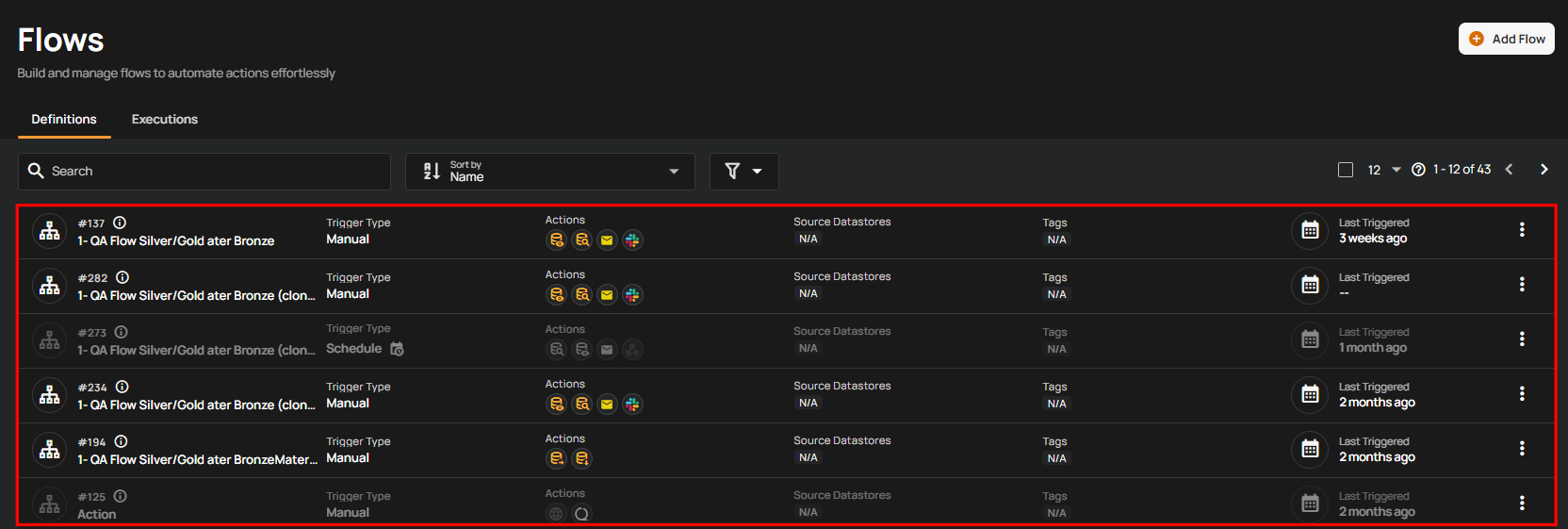
Step 2: Click the vertical ellipsis (⋮) next to the manual flow you wish to execute, then select "Execute" from the dropdown menu to trigger the flow.
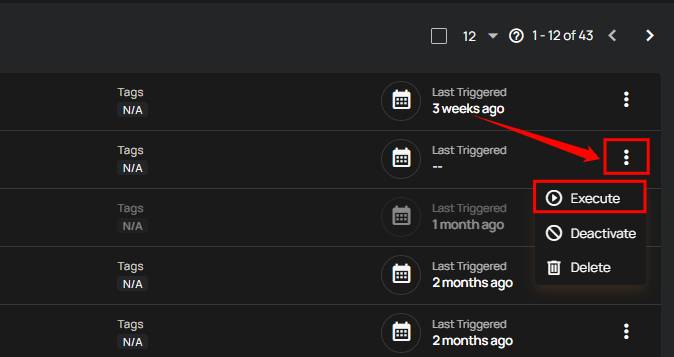
After clicking the Execute button, a success notification appears confirming that the flow has been successfully executed.
Method 2: Execute From Inside the Flow Editor
You can also run a manual Flow directly from its editor page.
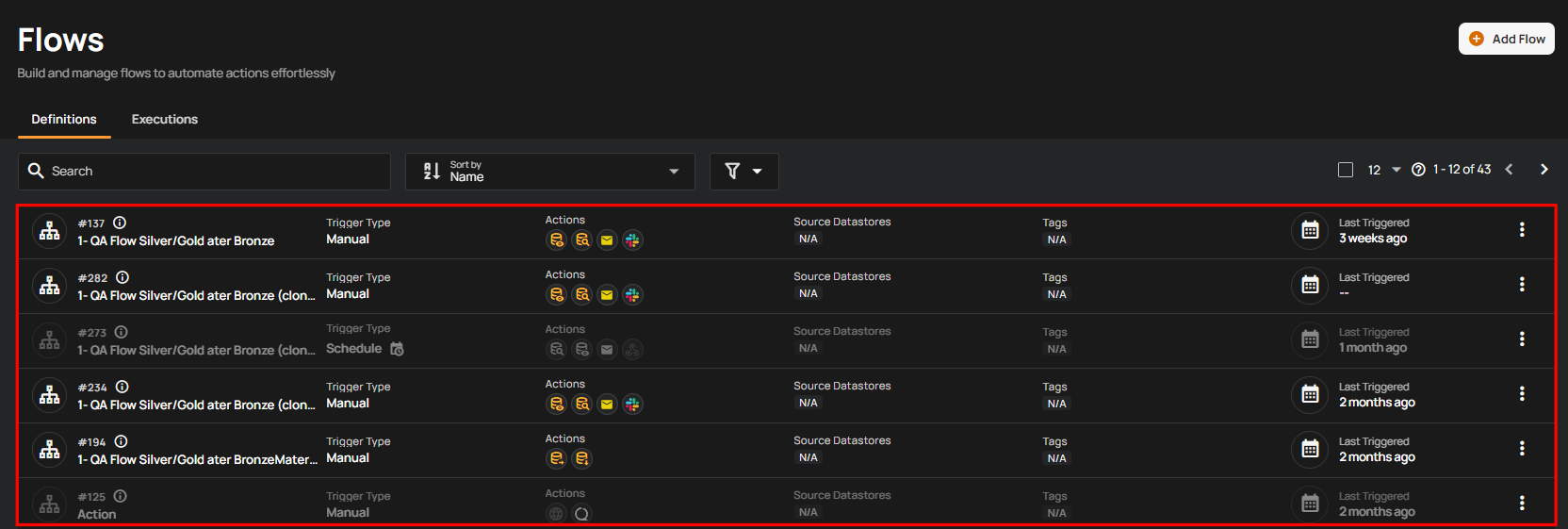
Step 1: Click on the manual flow in your list to open it.
Step 2: You will be navigated to the Flow editor page; click the Execute button.
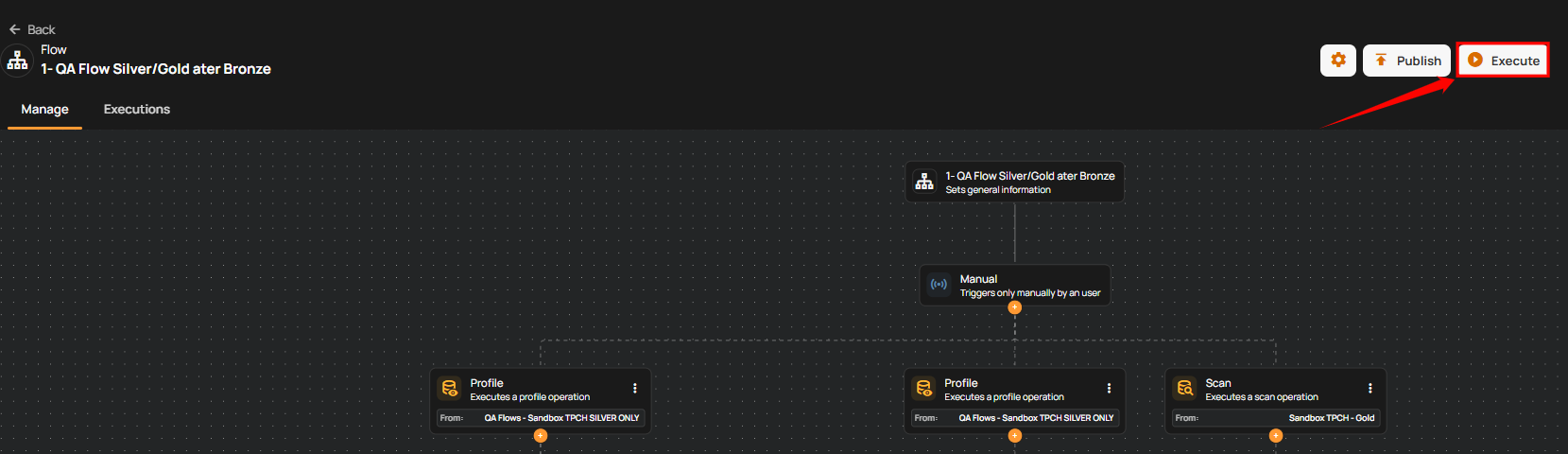
After clicking the Execute button, a success notification appears confirming that the flow has been successfully executed.