Restore Service Token
You can restore a token to reactivate its access, allowing authorized use again. This is useful if the token was mistakenly revoked or if access needs to be temporarily re-enabled without generating a new token.
Step 1: Click the vertical ellipsis (⋮) next to the revoked tokens, that you want to restore, then click on the Restore button from the dropdown menu.

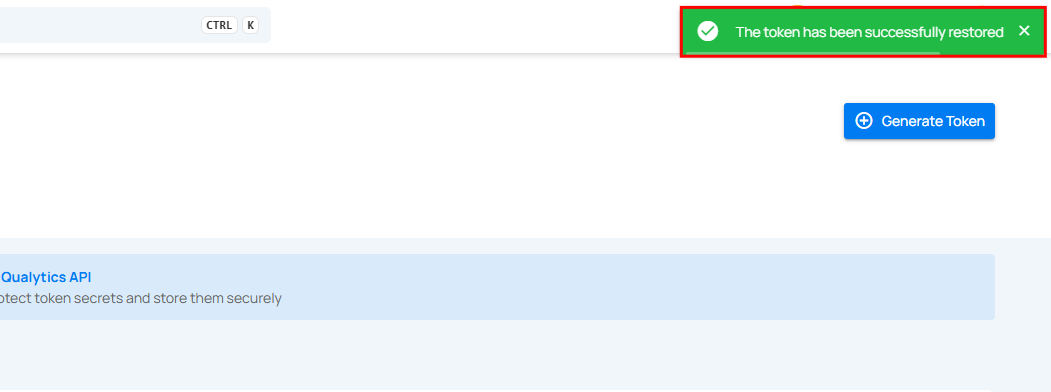
Step 2: After clicking on the Restore button, your secret token will be restored and a confirmation message will display saying "The token has been successfully restored".