PagerDuty Overview
PagerDuty integration in Qualytics connects your data quality platform directly to PagerDuty's incident management workflow. When data quality events occur — anomalies detected, operations completed, or thresholds breached — Qualytics automatically triggers PagerDuty incidents, ensuring the right people are notified at the right time.
Why PagerDuty?
PagerDuty is an industry-standard incident management platform that helps teams respond to operational issues quickly. By integrating Qualytics with PagerDuty, you can:
- Trigger real-time incidents when critical data quality issues are detected
- Leverage existing on-call schedules — alerts follow your team's PagerDuty escalation policies
- Deduplicate events — Qualytics uses deduplication keys to prevent duplicate incidents for the same event
How It Works
Qualytics integrates with PagerDuty using the Events API v2, which is the standard mechanism for programmatically triggering incidents in PagerDuty services. The integration flow is:
- You create a PagerDuty service with an Events API v2 integration and obtain a Routing Key
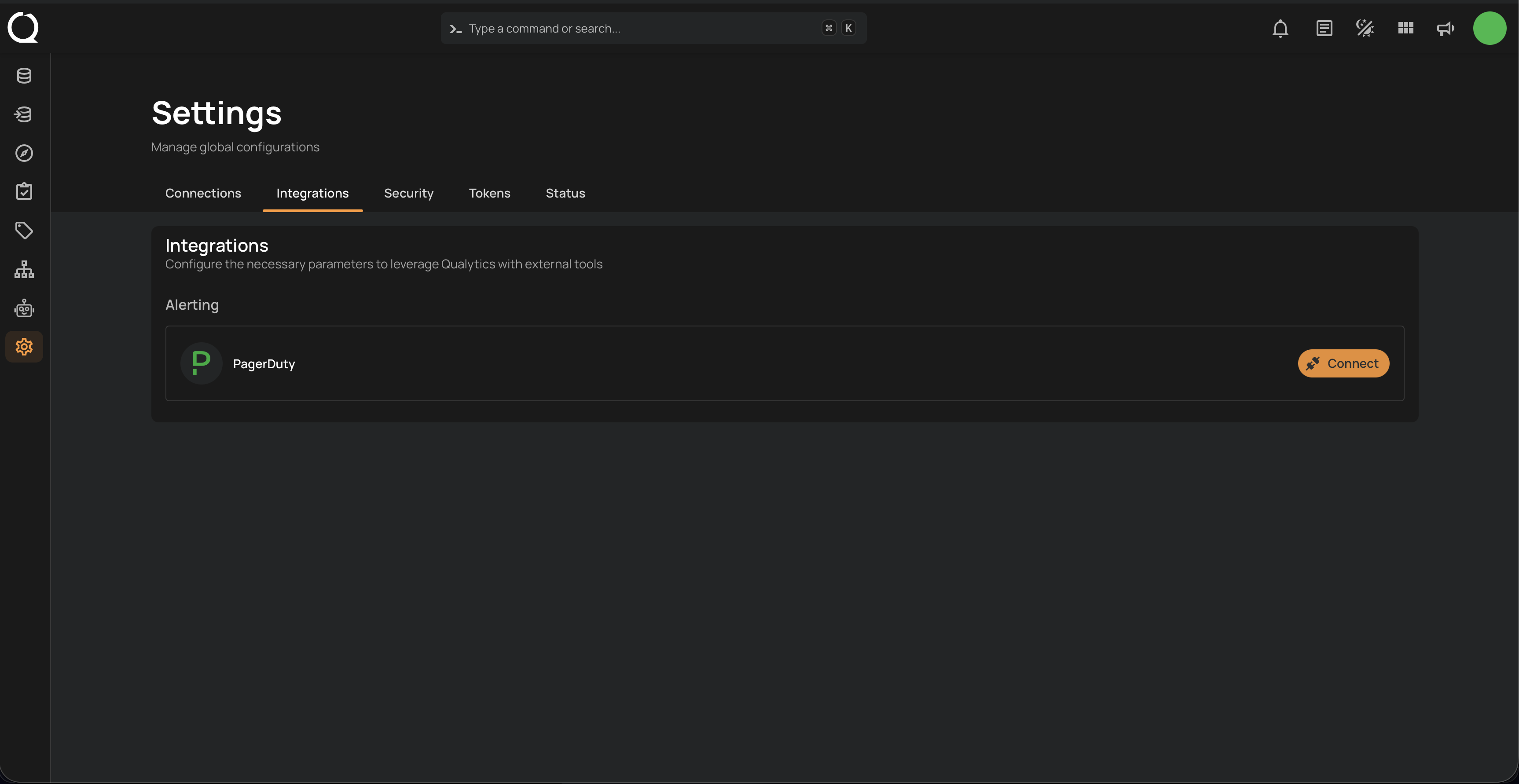
- You register the Routing Key in Qualytics through the Integrations settings
- You configure Flow actions to send PagerDuty notifications when specific data quality events occur
- Qualytics sends trigger events to PagerDuty, which creates incidents according to your service's escalation policy
Info
Unlike Slack or Microsoft Teams, PagerDuty does not use channels. Events are routed to PagerDuty services via Routing Keys (also called Integration Keys). Each Routing Key maps to a specific service in your PagerDuty account.
Using PagerDuty in Flows
Once the integration is connected, you can use PagerDuty as a notification action inside your Flows. For a complete guide on configuring PagerDuty notifications — including message templates, severity levels, routing key overrides, and custom details — see the Flows Notification — PagerDuty documentation.
| Topic | Description |
|---|---|
| Deep Dive | How Qualytics manages PagerDuty events under the hood, including event types, severity mapping, deduplication, and routing. |
| API | API endpoints for creating, updating, validating, and deleting PagerDuty integrations programmatically. |
| FAQ | Answers to common questions about PagerDuty integration behavior. |
Managing PagerDuty
| Task | Description |
|---|---|
| Add Integration | Set up the PagerDuty integration by providing your Routing Key. |
| Edit Integration | Update the Routing Key or modify the integration configuration. |
| Remove Integration | Disconnect the PagerDuty integration from Qualytics. |