Ticketing
Ticketing actions allow you to automatically create and manage tickets when anomaly-related events occur. These actions help teams track data quality issues and ensure they are routed to the appropriate owners for investigation and resolution.
Ticketing actions are configured as Flow actions and execute when a supported trigger condition is met.
Available Ticketing Actions
Flows support the following ticketing actions:
- Create Ticket – Creates a new ticket when the Flow is triggered.
- Update Ticket Status – Updates the status of an existing ticket.
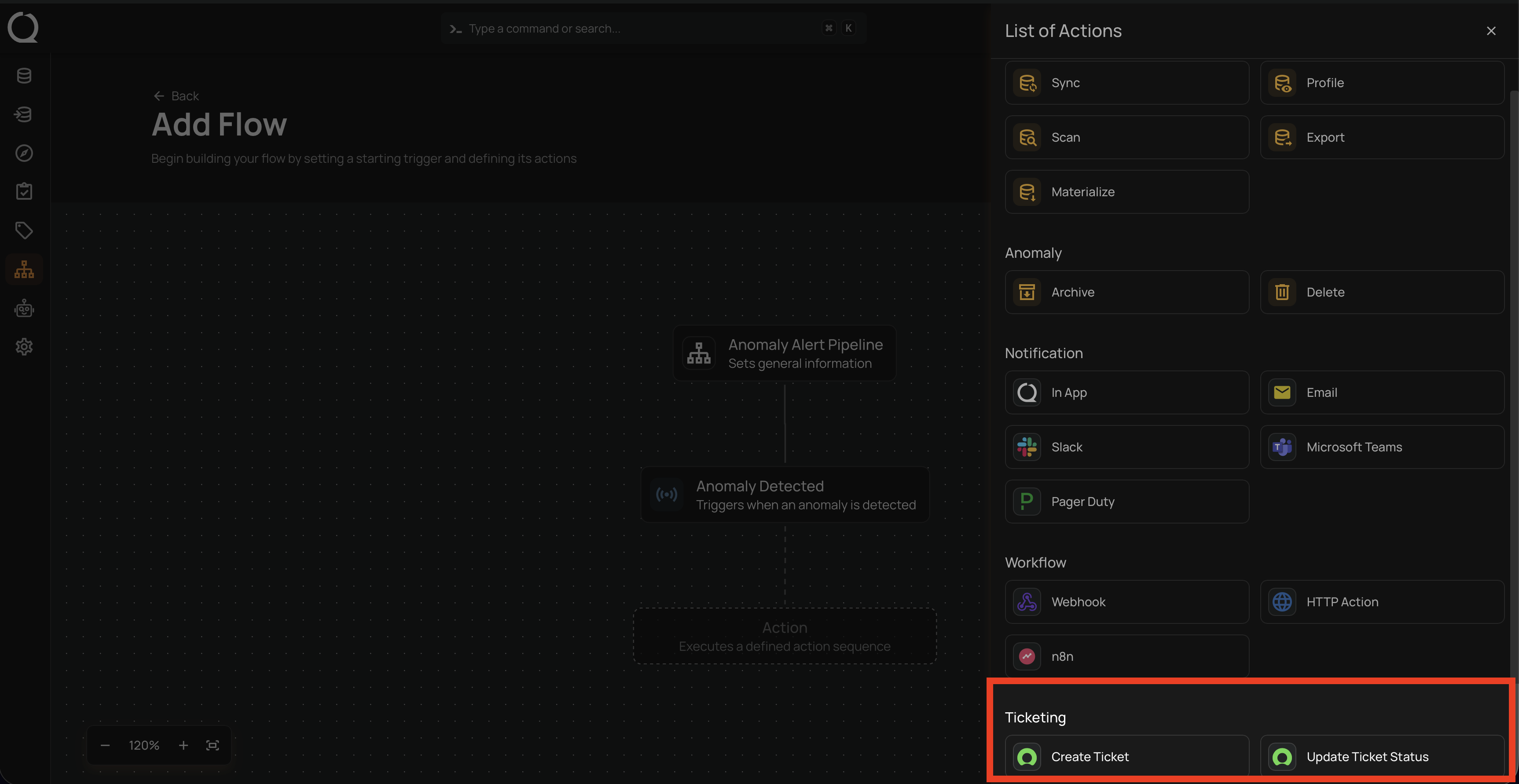
These actions are available under the Ticketing section when adding an action to a Flow.
Create Ticket
The Create Ticket action automatically creates a new ticket when the Flow is triggered. This action is typically used to open a ticket when an anomaly is detected or when an anomaly changes to a specific status.
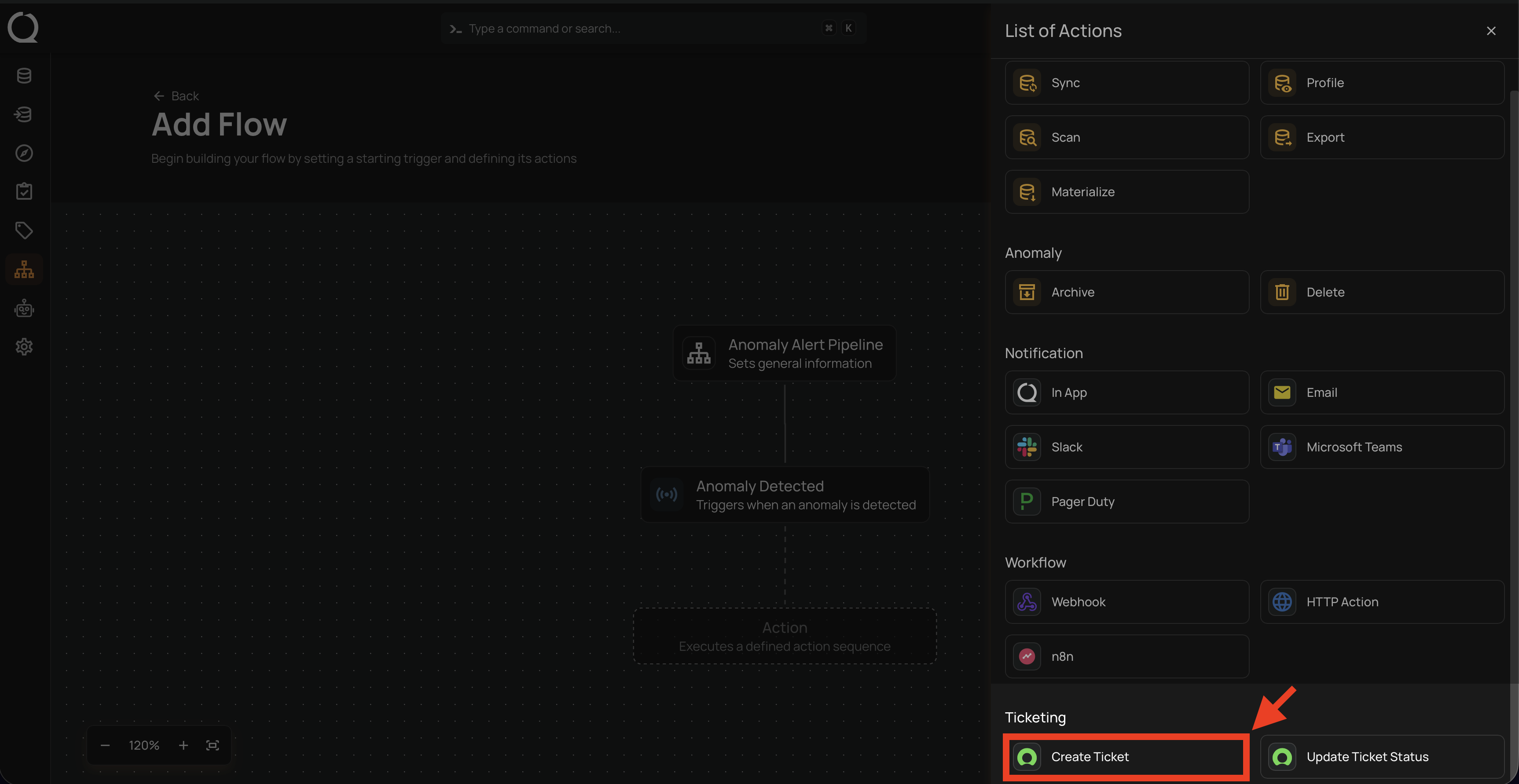
Configuration
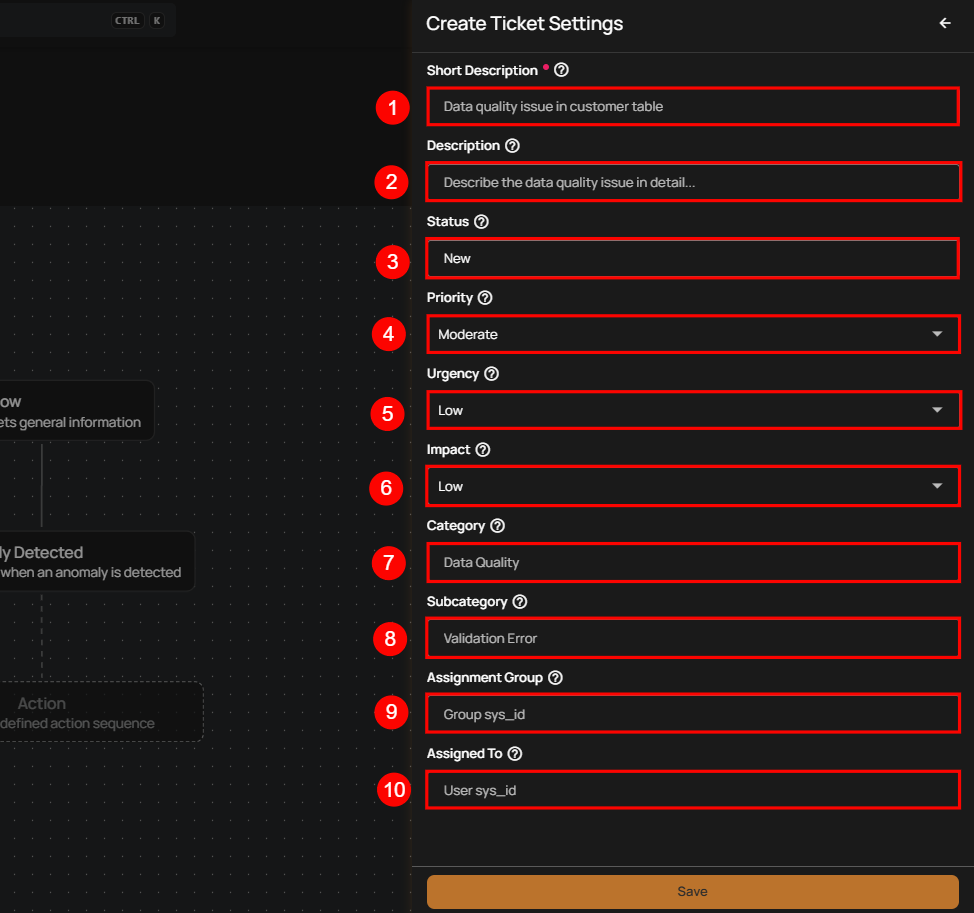
When configuring the Create Ticket action, provide the following details:
| No. | Field | Description |
|---|---|---|
| 1. | Short Description | A concise summary that clearly identifies the issue at a glance. |
| 2. | Description | A detailed explanation of the data quality issue, including relevant context or observations. |
| 3. | Status | Indicates the current state of the ticket when it is created (for example, New). |
| 4. | Priority | Defines the importance of the issue in relation to other reported issues. |
| 5. | Urgency | Specifies how quickly the issue needs to be addressed. |
| 6. | Impact | Describes the potential business or operational impact of the issue. |
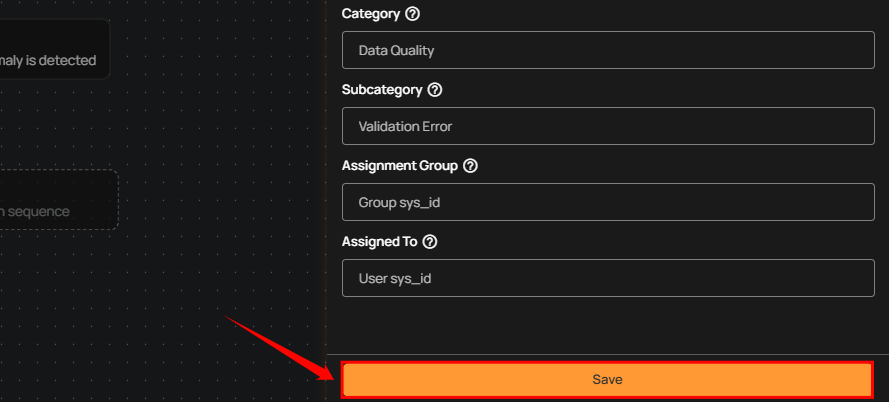
| 7. | Category | Represents the high-level classification of the issue (for example, Data Quality). |
| 8. | Subcategory | Provides a more specific classification within the selected category (for example, Validation Error). |
| 9. | Assignment Group | Identifies the team or group responsible for investigating and resolving the issue. |
| 10. | Assigned To | Specifies the individual responsible for working on the ticket. |
After completing the configuration, click Save to add the action to the Flow.
Update Ticket Status
The Update Ticket Status action updates the status of an existing ticket when the Flow is triggered. This action is commonly used to reflect progress or resolution as anomaly conditions change.
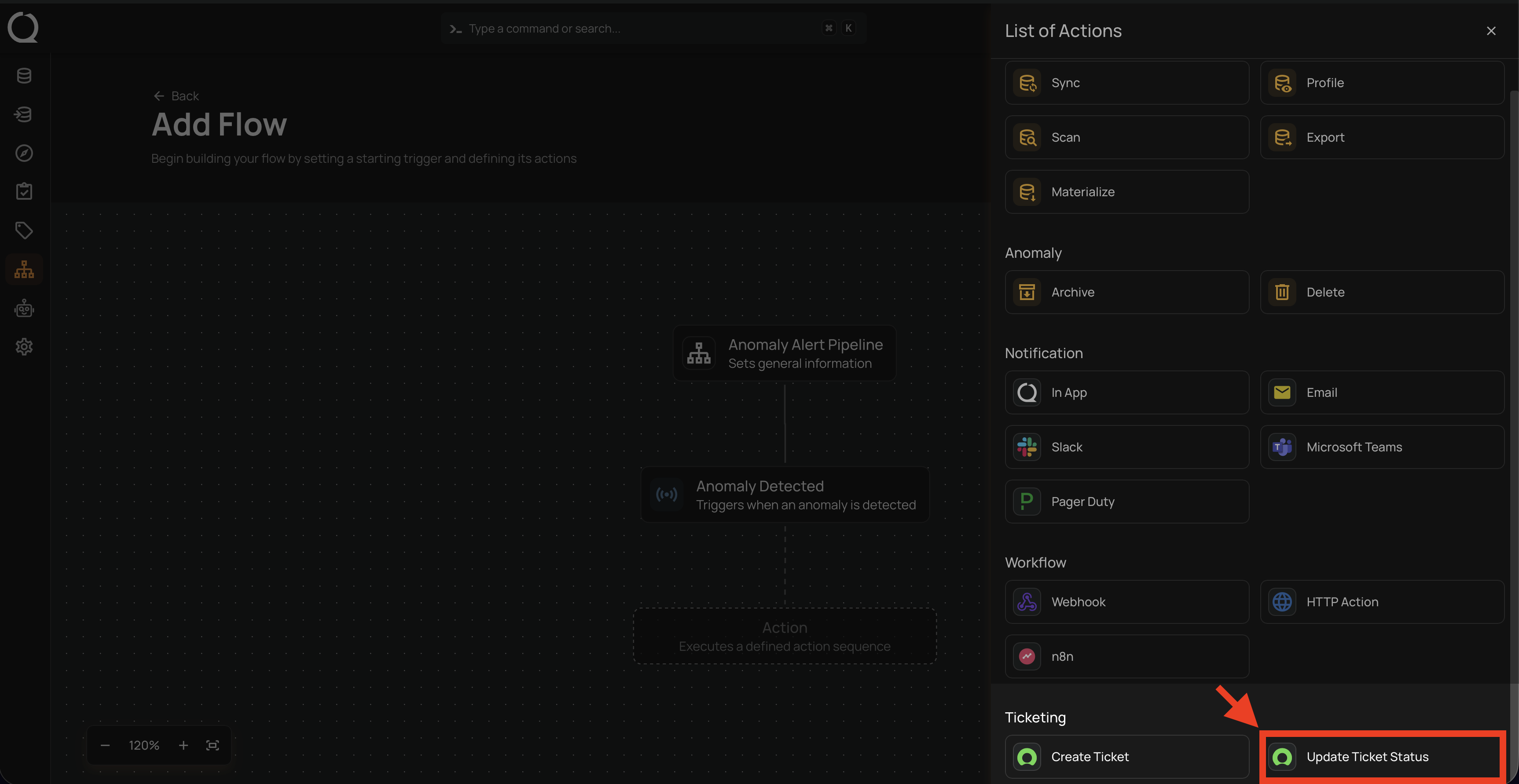
Configuration
| Field | Description |
|---|---|
| Target Ticket Status | The status to apply to the ticket (for example, In Progress, Resolved, or Closed). |
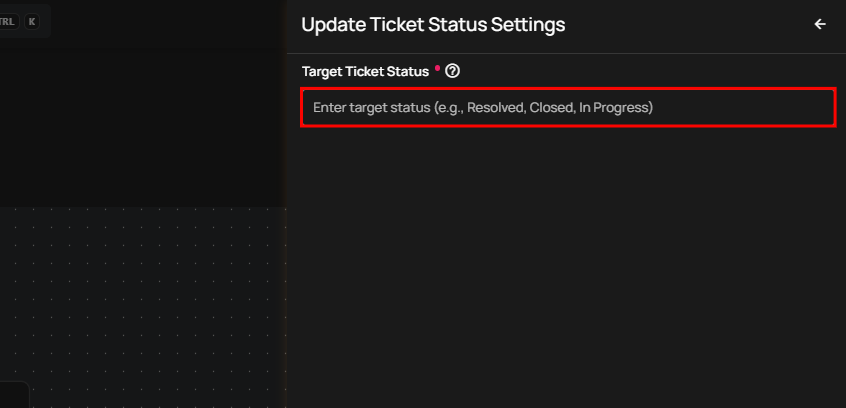
After configuring the target status, click Save to add the action to the Flow.
Notifications for Ticketing Actions
Flows can send notifications when ticketing actions are executed.
Supported Notification Channels
- Slack
- Microsoft Teams
Notifications are available after a Create Ticket or Update Ticket Status action is configured and executed within a Flow.
Info
Trigger Compatibility Ticketing actions are validated to ensure compatibility with the following trigger types:
- Anomaly
- Anomaly Status Change
Ticketing actions are not supported with Manual or Scheduled triggers.
Warning
Integration Availability If required ticketing or notification integrations (such as Slack or Microsoft Teams) are unavailable during Flow execution, ticketing actions may not complete successfully. Execution details are logged to assist with troubleshooting and error analysis.